
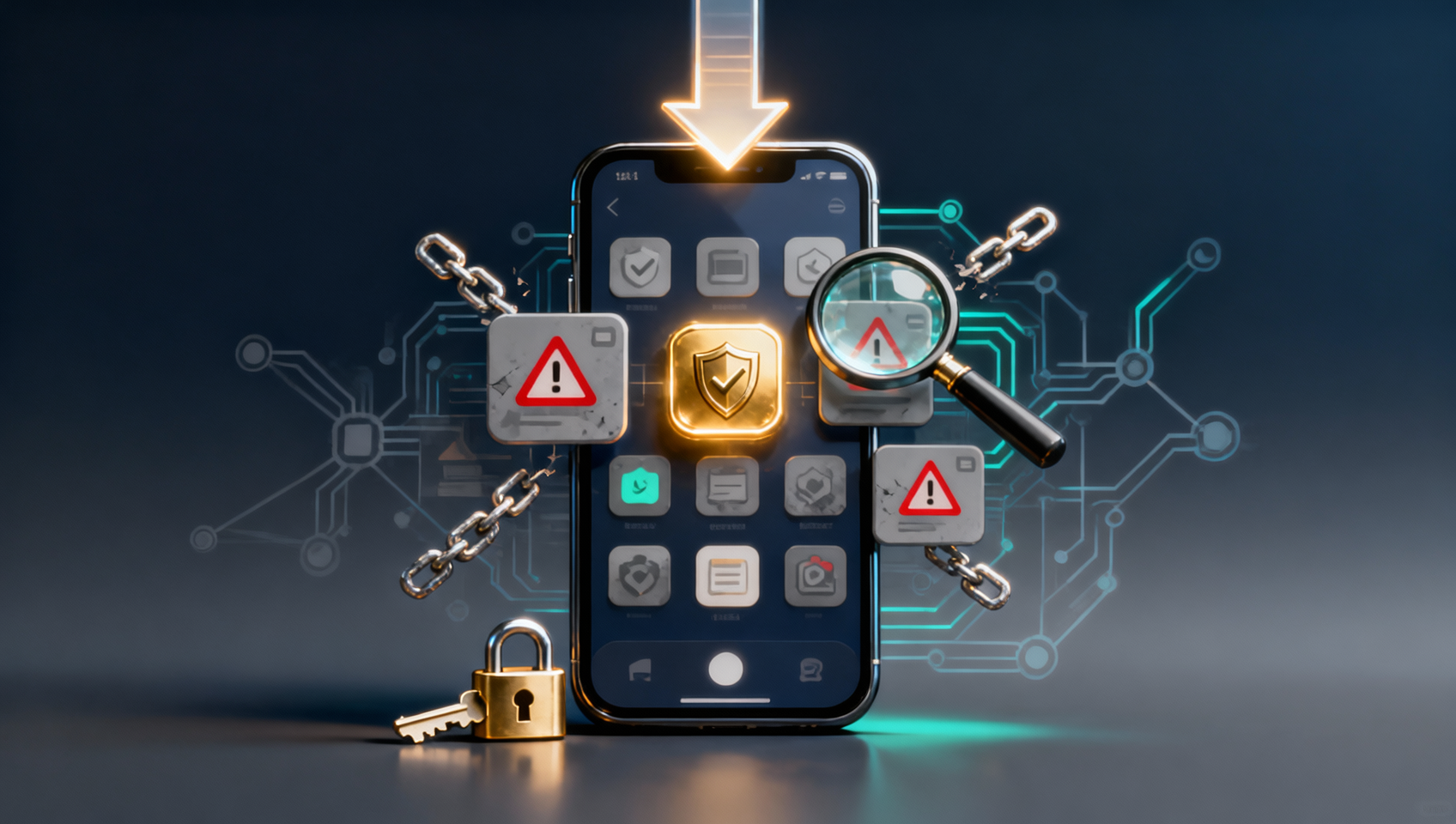
⚠️ Read this first: Downloading, installing and registering on OKX is free. What decides your long-term cost is the moment you register — sign up directly inside the app without a referral relationship and the new-user fee discount and rebate usually cannot be recovered. If you have not registered yet, open the registration entry first, then come back and install. If the app is already on your phone, do not register bare inside it.
Key points (TL;DR):
- The only website entry is okx.com. Google Play is the official Android store, iPhone uses a supported App Store region, and desktop plus web start from the same site. There is no special edition, international build or Chinese-only package.
- The word "official" is free; the domain is not. Search ads, aggregators, cloud drives and chat files can all call themselves official. The only test is whether the last part of the address-bar domain is okx.com.
- Most Android install failures are system blocks, not broken packages. Huawei, HONOR, Xiaomi, OPPO, OnePlus and vivo each have a path; offline installation is the universal fallback.
- Verify before you log in. Check the developer, package name and login domain. Any app asking for your seed phrase, private key or SMS code is fake.
- Registration order decides who owns the rebate. Enter through the invite entry and confirm the code field is not empty. Bare sign-up, paid backfill and guaranteed KYC are the three classic traps.
The short answer: the official OKX app comes from okx.com, with Google Play as the official Android store and a supported App Store region for iPhone. Judge authenticity by domain, developer and install source — never by how polished the page looks or how high it ranks.
Search for an OKX app download in November 2026 and more than half of the first page will call itself official, latest or one-click. Some are honest mirrors; none can vouch for okx.com. At best they attach your registration to someone else's invite code. At worst they hand you a repackaged build. This guide follows the order you actually face — entry, fake-page screening, Android install, iPhone install, verification, registration and security — and focuses on the two parts most guides skip: which layer a fake page is faking, and how the rebate gets lost at sign-up.
📌 Compliance note: OKX's service area is defined by its official terms, and some jurisdictions are not covered. This article discusses software acquisition, installation and account-security checks only. It is not advice to use the platform or an investment recommendation. Confirm the rules where you live and bear your own digital-asset risk.
What are the official OKX app download channels?
There are three official channels — the okx.com website, Google Play and a supported App Store region — plus a web version that needs no installation. Any download centre, software portal or cloud-drive mirror is not an official channel.
| Device | Official entry | What matters |
|---|---|---|
| Android with Google services | Google Play, search OKX | Automatic updates, one signing identity, fewest conflicts |
| Android without Google services | okx.com → download page → Android download guide | Copy the APK link from the FAQ and open it in a mobile browser |
| iPhone / iPad | App Store in a supported region | Not listed in mainland China; needs a supported-region Apple ID |
| Windows / macOS | Desktop entry on the okx.com download page | Check the publisher name after installing |
| HarmonyOS NEXT (5.x+) | Install inside Zhuoyitong, or use the web version | Pure HarmonyOS no longer runs Android APKs |
| No install wanted | okx.com web version | Login, KYC, trading and withdrawals all work |
The November 2026 site structure is worth explaining: there is no big Android APK button on the download page. The Android entry opens the Android download guide, and the guide's FAQ provides Copy APK Download Link. On a desktop you have to send that link to your phone or scan the QR code. The download icon at the top right also offers a QR route: choose Local Download, then Standard Download. If the scan lands inside WeChat or QQ's in-app browser, tap Open in Browser first — otherwise the package often fails to download.
There is also an official fallback: if the link stops working, email download@okx.com with the request for the latest download link. That path is documented in the official help centre, but it only solves getting a link. It does not prove the page you open is official — you still read the domain yourself.
Why are so many top results for an OKX app download not official?
Because "official download" is the cheapest phrase in search. Anyone can put it in a title, and no search engine verifies it against okx.com. The non-official pages that rank fall into three groups:
- Mirror sites. Pixel-level copies of the official page — same colours, icons and copy — with a domain that is not okx.com. Some only harvest traffic and route registrations to their own invite code; others phish credentials.
- Rank-chasing blogs. Pages stuffed with "2026 latest", "one-click install" and "official genuine" but almost no verifiable detail. The package may be original or repackaged; you cannot tell.
- Downloaders. The button gives you a small downloader that then fetches the installer. You never know what you installed, and the downloader often bundles other software.
Two more are subtler: search ads and download aggregators. Ads can be bought above the official result, and aggregators mix a dozen builds of the same app with contradictory version numbers, sizes and dates. What all five lack is a record that traces back to an official okx.com release.
The rule compresses to one line: if the last part of the address-bar domain is not okx.com, do not enter account details and do not press its download button.
How do you spot a fake download page in 30 seconds?
Check six things: domain, certificate, developer, package name, download behaviour and where the login page goes. The first three decide whether the page is official; the last three decide whether your package and account get taken over.
| Check | Official | Risk sign |
|---|---|---|
| Domain | Last part is okx.com, e.g. www.okx.com or okx.com/zh-hans/download |
okx.com.xxx.com, okx-download.com, okex.com.de, or a standalone domain with "official" in the name |
| Certificate | Normal HTTPS with a certificate issued to okx.com | Certificate warning, unrelated company or individual, forced redirects |
| Developer | An OKX-related entity in app info | Individual developer, misspelled name, blank field, subtly different icon |
| Package | Play build com.okinc.okex.gp; OKX Wallet com.okx.wallet |
.pro, .cn, .vip or .app suffixes, or an unrelated package |
| Download behaviour | Direct package or a jump to the official store | A downloader first, or requests to disable antivirus, install a certificate or grant accessibility |
| Login page | Stays on okx.com | Jumps to another domain, or asks for seed phrase, private key, SMS code or authenticator code |
The most common domain trick is putting okx.com at the front: okx.com.abcd.com looks like okx.com in a quick glance but belongs to abcd.com. Read the domain right to left; the last part is the real owner.
The second trick is writing "official" on the page instead of owning the domain. A verified badge, an "Copyright OKX" footer and a fast-replying support popup prove nothing. The real official page is restrained: it does not promise returns, rush you to transfer funds, or ask for a seed phrase.
What are the four biggest Android install traps?
Unknown-source permission, brand blocks, cross-channel overwrites and third-party update packages. The first two are system protections; the last two are where real damage happens.
Trap one: leaving unknown sources on forever. Grant installation only to the browser or file manager you are using, then turn it off. Leaving it on keeps the door open for every unvetted package.
Trap two: being scared off by the brand block and hunting a no-block build. Every major brand has a settings path; a "no-block" or cracked build is exactly the repackaged file you are trying to avoid.
| Brand / system | What you see | What to do |
|---|---|---|
| Huawei (Android) | Unchecked app may be risky | Tick the acknowledgement and tap Continue Installation; do not choose Move to Control |
| HarmonyOS 4.0 | Pure Mode blocks the install | Settings → System & Updates → Pure Mode → turn off Enhanced Protection; turn it back on afterwards |
| HONOR | Security centre stops the install | Download while online, then disconnect Wi-Fi and mobile data and install offline |
| Xiaomi / Redmi | Security Protection and Fraud Protection block it | Turn both off; then Phone Manager → Virus Scan → Settings → turn off Security Monitoring |
| OPPO / OnePlus | External source restricted | Airplane mode, all networks off, install from the file manager |
| vivo / iQOO | App lock or security scan blocks it | Install offline with Bluetooth off; if it still fails, trust the source in security settings |
| Other brands | Unknown-source warning | Install from the browser offline with Bluetooth off; disable blocking or whitelist the source |
Trap three: overwriting across channels. The Google Play build and the website APK can use different signatures, so an overwrite fails with "app not installed". That is a signature mismatch, not a corrupt file. Either keep updating through the original channel, or back up your authenticator and confirm you can still log in before uninstalling — verify the authenticator works before you uninstall, or you can lock yourself out.
Trap four: grabbing a third-party update package. When the app nags for an update and the official site will not open, a "latest version" search is tempting. Updates follow the same rule as first installs: official entry only. A different signature will not install, and an unknown package that does is worse.
What are the three biggest iPhone install traps?
A mainland App Store that does not list OKX, signing out of the wrong Apple ID layer, and using someone else's account or a configuration profile. The first is regional; the last two are account security.
Trap one: searching the mainland App Store and assuming the app was pulled. It was never listed there. The route is an Apple ID for a supported region: create one at account.apple.com with a supported country, then sign in to that ID in the App Store and download.
Trap two: signing out of iCloud to switch regions. The App Store download account and iCloud are separate layers. Switch only Settings → your profile → Media & Purchases. Signing out of iCloud affects photos, contacts, Find My and backups, and you may forget the original password. Switch back after installing and return to the download region for updates.
Trap three: buying a shared Apple ID, paying someone to download for you, or installing a configuration profile. Shared accounts get their passwords changed and can lock your device through Find My; profiles and TestFlight links bypass the store and are the easiest route for a fake build. Use only your own Apple ID and only the App Store. No exceptions.
How do you confirm the installed app is not repackaged?
Check the source, then the developer, then the package name and login domain. If two of the three disagree, uninstall. Interfaces can be copied; package names, developers and domains are much harder to fake together.
| Check | Official | Action |
|---|---|---|
| Install source | Google Play or a link you opened on okx.com | Cloud drive, chat file or third-party site: uninstall |
| Developer | An OKX-related entity | Individual or misspelled name: uninstall |
| Package | Play build com.okinc.okex.gp; OKX Wallet com.okx.wallet |
Mismatch: stop using and verify |
| Login domain | Login, KYC and withdrawal all stay on okx.com | Another domain, or a seed-phrase request: exit and change passwords |
| Permissions | Camera, notifications, biometrics | SMS reading, contacts, accessibility or device admin: uninstall immediately |
On package names, be precise: Google Play lists com.okinc.okex.gp, OKX Wallet is com.okx.wallet, and third-party checks report the website APK as com.okex.android. OKX publishes no complete package list, so the package is a secondary signal. Domain, developer and login domain are the primary evidence. Anyone using a package mismatch to scare you into an "internal build" is running a script.
Version numbers and file sizes cannot verify authenticity either. The official page publishes no version, size or minimum OS; third-party directories list the same app from around a hundred to over four hundred megabytes, contradicting each other. Trust what the page shows at download time.
What are the three biggest registration traps?
Bare sign-up inside the app, exaggerated rebate promises, and paid registration or guaranteed KYC. Downloading only decides whether the app is genuine; how you register decides who owns the referral and, in the worst case, the account.
| Route | Referral relationship | Typical outcome |
|---|---|---|
| Official invite entry with a confirmed code | Written at registration | New-user fee discount and rebate follow the page rules |
| Direct sign-up inside the app | Usually none | No new-user benefits; later fixes often fail |
| Paid registration or backfill service | The account may belong to someone else | You hand over account, codes and KYC documents — the highest risk |
Trap one: installing first and registering inside the app. The referral is fixed at the moment of registration: which link you entered and whether the code field was filled decide who gets the rebate. A safer order is to register through the entry, confirm the invite field is not empty, then install and sign in.
Trap two: chasing "40% rebate" or "internal high rebate". The rate is whatever the registration page shows. Any fixed high percentage, or any request to pay or transfer crypto first, deserves suspicion. Do the arithmetic: at 100,000 USDT of monthly spot volume and a 0.08% fee, monthly fees are about 80 USDT; at a 20% rebate you save about 16 USDT a month, under 200 USDT a year. Handing your account to a stranger, or paying 500 to unlock a high rebate, is clearly a bad trade.
Trap three: paying for registration or a guaranteed KYC pass. KYC must be completed by you; face and documents cannot be delegated. Handing over ID, a face video and codes means handing over the account and every appeal material with it. Worse, lent or sold accounts can be used for money laundering, and you have no standing to appeal a frozen account. See KYC identity checks and privacy for where the privacy line sits.
What four settings should you finish before depositing?
2FA, an anti-phishing code, a device review and a withdrawal whitelist. All four take minutes, and they are the only settings that stop money leaving when an account is compromised.
| Setting | What it does | Where |
|---|---|---|
| Authenticator (2FA) | Second check on login and withdrawal | Security → Authenticator; back up the key before binding |
| Anti-phishing code | Lets you recognise official email | Security → Anti-phishing code, a private word |
| Device management | Shows unrecognised logins to remove | Security → Devices, review each session |
| Withdrawal whitelist | Extra verification for new addresses | Security → Whitelist; new addresses have a cooling-off period |
The logic matches exchange security settings in general; follow exchange account security settings step by step, and if you also use on-chain wallets, run through the personal Web3 security checklist. Before funding, it also helps to read whether exchange funds are safe and separate platform risk from personal operating risk.
One extra habit: fund a small amount first. Confirm the deposit network, arrival time and withdrawal path before scaling up. Wrong-chain transfers are the most common new-user loss, and they usually happen in the half hour after installing, when you are in a hurry to buy.
Which five myths catch the most people?
| Myth | Reality |
|---|---|
| "The first search result is the official site" | Rankings and ads are bought; read the last part of the domain |
| "The verified badge means it is real" | A badge is an image anyone can place; the developer and domain cannot be swapped as easily |
| "If it won't install, the package is broken" | It is usually a system block or signature conflict; fix by brand, do not hunt a no-block build |
| "Install first, register later" | The referral is fixed at registration; the wrong order usually cannot be reversed |
| "Support needs my code to help me" | Official support never asks for passwords, codes or seed phrases. Anyone who does is a scammer |
One more: "always update immediately." If the app works and does not force an update, do not hunt a version on a third-party site. Update from the official entry and overwrite-install. Old versions can hit API issues, but a repackaged update is the bigger risk.
Frequently asked questions
Are OuYi, OYi and OKX the same app?
Yes. OKX is the brand, 欧易 (OuYi) is the official Chinese name, and 欧意 (OYi) is the most common homophone users type. OKEx is the pre-2022 name. OKX Wallet is a separate Web3 wallet app, not the exchange app.
What is the official OKX app download entry?
The website entry is okx.com, with the Chinese download page at okx.com/zh-hans/download. Android copies the APK link from the Android download guide or uses Google Play; iPhone uses a supported App Store region; desktop and web both start from okx.com.
Can I trust a search result that says official download?
No. The test is whether the last part of the address-bar domain is okx.com. Search ads, download aggregators, cloud-drive links and group-chat files are not official channels, no matter how polished the page looks.
Android says the app is unchecked and may be unsafe. Should I continue?
Yes, that is the normal block for a non-store source, not proof that the package is bad. On Huawei, tick the acknowledgement and tap Continue Installation rather than Move to Control. Xiaomi needs Security Protection and Fraud Protection off; OPPO, OnePlus and HONOR usually install offline. Turn protection back on afterwards.
OKX is missing from my App Store. What now?
It is not listed in mainland China. Use an Apple ID for a supported region and switch only Media & Purchases in the App Store; never sign out of iCloud. You can switch back after installing and return to the download region for updates.
How do I know the app on my phone is official?
Check the source first, then the package. The Google Play build is com.okinc.okex.gp and OKX Wallet is com.okx.wallet; the official APK build is reported by third parties as com.okex.android, and OKX publishes no complete package list. Treat the package as a secondary signal: the domain and developer are the primary evidence. If the login page leaves okx.com, stop.
Should I download or register first?
Either works technically, but the referral relationship is fixed at registration. The safer order is to open an account through the registration entry, confirm the invite field is not empty, then install and sign in. Registering bare inside the app usually creates no referral and often cannot be fixed later.
Can I add an invite code after installing?
Usually not. The relationship is written at registration. Any post-hoc fix depends on official rules and support, so ignore paid backfill or internal rebind services: they want your account and have no official access.
Verification note
The official download entry, the Android package routes, the per-brand block paths, the Apple ID region switch and the package/login-domain checks were reviewed on 12 November 2026 against the OKX download page (okx.com/zh-hans/download) and the official help page "Android app download tutorial and FAQ". Neither page publishes a version number, installer size, minimum OS version or complete package list. Package names come from the Google Play listing and third-party checks, are used here to explain verification, and are not a recommendation of any third-party channel. Page paths, switch names and store policies change; always follow what the page shows at the time.
Sources:
- OKX official download page
- OKX help: Android app download tutorial and FAQ
- Apple Support: change your Apple ID country or region
This is a guide to obtaining software, installing it and recognising account-security risks. It is not investment advice, and it is not a recommendation to use any exchange. Digital-asset prices are volatile and leveraged trading can be liquidated; only commit money you can afford to lose. OKX's service area is set by its official terms and excludes some jurisdictions — confirm the rules where you live. Never share your password, verification codes, seed phrase or private key; official support will not ask for them.