

⚠️ Read this first: if you have not registered yet, use the registration link (e.g. "Register now") or invite code BINANBT — registering directly inside the app gets you none of the new-user rewards, and the $19,800 welcome package and 20% fee rebate will not apply. Downloading and updating are free; never pay anyone for a "latest version".
Key takeaways (TL;DR):
- For a Binance download, the order is channel first, version second. The only official channels are the Binance download page, Google Play, an overseas App Store and the official desktop clients. The web app is always current and needs no download at all.
- Counterintuitive point one: there is no single "latest version number". The official APK, Google Play, the App Store and the Windows/macOS clients roll out on separate schedules. A two- or three-version gap on the same day is normal. Third-party version-listing sites lag, mix in betas and are sometimes simply wrong.
- Counterintuitive point two: a sideloaded APK does not update itself. Only installs from Google Play or the App Store follow store updates. Sideloaded builds must be downloaded again from the official site and installed over the old one.
- Counterintuitive point three: the most common update failure is not the network, it is a signature conflict. An old copy, a fake build or a cloned/dual-app version occupies the same package name, and Android refuses to install over it ("App not installed"). Corrupt installers, low storage and missing permissions come next.
- An old version that still opens is not necessarily safe. Missing security patches, retired APIs and forced retirement are three real risks. But you do not have to update on release day either: waiting two or three days for a hotfix is reasonable.
- After updating, check five things: 2FA, anti-phishing code, API keys, logged-in devices and the withdrawal whitelist. If the installer came from a non-official source, treat the account as compromised.
A Binance download of the latest version means two things: the installer comes from an official channel, and the app can keep updating through that channel. The number itself is secondary. A new-looking version from a third-party site is still fake; an official build that is a little behind still will not put your assets at risk.
This guide, checked on 4 November 2026, breaks "latest version" into five practical questions: which channel you are on, how to check your build, how each channel updates, why updates fail and how to verify an installer. It deliberately avoids quoting one "current version number", because version numbers across channels are not comparable — and that is exactly where the phrase "latest version" misleads most people.
Table of contents
- The right order for a Binance download: channel first, version second
- Why there is no single "latest version number"
- Three steps to check whether your Binance is current
- Which updates are urgent and which can wait
- Failed updates: eight causes, ranked by likelihood
- Can you keep using an old version? Three real risks
- How to tell an official installer from an "updater"
- Five security checks after updating
- 💰 Binance rebate: invite code BINANBT
- FAQ
- Further reading
The right order for a Binance download: channel first, version second
The first step is not finding a version number; it is confirming which official channel you are on. The channel determines where the installer comes from, how it updates and what risks apply. There are five official routes for ordinary users, and their update behaviour is completely different:
| Channel | Install source | How it updates later | Auto-update? | Best for |
|---|---|---|---|---|
| Official Android APK | Binance download page | Download the new package from the official site and install over the old one | No; follow in-app prompts | Android users, especially without Google Play |
| Google Play | Play Store | Update inside the store | Yes; can be set to Wi-Fi only | Android with full Google services |
| iOS App Store | App Store signed in with an overseas Apple ID | Update inside the App Store | Yes; auto-update can be enabled | iPhone / iPad |
| Windows / macOS client | Binance download page | Check for updates in the client or reinstall from the official package | Partly; follow the client prompt | Desktop charting and trading |
| Web app | Browser on the Binance site | Nothing to update | Always current | Occasional use, desktop backup |
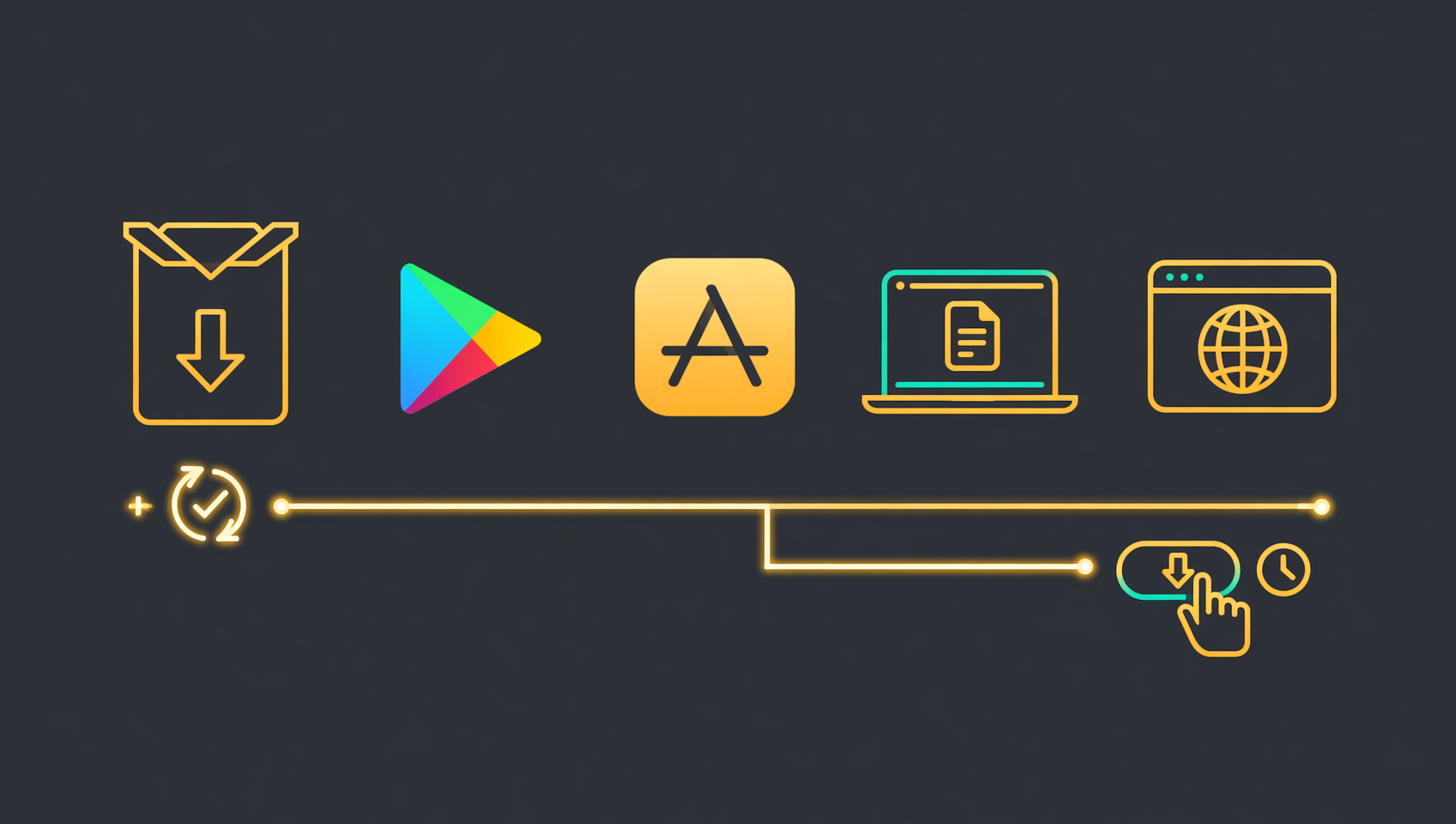
The column most people overlook is the third: the install source decides the update path, and the update path decides whether you stay stuck on an old build. Someone who sideloaded the official APK and assumes "the app updates itself" can sit on an old version for months. Someone who installed from Google Play and sees a delayed rollout may wrongly conclude they downloaded the wrong package.
Verification note: channel descriptions reflect the public Binance download page and app-store listings as of 4 November 2026. Binance may rename or retire entry points, so the live page is the final authority.1
Why there is no single "latest version number"
Binance's mobile app, desktop clients and web app are separate release trains, and each app store adds its own review queue. "Latest" is therefore not one number. On the same day, the official APK may already be on a newer build, Google Play may still be reviewing the previous one, the App Store may be a step behind, and the Windows client follows its own cadence. That is normal, not a problem with your phone.
There are four reasons the numbers diverge:
- Staged rollout. A new build goes to a small share of users first, then expands as crash rates and feedback look acceptable. Not receiving an update does not mean you are behind; it may mean the rollout has not reached you.
- Store review delays. Google Play and the App Store both review releases, and review times vary. The official APK does not wait for store review and is often faster.
- Independent release trains. The mobile app, Windows client and macOS client are maintained separately and may not even share a version scheme. Comparing a phone version with a desktop version tells you nothing.
- Betas mixed into listings. Third-party sites often relabel beta builds, internal packages or old installers as "latest". The number looks bigger; the source is worse.
The right test is not "is my number the biggest online" but whether all three of these are true:
- the installer came from an official channel;
- the app is not showing a forced-update prompt;
- your update channel can actually receive new builds.
If all three hold, you are on the latest version for you. If not, a bigger number from a third-party "latest version download" site means nothing.
⚠️ Why third-party version sites cannot be trusted: most aggregate store data or scrape installers directly, so they lag by days or months. Some mix in modified, ad-free or multi-account builds. Using them as your benchmark is measuring with a broken ruler.
Three steps to check whether your Binance is current
Checking takes three steps: read the in-app version, confirm the install source, then compare against the official channel. No third-party site is involved.
Step 1: Read the version inside the app
Open Binance, go to your profile, open Settings, then About. The current version is shown there. Menu names vary slightly by platform and build, but the item sits near the bottom of Settings. On Windows and macOS, look under the application menu for "About".
This is the only trustworthy version number for your device. Note it down, and only compare it within the same channel.
Step 2: Confirm the install source and package name
On Android, open Settings → Apps → Binance → App info to see the install source and package name. The genuine Android package is com.binance.dev, and the installer filename usually starts with BNApp. If the package name does not match, or the source is a cloud drive, a chat app or a browser downloader, stop and verify before updating.
On iOS, remember which Apple ID you used. If you installed with an overseas Apple ID, you must sign in with the same one to update. A mainland-China App Store account will not even find the app, let alone update it.
Step 3: Compare against the official channel
Open the Binance download page, or the Google Play / App Store listing you originally used, and check for an Update button or release note. Compare only within the same channel: official APK against the download page, Play build against Play, iOS build against the App Store. Cross-channel comparisons only create confusion.
If all three steps look normal and there is no forced-update prompt, do not uninstall and reinstall just to "chase latest". Frequent reinstalls do not make you safer; they increase the chance of installing a fake package.
Which updates are urgent and which can wait
Not every update is equally urgent. The test is whether it affects login, orders, withdrawals or account security. If it does, update now. If it only changes the interface, waiting two or three days is fine.
| Situation | Recommendation | Why |
|---|---|---|
| A forced update you cannot skip | Update now | Old APIs may already be retired; login, orders or withdrawals can fail |
| An official notice about a security fix, vulnerability or unusual logins | Update now | Security patches are not usually backported to old builds |
| You sideloaded the APK and have not updated in over a month | Update soon | Sideloaded builds never update themselves |
| Only a UI refresh or new feature, current build stable | Wait 2–3 days | First releases can have small bugs; the hotfix is often better |
| The new build crashes or cannot log in | Do not keep reinstalling | Wait for an official fix or use the web app; never download a "rollback" from a third party |
| Your OS is too old for the new build | Upgrade the OS or use the web app | Old systems may be out of support; modified packages are riskier |
One common myth to correct: "old versions are more stable" is only rarely true. For an exchange app, the bigger problem with an old build is not an outdated interface but missing security fixes and the risk of an API retirement. Waiting a few days to avoid a release-day bug is sensible; staying on an old build for months is not, and rolling back through a third-party "version archive" is worse.
Failed updates: eight causes, ranked by likelihood
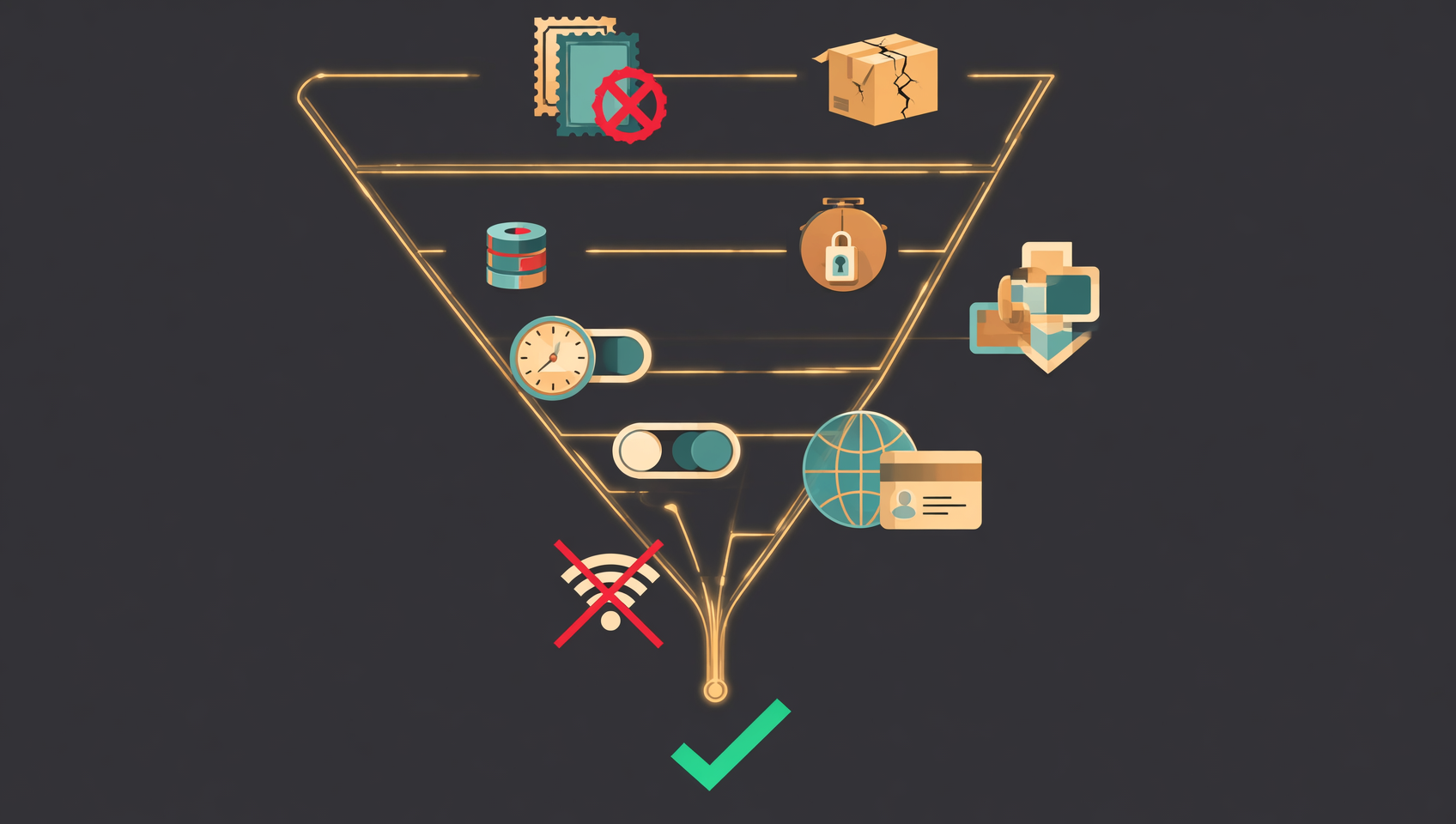
When a Binance update fails, do not blame the network first. By likelihood, the top three are signature conflict, a corrupt installer and storage/permission problems. Work through them in order and retry after each step; do not change five settings at once.
1. Signature conflict: "App not installed"
This is the most common Android cause. A build with the same package name but a different signature is already on the phone — an old leftover, a fake build, a cloned/dual-app version, a beta, or an incomplete uninstall. Android will not overwrite a differently signed package, so it returns "App not installed".
Fix it by uninstalling the old app, restarting the phone and installing the official package again. If you have used the Web3 wallet inside the Binance app, confirm the recovery phrase/private key is backed up offline before uninstalling. Exchange balances live on Binance and survive an uninstall; a Web3 wallet's local keys do not.
2. Corrupt installer: "There was a problem parsing the package"
The official APK is usually hundreds of megabytes. If the file is only a few megabytes, or the progress bar finishes but the file will not open, the download was interrupted, blocked by the browser, or you landed on an "updater" page. Delete it and download again from the official site. Do not use download accelerators, cloud-drive mirrors or third-party mirrors.
3. Not enough storage
Installing needs room for both the package and the unpacked files. Keep at least 1 GB free. Clear caches and delete old videos or installers. When space is right at the edge, the system may fail silently rather than show a storage error.
4. "Unknown sources" permission missing
Since Android 8, this permission is granted per app. Whichever browser or file manager opens the installer needs "Allow install of unknown apps" — not Binance. Many people grant it to the wrong app and keep getting blocked.
5. OS version too old
An older Android or iOS build may no longer be supported. Update the OS first. If the device cannot be updated, the web app is the safer alternative; do not flash a third-party ROM or a modified system just to install the app.
6. Vendor security blocking
Huawei/Honor Pure Mode, Xiaomi's MIUI optimization and some vendors' "external source app check" can block an official APK. Allow the install temporarily for this one package, then turn the protection back on. Do not disable system security permanently just to install an app.
7. Wrong store account or region
An iOS app installed with an overseas Apple ID must be updated with the same ID. Google Play also expects the account's country/region to match the app's listing. With the wrong account, the usual symptom is "app not found" or "cannot update", not an explicit error. Switch back to the correct account.
8. Network or regional restriction
If the download page will not open or the download crawls, the current network path to the download server may be the problem. Try another network. Do not switch to a third-party mirror just because the official site is slow — that is the most common entry point for fake packages.
⚠️ About Play Protect or antivirus warnings: do not reflexively tap "Install anyway". First confirm the source is official and the package name is com.binance.dev. If the source is unknown, stop. If it is genuinely official and still flagged, re-download and verify the file rather than disabling protection.
Can you keep using an old version? Three real risks
It opens, but that does not mean it works; it works, but that does not mean it is safe. The risks of an old build, in order of severity:
- Missing security patches. Fixes for login, verification and anti-phishing issues in new builds do not reach old ones automatically. The attack surface stays, whether or not the app "feels normal".
- Retired APIs and sudden feature failures. Exchanges retire old APIs. One day login, orders or the withdrawal entry stops working — often not because the account is frozen, but because the build is too old.
- Repackaged "historical versions". This is the most dangerous. Many "Binance old version / stable version / multi-account version" packages online carry credential stealers or address-swapping code. You think you are rolling back; in reality you are installing malware.
The sensible attitude: you may stay on an old build briefly while waiting for a fix, but not long term; you may keep the original package you once downloaded from the official site, but never download a "historical version" from a third party. If you truly must use an old build, do not log into a high-value account on that device, and move back to the official current build as soon as possible.
How to tell an official installer from an "updater"
Check the domain first, then the package name or developer, then the signature. If any step fails, stop.
Android: package name, filename and size
- Package name must be com.binance.dev;
- The installer filename usually starts with BNApp;
- The size is usually hundreds of megabytes; a few-megabyte "installer" is almost certainly a downloader;
- The developer/signature information shown during install should match Binance's official entity.
If any of these is wrong, do not install. After installing, check the package name again in App info — the simplest verification.
iOS: App Store only
There is no official "install from the website" route on iPhone. Use the App Store. Check three things: the app is named Binance, the developer is Binance Switzerland AG (as shown on the listing at the time), and the App ID is 1436799971.2 Do not use shared Apple IDs from strangers, do not install IPA profiles sent to you, and do not trust "enterprise-signed" or "permanently signed" builds — they expire and cannot be verified.
Windows / macOS: digital signature and system prompts
On Windows, right-click the installer → Properties → Digital Signatures. The signer should be a Binance entity; an unsigned file or an unknown signer should not be run. On macOS, a genuine installer should pass the system developer check. If macOS says the developer cannot be verified, stop and re-download from the official site rather than forcing it through Privacy & Security.
If you see these words, close the page
"Latest version updater", "high-speed download", "cracked", "region-free", "multi-account", "permanent membership" — the Binance app is free, and there is no cracked or paid-unlock version. These words almost always lead to fake packages or malware.
Search-result ads are not automatically official. The test is not whether the title says "official" but whether the domain belongs to Binance. If unsure, start from a known official entry point and click through to the download page; do not open strange short links.
Five security checks after updating
An update does not change your settings, but if you installed a package from an unknown source, the update is effectively a re-authorisation. Spend two minutes checking five things:
- Is 2FA still in place? Confirm your authenticator is still bound and has not been switched to SMS. SMS-only 2FA is materially weaker.
- Has the anti-phishing code changed? Binance lets you set an anti-phishing code that should appear after login and in emails. If it is missing or unfamiliar, change it immediately.
- API keys. Delete unused keys and check whether existing keys have withdrawal permission or unknown IP allowlists. Anyone running bots or grids should check this carefully.
- Logged-in devices. Review devices in security settings, remove unknown ones, change the password and sign in again.
- Withdrawal whitelist. Make sure no unknown address was added. If one was, pause withdrawals and contact official support.
If the installer came from a non-official source, do more than these five: treat the account as compromised, change the password, revoke all sessions, audit API keys and the whitelist, consider moving assets to a newly secured account, and contact Binance support.
💰 Binance rebate: invite code BINANBT
Downloading and updating are free; what affects your long-term cost is the trading fee. Register with invite code BINANBT for a 20% fee rebate. This article contains a referral link; we may receive a reward if you register through it, but it costs you nothing extra.
- Rebate: 20% of trading fees, ongoing; the more you trade, the more you save.
- Welcome package: up to $19,800, unlocked by tasks — not cash on registration.
- How to claim: enter BINANBT in the invite-code field when registering; this is the most reliable way.
- Important: registering directly inside the app gets you no new-user reward at all. An in-app registration binds to no referral, so the $19,800 welcome package and the 20% fee rebate simply do not apply — you must use the registration link or enter invite code BINANBT.
👉 Register on Binance and claim the 20% fee rebate
FAQ
Which Binance version is the actual latest?
There is no single global "latest version number". The official APK, Google Play, the App Store and the desktop client ship on separate schedules, so the numbers differ on any given day. Check your build under Settings → About, then compare it only against the channel you originally used. Do not use third-party version sites as the benchmark.
Does the official APK update itself?
No. A sideloaded Android package does not go through Google Play, so the system will not update it automatically. Return to the official download page periodically and install the new package over the old one, or watch for an in-app update prompt. If your device has working Google Play, installing from Play is less maintenance.
Will updating the Binance app lose my coins?
No. Exchange balances are recorded on Binance's platform, not on your phone, so updating or uninstalling the app does not change them. If you have used the Web3 wallet inside the app, however, its local keys can be lost on uninstall — confirm the recovery phrase is backed up offline first.
What should I do about "App not installed" during an update?
Treat it as a signature conflict first: uninstall the old app, restart the phone and install the official package again. If you previously used a dual-app, cloned, beta or modified build, remove it completely. Do not keep retrying an over-install, and do not download a "compatible version" from a third party.
Can I keep using an old Binance version?
Short term, yes; long term, no. Old builds may lack security patches and can suddenly fail to log in, place orders or withdraw after an API change. Never download a "historical version" or "stable version" from a third-party site — those packages are frequently repackaged.
Can I update Binance on iOS without an overseas Apple ID?
If you originally installed it with an overseas Apple ID, you must use the same ID to update. The mainland-China App Store does not list the app, so switching back will show "cannot update" or "app not found". Do not buy shared Apple IDs or install IPAs from unknown sources.
Is there an official Binance Linux client?
The official desktop clients are for Windows and macOS; there is no official Linux client for ordinary users. Linux users should use the web app, which is always current and needs no download or update. Treat any third-party "Binance Linux client" with suspicion.
Can I download from a site that says "Binance latest version"?
Not recommended. Third-party sites often lag, mix in beta or modified builds, bundle downloaders or serve outright fake packages. Get installers only from the Binance website, Google Play or an overseas App Store, and compare version numbers only within the same channel.
Is it normal to be asked to log in and verify again after an update?
Yes. An app update, a security-policy change or a long period without logging in can all trigger re-verification. But if you are asked repeatedly in a short time, receive unknown-device alerts, or your anti-phishing code disappears, treat the account as potentially compromised: change the password, revoke sessions and check API keys and the withdrawal whitelist.
How do I update Binance on HarmonyOS?
Use whichever HarmonyOS entry the official Binance download page currently provides. Some HarmonyOS versions can install the official package; on newer systems that cannot install the Android build, the browser web app is the safer route. Do not download a "HarmonyOS Binance" package from a third party.
Further reading
- How to download Binance in 2026: Android, iOS, HarmonyOS and desktop
- Binance Android APK download: official install, failures and verification
- Binance iOS download: overseas Apple ID and fake-app checks
- Binance official website download and desktop install
- Binance download, registration and KYC in one flow
- What to do if your Binance account is frozen
- More Binance guides
Disclaimer: This article is for educational purposes only and is not investment advice. Downloading, installing or updating an app produces no investment return and does not guarantee account security; crypto trading carries price, platform, technical and regulatory risk. Obtain installers only from official channels, never pay anyone for a "latest version", and never install cracked, multi-account or unknown packages. Rules differ by jurisdiction; confirm your local requirements.
Footnotes
-
Source: Binance official download page (binance.com/download) and public app-store listings, checked on 4 November 2026. Entry points, supported OS versions and package formats may change; the live page is authoritative. ↩
-
Source: public Binance listings on Google Play and the Apple App Store (Android package com.binance.dev; iOS App ID 1436799971), checked on 4 November 2026. ↩