

⚠️ Read this first: if you have not signed up yet, do not tap "Sign Up" inside the app — only registering through the registration link (e.g. "Sign Up") or entering invite code BINANBT gets you the signup rewards (20% trading fee rebate + up to $19,800 welcome package). If your account is already restricted, identifying the type of freeze below is far more useful than paying someone who promises to "unfreeze" it.
Key takeaways (TL;DR):
- "Binance account frozen" covers at least three different events. A Binance platform restriction (balance visible, withdrawal blocked), a bank card freeze executed by a bank or police, and an on-chain USDT blacklist by Tether (a self-custody address cannot send). Choosing the wrong recipient is the most common way to lose weeks.
- Read the notice wording first. After a password change, new device or 2FA reset, the restriction is usually an automatic 24–48 hour security hold that cannot be lifted early.
- Binance appeals are free and have only three entry points: the "Withdraw appeal" button in the withdrawal flow, the P2P Restrictions Removal Center, and an official support ticket. There is no paid expedited unfreeze.
- Documents decide the outcome. Expect KYC video, payment-proof video, three months of bank statements and your Case ID; fake documents or purchased KYC can lead to a permanent rejection.
- Timelines vary by category. Security holds last 24–48 hours; KYC and facial review often take 1–2 business days; source-of-funds reviews can take weeks; law-enforcement or regulatory requests have no timetable, and Binance cannot override them.
- A frozen bank card is a separate track. Bank risk control, a police temporary stop-payment and a judicial freeze each follow their own process. Binance support cannot unfreeze your bank card, and unfreezing the card does not restore your Binance account.
Contents
- The short answer: three types of freeze
- One table: who froze it, what it looks like, who can lift it
- Step 1: identify your type in three minutes
- Eight common reasons for a Binance restriction
- Appeal route 1: the button inside the withdrawal flow
- Appeal route 2: the P2P Restrictions Removal Center
- Appeal route 3: an official support ticket
- Timelines: what takes 48 hours and what takes weeks
- Frozen bank card: the track Binance cannot touch
- On-chain USDT frozen by Tether
- Five mistakes that sink an appeal
- Prevention checklist
- 💰 Binance rebate: invite code BINANBT
- FAQ
- Further reading
The short answer: three types of freeze
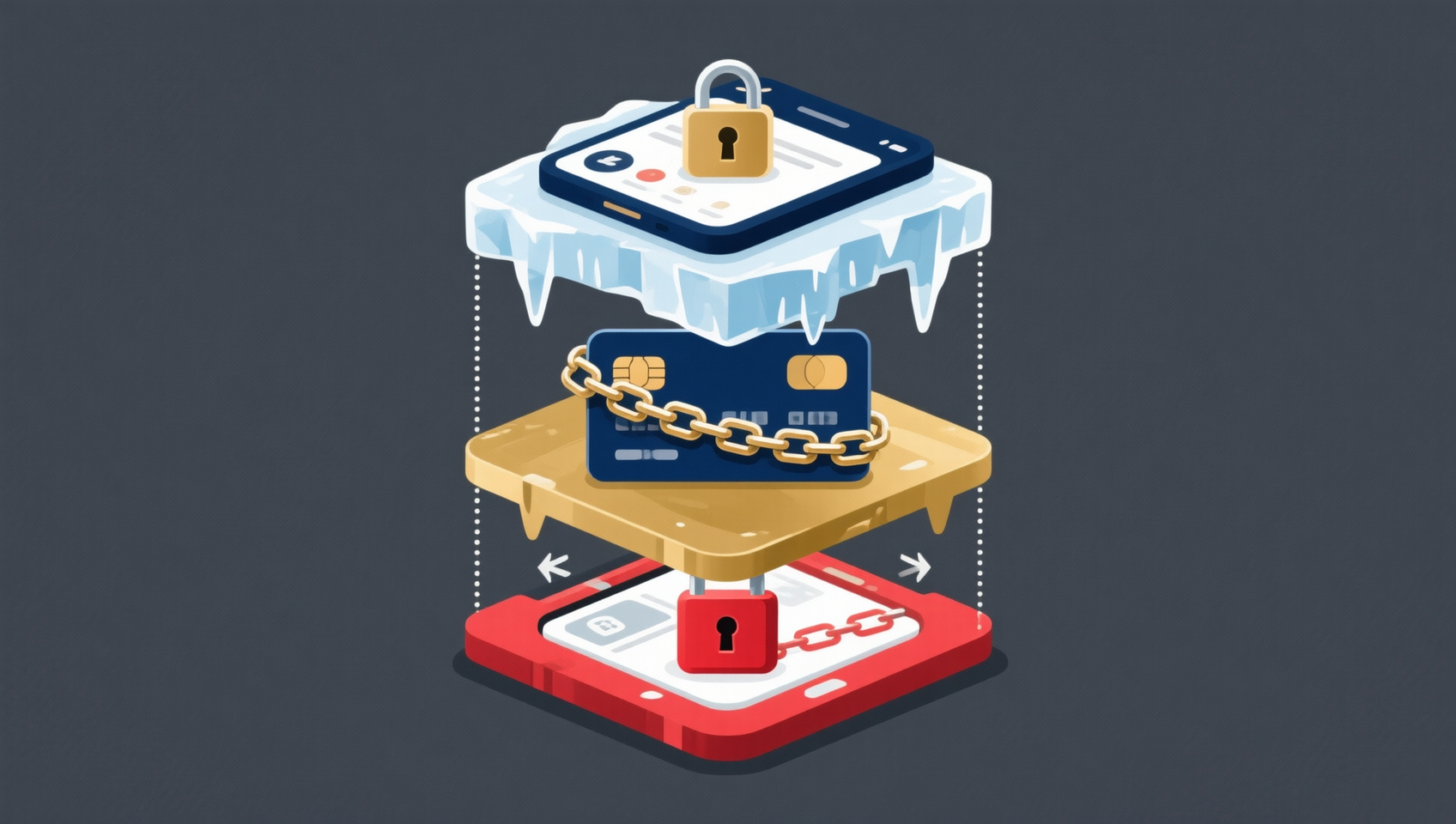
People use "frozen" for three completely different situations:
- A Binance platform restriction. You can log in and see your balance, but one function — withdrawal, transfer, P2P or trading — is blocked. Binance is the operator, and Binance handles the appeal.
- A frozen bank card. The card shows "credit only, no debit", non-counter transactions are suspended, or money can enter but not leave. The operator is a bank, police or a court — not Binance support.
- An on-chain USDT blacklist. The USDT balance is visible in your wallet, but transfers fail. Tether has added the address to its contract-level blacklist; changing wallets, RPC endpoints or VPNs does nothing.
They share one symptom — money cannot move — and almost nothing else. Many people get stuck not because their appeal was poorly written, but because they approached the wrong party from day one: taking a bank-freeze notice to Binance support, or a Binance restriction to a bank counter.
In one line: first identify who has the authority to lift the restriction. Reaching the right party matters more than writing a longer appeal.
One table: who froze it, what it looks like, who can lift it
| Type | Operated by | Typical symptom | Who to contact | Typical timeline |
|---|---|---|---|---|
| Binance security hold | Binance system | Withdrawals paused after password change, new device or 2FA reset | No appeal; wait for automatic restore | 24–48 hours |
| Binance risk / KYC review | Binance compliance | Prompt to re-verify identity, face or source of funds | Withdrawal appeal or support ticket | From 1–2 business days, possibly weeks |
| Binance P2P suspension | Binance P2P team | Cannot place or release orders; page shows a Case ID | P2P User Center → Restrictions Removal Center | Depends on documents and case |
| Judicial / regulatory request | Law enforcement or regulator | Account restricted; Binance says it is cooperating | Follow the notice from the authority | No timetable |
| Bank risk-control freeze | Bank | Credit only, no debit; non-counter transactions suspended | Your branch | Often 48 hours–7 days |
| Police temporary stop-payment | Police | Account suddenly cannot send | Ask the bank for the ordering unit | Often 48–72 hours |
| Judicial freeze | Police / court | Six-month freeze, extendable | The handling authority | Per the authority's notice |
| Tether blacklist | Tether | USDT balance visible, outgoing transfers rejected | Tether's official channels | Uncertain, possibly months |
The point of this table is not to memorise the durations. It is to locate the correct row first. Pick the wrong row and every later step is wasted.
Step 1: identify your type in three minutes
Work through these in order:
1. Read the original notice, not just your balance.
Binance usually explains the restriction in an app notification, email, SMS or login pop-up, and gives a Case ID. Screenshot it — every appeal will need it. For a bank card, use the bank app notice, the counter explanation or the SMS.
2. Try a small withdrawal and see where it stops.
- "Identity verification required" → likely KYC or facial review.
- "Withdrawals suspended for 24/48 hours" → security hold; wait.
- A "Withdraw appeal" button appears → the restriction supports self-service appeal.
- No message, just a greyed-out button → ask support.
3. If you have used P2P, check the Restrictions Removal Center.
Path: Trade → P2P → P2P User Center → Restrictions Removal Center. The page lists the suspended function, the reason, the Case ID, the effective time and the status. "No restrictions found" means P2P is not the issue; "Appeal unavailable" means this reason is not handled by self-service and you should contact support.
4. Check whether you recently changed your password, phone or 2FA.
This is the most common trigger and the easiest to misread as a ban. Binance states withdrawals are suspended for 24–48 hours and reactivate automatically; the hold cannot be lifted early. Anyone claiming they can "unlock it now" during this window is exploiting your anxiety.
5. If the bank side is also abnormal, handle that first.
A Binance account and a bank card are two systems. If the card shows "credit only, no debit", ask your branch whether it is bank risk control, a police stop-payment or a judicial freeze, and get the ordering unit and case number before deciding what to do.
Eight common reasons for a Binance restriction
Binance groups account locks into several categories. In practice, most cases fall into these eight:
- Security. Unusual login, suspected compromise, or a protective pause after changing password or 2FA. Most restore automatically.
- KYC review. Account age, trading volume or a change of residence triggers re-verification; expired documents or mismatched details also trigger it.
- Source-of-funds review (AML). Deposits linked to high-risk addresses, scam clusters, mixers or sanctions lists require you to prove where the money came from.
- P2P dispute or violation. Order disputes, a receiving account whose name does not match the verified identity, frequent cancellations, or a counterparty complaint.
- Sanctions and regional restrictions. Accessing from a restricted country or region, using a VPN to bypass regional limits, or a link to a sanctioned party.
- Judicial or regulatory request. An authority has lawfully requested a freeze; Binance must comply, and support usually cannot lift it.
- Terms violations. Multiple accounts, buying or renting KYC, forged documents, abnormal volume farming.
- Association risk. Transfers to or from known fraud, hack or sanctioned addresses — even if you were unaware.
The reason matters because each category has a different entry point and a different chance of success. Security holds just need time, KYC needs documents, AML needs proof of funds, and judicial requests need the authority.
Appeal route 1: the button inside the withdrawal flow
This is the most overlooked and most direct route.
Web: open the "Withdraw Crypto" page. If the account is restricted, an alert appears; click "Withdraw appeal" and submit the requested documents.
App: Wallets → Spot → Withdraw → tap "Appeal" in the pop-up.
If the restriction came from a failed facial verification, the appeal opens a "Facial Verification Appeal" page: answer the security questions, then submit the materials shown in the examples. Extra context goes under "Additional Information". Results usually arrive by SMS or email.
Know this in advance: not every restriction is appealable. Binance explicitly says restrictions involving law-enforcement orders or regulatory obligations may not be open to appeal. If no button appears, you did not necessarily do anything wrong — that category simply is not handled by the self-service flow.
Appeal route 2: the P2P Restrictions Removal Center
If you have used C2C / P2P, start here:
Trade → P2P → P2P User Center → Restrictions Removal Center
The page shows:
- the suspended function
- the reason
- the Case ID
- the effective time
- the current status
Click "Submit appeal" next to the function, fill in the details and upload the documents. Common requirements:
- KYC video: show your face, hold the information page of your ID, and state your name, the cryptocurrency you trade, that the source of funds is legal, and that the submitted materials are true and complete. No editing, face-swapping or synthesis tools; file-size limits apply.
- Payment-proof video: recorded on a separate device, opening the banking or payment app and showing the transfer record, both parties, date and amount. No screen recording, no editing.
- Three months of bank statements: showing your name, card number and the transactions related to Binance.
- Relevant P2P order numbers: up to the limit shown on the page.
The principle is simple: prove whose money it is, where it came from and where it went. Blurred details, hidden key information or contradictions will slow the review.
If the page shows "Appeal unavailable", that reason is not supported by self-service; go to official support.
Appeal route 3: an official support ticket
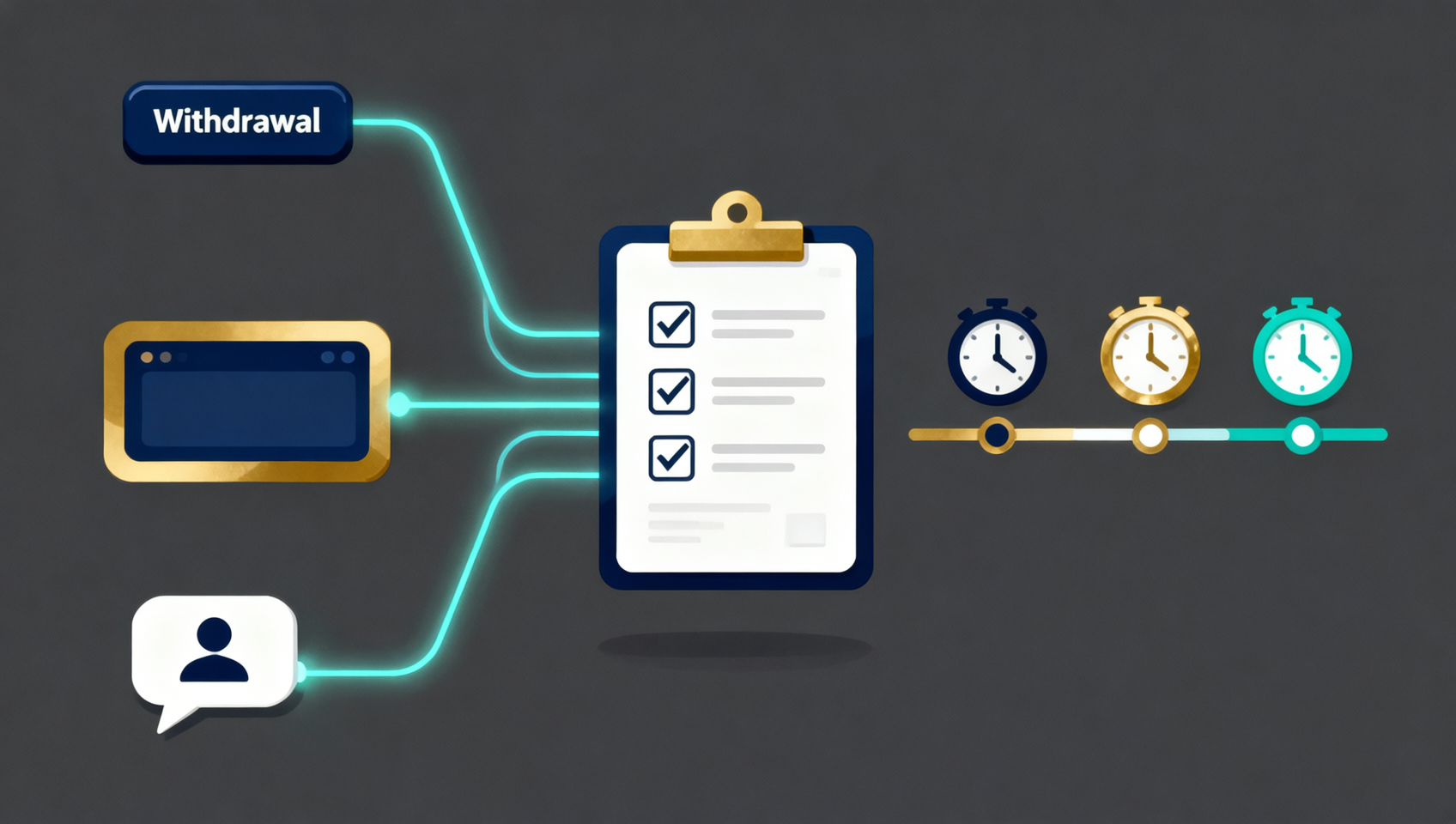
When neither route applies, or you cannot find a button, use support:
- The support icon at the bottom-right of the website or app → live chat / submit a ticket.
- Or enter the relevant form from the Support Center self-service page.
Prepare these before submitting; it saves several rounds:
- UID (the number on your account page, not your email)
- Registration date and approximate registration IP or region
- Devices you normally use
- When the restriction appeared and what you were doing
- Case ID or ticket number
- Screenshots, order numbers, on-chain transaction hashes
Support may ask for a video statement or additional documents. Use official channels only: Binance support will never ask for your login password, 2FA code, SMS code or seed phrase. Anyone who does is trying to steal your account.
Timelines: what takes 48 hours and what takes weeks
| Situation | Typical timeline | Can it be expedited? |
|---|---|---|
| Security hold after password/device change | 24–48 hours, automatic | No; Binance says it cannot be lifted early |
| 24-hour risk review notice | Wait for the notification | No |
| KYC / facial review | Often 1–2 business days, longer if complex | No amount of chasing shortens it |
| P2P restriction removal | Depends on documents and case; no universal promise | No |
| Source-of-funds review | Possibly weeks | No |
| Judicial / regulatory request | No timetable | Binance cannot decide either |
The takeaway: there is no single answer to "how long to unfreeze" — it depends on the category. Claims of "three days, guaranteed" or an "internal channel" are either taking credit for an automatic security hold or simply a scam.
Frozen bank card: the track Binance cannot touch
This is the most common source of confusion for Chinese-speaking users. A frozen bank card usually falls into one of three categories:
1. Bank risk-control freeze. The bank's system flags unusual activity and restricts non-counter transactions or debits. The usual fix is to visit your branch with ID and an explanation of the transactions; many clear within days.
2. Police temporary stop-payment. Funds from a victim have flowed into your account, so police issue an emergency stop-payment, often for 48–72 hours. If it is not lifted, it may convert into a longer freeze.
3. Judicial freeze. Police or a court freezes the account under legal procedure, commonly in six-month periods that can be extended1. This is a procedural act; neither the bank nor Binance can override it.
What to do:
- Ask your branch for the freezing authority, case number and the handling officer's contact details.
- Prepare documents that explain the source of funds: ID, bank statements, platform orders, chat records, on-chain transaction hashes.
- Contact the handling authority proactively and submit what they request.
- For larger amounts or complex cases, consult a qualified lawyer rather than an intermediary.
A few warnings:
- Do not trust "paid unfreezing" or "inside connections". Only the bank and the handling authority have the power to lift the freeze.
- Do not "return the disputed funds to get unfrozen" before understanding your legal position. Clarify the boundary of liability first.
- A bank-card unfreeze is not a Binance account restore, and vice versa. Handle the two tracks separately.
- Even after the card is unfrozen, the account may remain flagged by anti-fraud systems; apply for removal through the bank or the anti-fraud centre as instructed.
This article explains process only and is not legal advice. For a specific case, follow the bank and the handling authority, and consult a lawyer.
On-chain USDT frozen by Tether
The third kind of freeze happens on-chain: the USDT balance is visible, but every transfer fails.
Tether maintains a blacklist in the USDT contract. Once an address is added:
- Outgoing transfers are rejected at the contract level, regardless of wallet, RPC endpoint or VPN.
- Incoming transfers usually still succeed, but the funds cannot move afterwards.
- Only Tether can remove the address, not an exchange or a wallet provider.
Common triggers include links to fraud, hacks or sanctioned addresses, or a law-enforcement request. You can check whether an address is flagged on a block explorer (Etherscan, Tronscan), then submit materials to Tether through its official channels — usually identity documents, proof of source of funds and the complete transaction history.
Set expectations: the outcome and timing are not yours to decide. It may take a long time, or never happen. Any third party claiming it can "unfreeze USDT for a fee" is almost certainly a scam — it has neither the authority nor the contract's admin keys.
Five mistakes that sink an appeal
1. Submitting fake documents or buying KYC. Once detected, the appeal is rejected at best and the account closed at worst, with long-lasting consequences. Binance treats identity fraud seriously.
2. Opening alt accounts to appeal repeatedly. Linked accounts enter the risk scope together, turning a solvable issue into a complicated one.
3. Moving assets out or deleting chat records first. Large transfers during a review, or deleted records, can look like an attempt to evade it and prolong the restriction.
4. Paying an "unfreeze service" and handing over verification codes. What they want is your account, not your freedom. Never share your password, 2FA code, SMS code or seed phrase.
5. Using a VPN or faking your location. Sanctions and regional reviews look at facts, not what the page displays. Faking information turns a verification issue into a violation.
Prevention checklist
- One verified person, one account. Do not lend accounts, buy KYC or verify on someone else's behalf.
- Keep the source of funds clean. Do not buy crypto with money of unknown origin, and do not receive or forward payments for strangers.
- Trade P2P only with matching identities. The receiving account name should match the verified identity; refuse third-party payments.
- Keep complete records. Order numbers, bank statements, chats and on-chain hashes — at least until the funds are fully settled.
- Enable 2FA and stick to familiar devices. This reduces security holds triggered by unusual logins.
- Test small before large. Withdrawals, bridges and network changes: send a small amount first.
- Watch notifications and act early. Documents are easiest to gather right after a restriction appears.
💰 Binance rebate: invite code BINANBT
New users who enter invite code BINANBT at registration get a 20% trading fee rebate from day one. This article contains a referral link; we may receive a reward if you register through it, but it costs you nothing extra.
- Rebate: 20% of trading fees, ongoing — the more you trade, the more you save.
- Welcome package: up to $19,800, unlocked through tasks, not cash on signup.
- How to claim: enter BINANBT in the invite-code field during registration; this is the most reliable route.
- Important: registering directly inside the app gets you none of the new-user rewards. In-app registration does not create a referral relationship, so the $19,800 welcome package and the 20% fee rebate will not apply — you must use the registration link or enter invite code BINANBT.
👉 Sign up on Binance and claim a 20% trading fee rebate
FAQ
Is my money still there if my Binance account is frozen?
In most platform restrictions, the balance remains visible and only withdrawals or transfers are blocked — that is not confiscation. If the case involves a judicial freeze, sanctions or a law-enforcement request, the final treatment follows the official notice and the authority. Identify the type first.
Does Binance charge to unfreeze an account?
No. The official appeal routes, the P2P Restrictions Removal Center and support tickets are free. Any third party that charges upfront to "unfreeze" your account has no authority to do so and is almost certainly a scam.
How long does an appeal take?
It depends on the type. Security holds after a password or device change usually clear in 24–48 hours; KYC and facial reviews often take 1–2 business days; source-of-funds reviews can take weeks; judicial or regulatory requests have no timetable. Binance makes no universal promise, so ignore "three-day guarantee" claims.
What if there is no "Appeal" button on the withdrawal page?
That means the restriction is not supported by self-service, or the current status does not allow a submission. Check the P2P Restrictions Removal Center for an entry point; if there is none, open an official support ticket with your UID, Case ID and screenshots.
I changed my password and now withdrawals are blocked for 48 hours. Is my account banned?
Usually not. This is a protective security hold. Binance says it restores automatically within 24–48 hours and cannot be lifted early. Do not submit repeated appeals during this window, and do not trust private messages offering to "unlock it now".
Can Binance support unfreeze my bank card?
No. A bank-card freeze is executed by a bank, police or a court, and Binance has no authority over it. Ask your branch for the freezing authority, case number and contact details, then follow that authority's instructions.
Can frozen USDT be recovered from Tether?
Only Tether can act. You need to prove address ownership, source of funds and the transaction background; the outcome and timing are at Tether's discretion, and it may take a long time or never happen. Changing wallets, RPC endpoints or VPNs will not remove a blacklist entry.
Can I appeal again after a rejection?
Yes, with new material. Do not resubmit the same documents repeatedly. First identify why it was rejected: mismatched identity, insufficient proof of funds, or a restriction that is not appealable at all.
Further reading
- Binance registration guide 2026: account, KYC and deposit
- Binance invite code 2026: BINANBT and the 20% rebate
- Binance deposit guide 2026: C2C USDT and frozen-card risk
- Binance withdrawal guide 2026: networks, addresses and memos
- What is USDT? A 2026 beginner's guide
- Stablecoins explained: types, risks and regulation
- More Binance guides
Disclaimer: this article is for educational purposes only and is not investment or legal advice. The restriction types, appeal routes, document requirements and review timelines are reference information as of 2 November 2026 and may change with Binance rules, regional policy or the specific case; always follow the official Binance page, support reply and the authority's notice. Consult your bank and a qualified lawyer for bank-card freezes and judicial proceedings. Never share your password, 2FA code, SMS code or seed phrase. Crypto services are restricted in some countries and regions; confirm the law where you live first.
Footnotes
-
Based on the Criminal Procedure Law of the People's Republic of China regarding the investigation and freezing of a suspect's property and the freeze period; the exact duration, extension and release procedure follow the handling authority's notice. This is not legal advice. ↩