

Key takeaways:
- Binance has one core official domain — binance.com. Others such as binance.me and binance.bh are regional mirrors, not "the" official site.
- The official verification tool Binance Verify confirms whether any link, email or phone number really comes from Binance.
- Download the app only from the official download page — third-party "Binance" apps are often fakes that steal funds.
- Enter the invite code BINANBT at sign-up to claim a 20% trading fee rebate.
Table of contents
- How many official Binance domains are there?
- Binance official links at a glance
- How to access the Binance website
- Downloading the official Binance app
- Binance sign-up link and invite code
- How to spot a phishing site: 6 signs
- 💰 Binance rebate: invite code BINANBT
- FAQ
- Further reading
How many official Binance domains are there?
Binance has one core official domain — binance.com — while other suffixes are regional mirrors or third-party sites, not "the" official site. Binance is the world's largest crypto exchange by trading volume, with over $76 billion in daily volume1 and 600+ supported coins. Because regulations differ by region, Binance uses several domain suffixes:
| Domain | Type | Notes |
|---|---|---|
| binance.com | ✅ Official main site | The primary global domain |
| binance.me | Regional mirror | Common for Chinese-language access |
| binance.bh | Regional mirror | Regional sites such as Bahrain |
| binance.us | Separate US entity | Serves US users only, independent from the global site |
⚠️ Bottom line: there is no single fixed "official website". The only reliable test is whether the domain is officially recognised and published by Binance — not whether it happens to load.
Binance official links at a glance
Here are Binance's official links — bookmark them instead of clicking through a search engine each time. Search ads are routinely mixed with lookalike sites, and one wrong click can lose you funds.
- Official main site: https://www.binance.com
- Official sign-up page (with invite code): https://www.binance.com/join?ref=BINANBT
- Official verification (Binance Verify): https://www.binance.com/en/official-verification
- Official app download page: https://www.binance.com/en/download
- Official help center: https://www.binance.com/en/support
How to access the Binance website
Accessing Binance is usually straightforward — go to binance.com directly, or open the official app. If the site will not load, it is usually a network or regional restriction rather than a problem with Binance itself.
- Type the address directly: enter binance.com in your browser and bookmark it.
- Official app: install the Android APK or the iOS app (see below).
- Regional mirrors: some regions use binance.me and similar domains — verify them with Binance Verify first.
⚠️ Users in certain regions may face service restrictions; always check availability against local laws and Binance's own terms.
Downloading the official Binance app
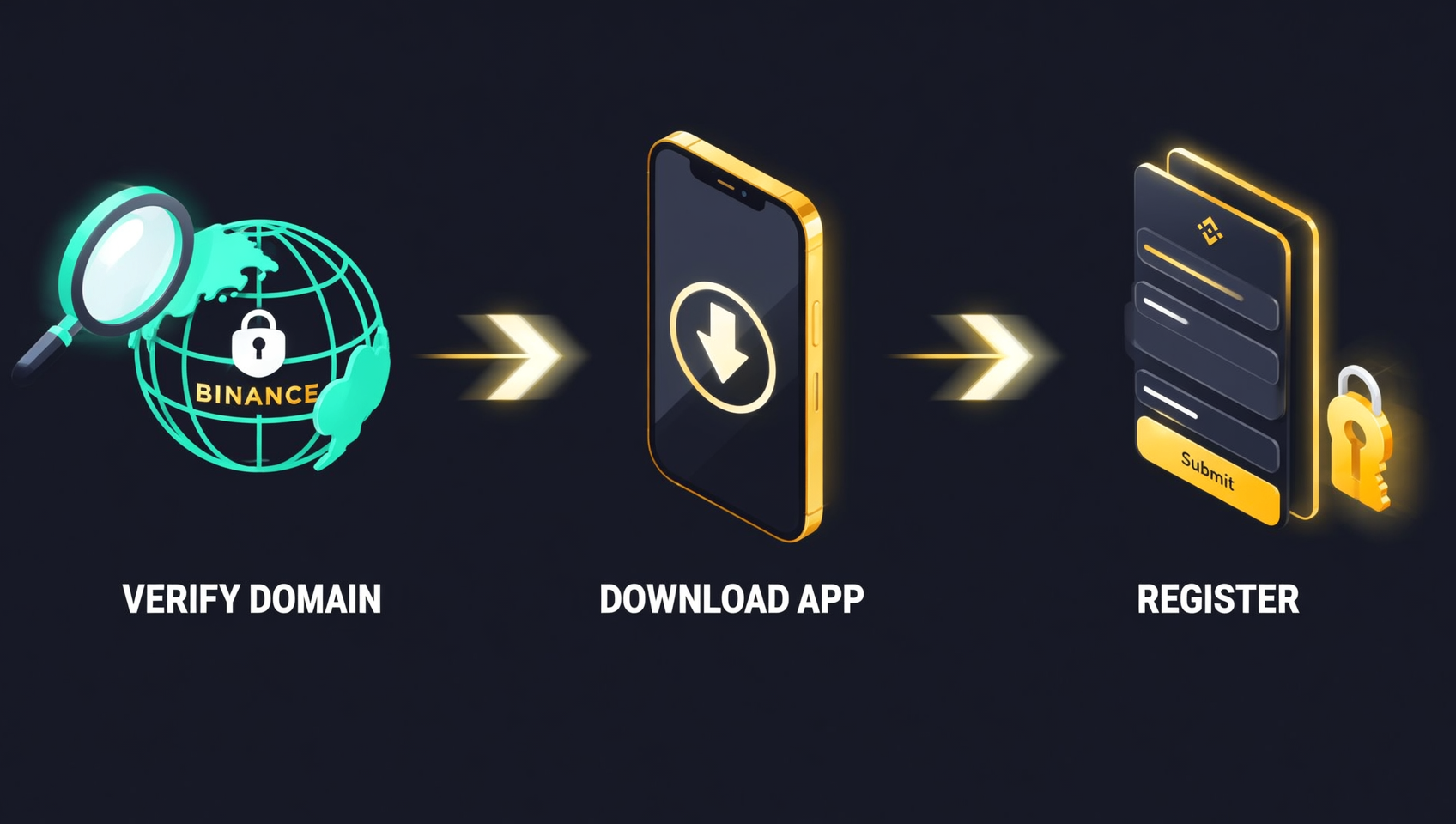
The official download channel for the Binance app is the download page: an APK for Android, and the App Store via an overseas Apple ID for iOS. Third-party "Binance" apps are mostly fakes that tamper with deposit addresses to steal funds.
- Android: download the APK from the official download page and allow "unknown sources" when installing.
- iOS: sign in to the App Store with an overseas Apple ID and search for Binance.
- HarmonyOS: Binance provides a HarmonyOS package on the official site.
For step-by-step installation and fake-app checks, see the Binance download guide.
Binance sign-up link and invite code
Binance sign-up always goes through an official link, and entering the invite code BINANBT claims a 20% trading fee rebate. This is the easiest step to miss — and one of the most valuable.
- Sign-up link format:
/join?ref=invite-code, optionally with a language prefix such as/en/. - Invite code BINANBT: refunds 20% of every trading fee, credited automatically.
- Stack the BNB discount for another 25% off, noticeably lowering your effective costs.
👉 Register on Binance with BINANBT and claim your 20% fee rebate
How to spot a phishing site: 6 signs
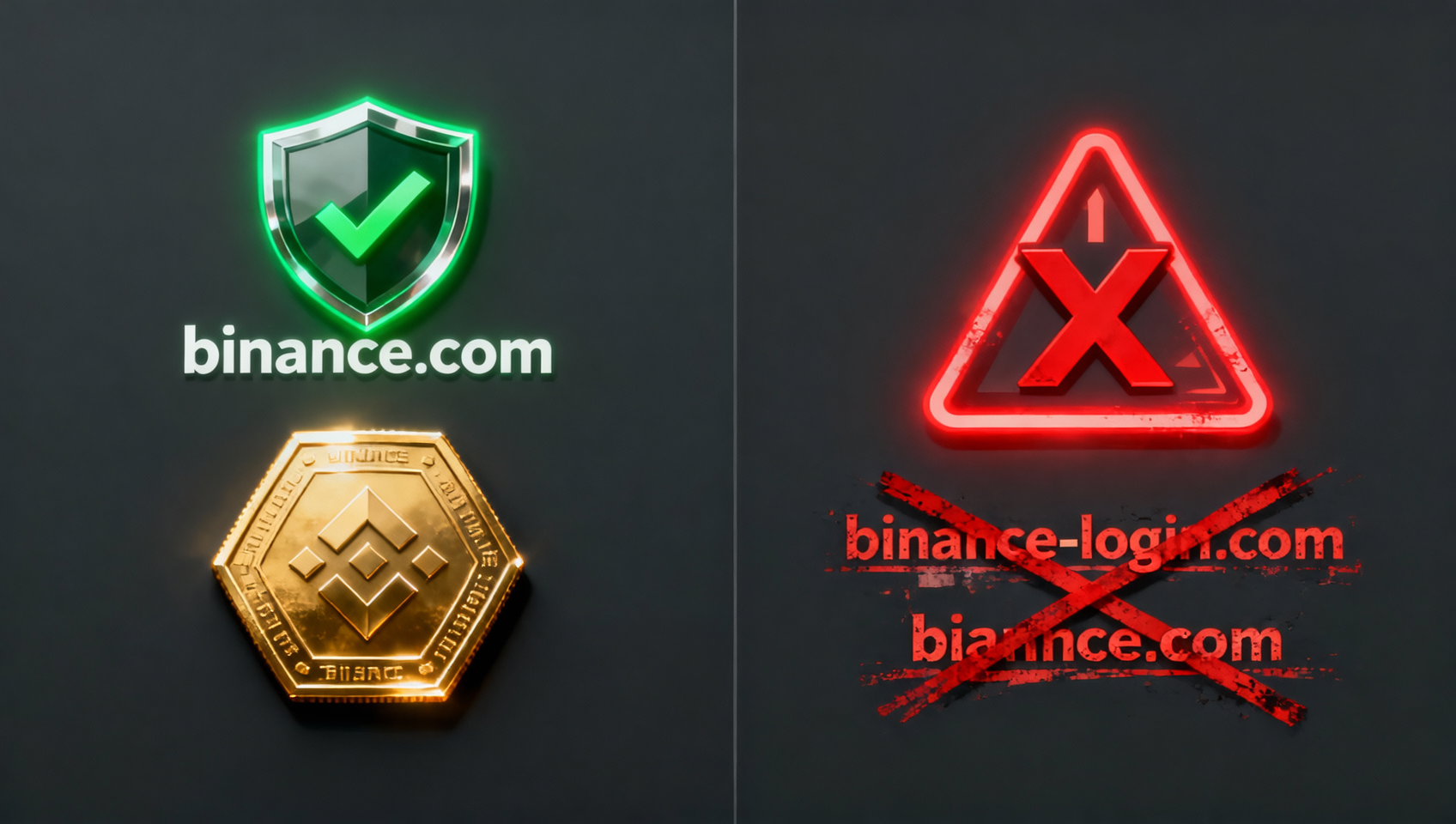
The core of spotting phishing is the domain — fake domains usually add, swap or pad letters. Binance support never appears in social groups and never messages you first to ask for passwords, verification codes or seed phrases.
- Check the domain: trust only binance.com; watch for letter swaps like
m→rnandi→l, and padded or misspelled domains likebinance-login.comorkr.binance..com. - Never click short links: skip links in search ads, emails, DMs and groups — type or bookmark the official URL.
- Set an anti-phishing code: once enabled, every genuine Binance email contains your custom phrase; if it is missing, the email is fake.
- Verify with Binance Verify: paste any suspicious link, email or phone number into the official verification tool.
- Beware scare tactics: "Your account will be frozen" and "verify now" are phishing favourites — Binance never pressures you this way.
- Never share your seed phrase, private key or codes: anyone asking for them is a scammer, full stop.
💰 Binance rebate: invite code BINANBT
The Binance rebate returns a share of your trading fees — with the invite code BINANBT, 20% of every fee comes back to you.
- Rebate amount: 20% of every trading fee is refunded automatically, saving money over the long term.
- How to claim: enter BINANBT in the invite-code field at sign-up; if you miss it, bind it within 30 days while your account has no trades.
- Stacking perk: enable "Use BNB to pay fees" for another 25% off — combined, your effective trading costs drop noticeably.
👉 Register on Binance with BINANBT and claim your 20% fee rebate
FAQ
What is Binance's official website?
Binance's core official domain is binance.com. Regional mirrors such as binance.me and binance.bh exist, and binance.us is a separate entity for US users. Trust binance.com, and verify anything else with Binance Verify.
Why can't I open the Binance website?
It is usually a network or regional restriction. Some regions block direct access to binance.com, in which case use the official app or a regional mirror — and verify the mirror with Binance Verify first.
How do I confirm a Binance link is official?
Paste the link, email or phone number into the official Binance Verify tool. Binance support never DMs you first and never asks for your password, verification code or seed phrase.
What does the Binance sign-up link look like?
Official sign-up links use the format binance.com/join?ref=invite-code. Registering with BINANBT claims a 20% trading fee rebate.
Where can I safely download the Binance app?
Download the Android APK only from the official download page, and use an overseas Apple ID to get the iOS app from the App Store. Third-party "Binance" apps are usually fakes.
Can I still add the invite code after signing up?
Yes. Within 30 days of registration, while your account has no valid trades, you can enter BINANBT on the referral page and still enjoy the 20% fee rebate.
Further reading
- How to Download Binance in 2026: Android / iOS / HarmonyOS
- Binance Registration 2026: Sign Up, KYC & Deposit
- Binance Invite Code 2026: Claim the 20% Fee Rebate
Disclaimer: this content is for educational purposes only and does not constitute investment advice. Crypto investing carries risk — make decisions based on your own situation. Binance domains, fees, rebate rates and registration requirements are subject to the figures published on the Binance website1.