

Key takeaways:
- Most Chinese Android phones have no Google Play, so the official Binance APK is the only safe route — any other source risks a trojan-planted copy.
- The real Android challenge isn't "how to download" but three things: verifying the APK, the "unknown sources" block, and antivirus false positives.
- The official APK filename starts with BNApp and its digital signature is Binance Holdings Limited — those two are how you tell real from fake.
- Install failures/crashes usually come down to three causes: a corrupt file (re-download), a signature conflict (uninstall the old copy), or an old Android version (update the OS).
- Downloading and registering are free. After installing, enable 2FA, then don't register directly in the app — use invite code BINANBT for a 20% fee rebate.
Table of contents
- Why Android is different from other platforms
- The four-step official APK download
- How to confirm the APK is genuine
- "Unknown sources" settings by phone brand
- Fixing install failures, parse errors and crashes
- What to do about antivirus false positives
- First steps after install: security + don't register directly
- 💰 Binance rebate: invite code BINANBT
- FAQ
- Further reading
Why Android is different from other platforms
Downloading Binance on Android is unlike iOS or desktop: most Chinese Android phones have no Google Play, so you must bypass the app store and download the APK directly from Binance's official site. That bypass skips the store's review and security scan, which means "where you download from" is entirely up to you — get it right and it's the genuine app; get it wrong and it's a phishing package with a planted trojan.
This is exactly where Android goes wrong most often. On iOS, what you find in the App Store is the official app and you barely have to worry about authenticity; on Android, you're faced with pages and pages of "Binance APK download" in search results — and nine times out of ten those third-party sites are fake or bundled modified versions. So the first rule of Android is one line: only trust Binance's official download page, and touch nothing else.
⚠️ Why this step matters most: once crypto assets land in a fake app, they're basically unrecoverable. Fake apps look nearly identical to the real one and wait for you to enter your password and verification code before moving your funds. On Android, "download freedom" is also "download risk" — verifying authenticity is on you.
The four-step official APK download
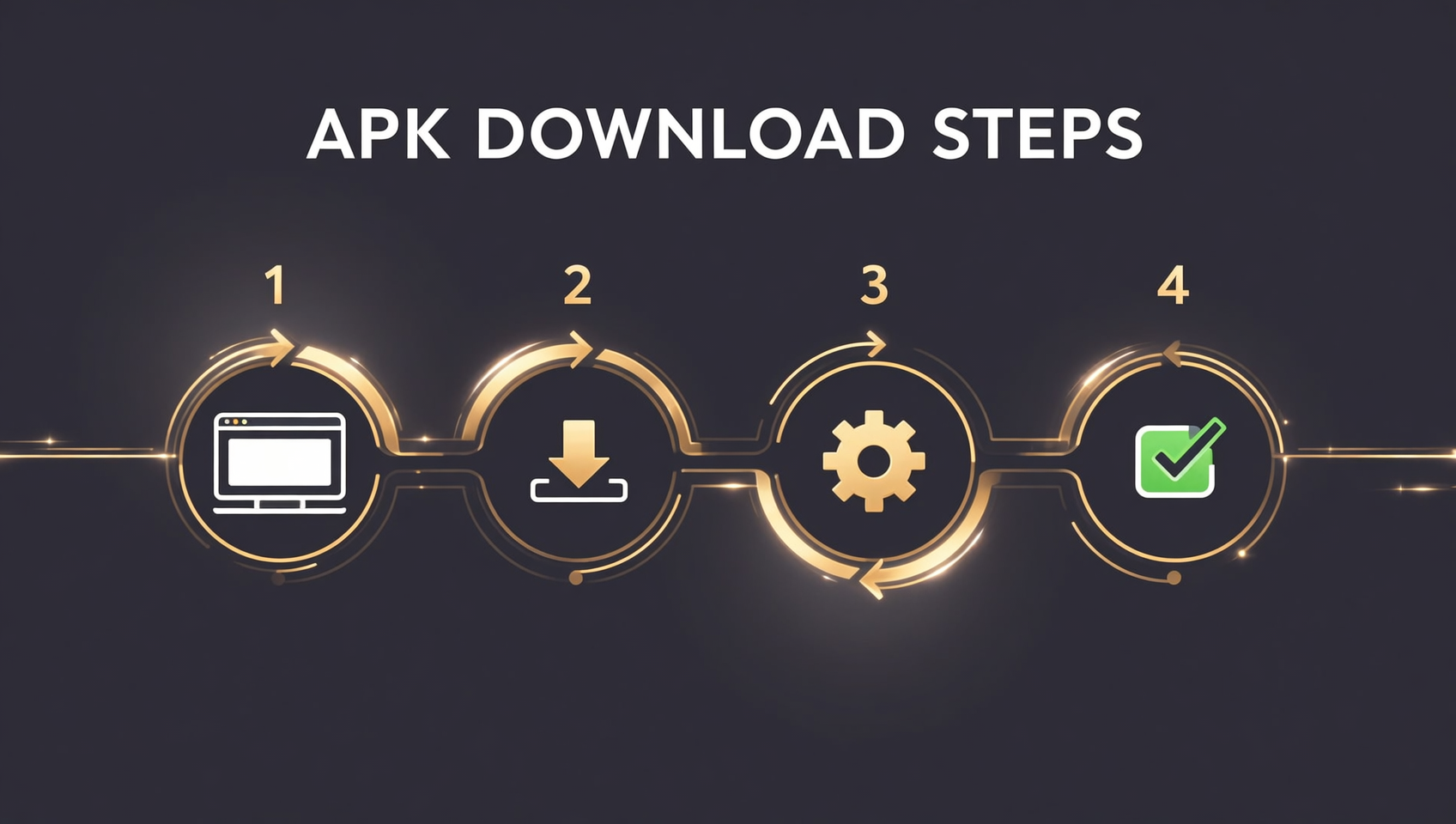
The correct way to download Binance on Android is four steps — no Google Play, no payment.
- Open Binance's official download page: open the download entry on Binance's official site in a browser (make sure it's the official domain; see the official website entry guide).
- Choose the Android version: the page shows the Android APK option — tap to download; the filename usually starts with BNApp.
- Allow install from unknown sources: after the download, some phones warn "installing unknown apps is blocked" — go to system settings and allow your browser/file manager (per-brand paths below).
- Tap the APK to install: once installed, the Binance icon (black with a gold diamond) appears on your home screen — that's success.
After installing, go back into settings and turn off "install unknown apps" to avoid accidentally installing other non-official apps later — a step many long-time users skip.
How to confirm the APK is genuine
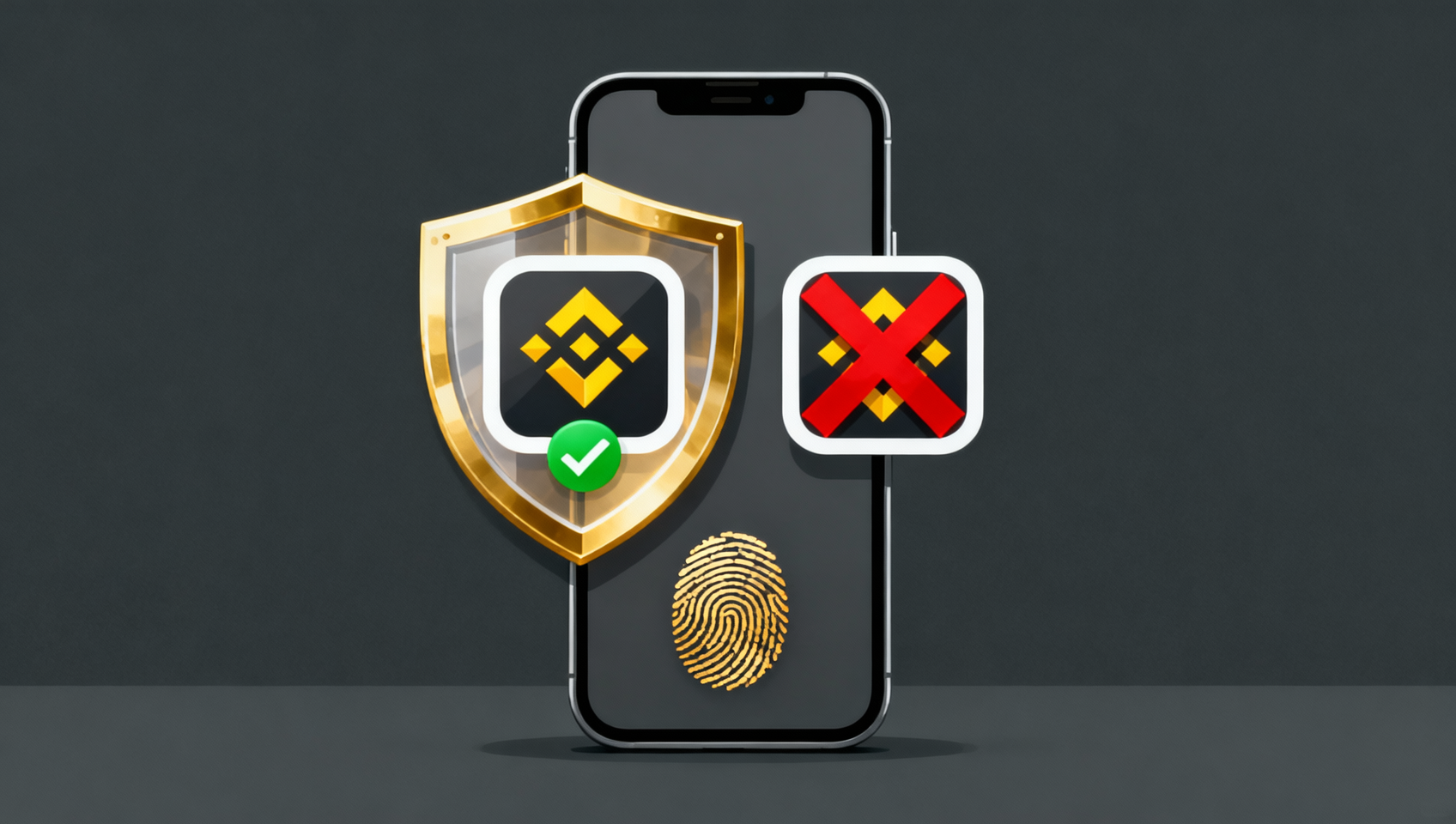
To tell a real Android APK from a fake, check three things: the source, the filename and size, and the digital signature.
| Check | Genuine | Fake |
|---|---|---|
| Source | Only Binance's official download page | Search engines / app stores / QQ groups / unknown sites |
| Filename | Starts with BNApp | Names with "crack / mod / VIP / ultra" etc. |
| Digital signature | Binance Holdings Limited | Unknown signer, or a person / third-party company |
The digital signature is the hardest check. After downloading, use a tool like "Apk Analyzer" to inspect the signature — a genuine APK's certificate should come from Binance Holdings Limited; on Windows you can also right-click the file → Properties → Digital Signatures to see the same1. If the signer isn't Binance, delete it immediately even if the UI looks identical.
💡 A quick heuristic: the genuine Binance app has 100M+ downloads and a 4.7+ rating, and the file is usually over 100MB (it grows with each version). If a "Binance APK" is only a few MB, or the page touts an "ad-free lite version", it's almost certainly fake.
"Unknown sources" settings by phone brand
Each Chinese Android brand buries the "install unknown apps" switch in a different place. Here are the most common paths.
| Brand | Settings path |
|---|---|
| Xiaomi / Redmi | Settings → Passwords & security → System security → Special app access → Install unknown apps |
| Huawei / Honor | Settings → Security → More security settings → Install apps from external sources |
| OPPO / OnePlus | Settings → Passwords & security → System security → Install from external sources |
| vivo / iQOO | Settings → Security → More security settings → Install unknown apps |
| Samsung / others | Settings → Apps → Special access → Install unknown apps |
⚠️ Menu names differ slightly across OS versions. If you can't find it, search "install unknown" or "external sources" in the settings search box. Only allow the specific browser/file manager you're using — don't grant it to every app.
Fixing install failures, parse errors and crashes
Most Binance install failures on Android come down to three causes — go down the list and you'll solve it.
- "Parse error" or "package corrupt": the download was interrupted or incomplete. Fix: delete the file and re-download from the official page.
- "Conflicts with an existing app / signature mismatch": you already have another version (possibly a third-party copy) whose signature doesn't match. Fix: uninstall the old version first, then install the official APK.
- "App not installed" or crashes: your Android version is too old, or it doesn't meet Binance's minimum requirements. Fix: update the OS, or download a build that matches your Android version.
- Downloads but won't open the installer: blocked by system security. Fix: go back to "unknown sources" and confirm you've allowed the current app.
If the app shows a blank screen or hangs on first launch, switch networks (WiFi ↔ mobile data) and retry, then make sure it's the latest version; if it still won't open, uninstall and reinstall the latest official build.
What to do about antivirus false positives
Chinese antivirus apps (360, Tencent Mobile Manager, etc.) often flag the official Binance APK as risky — that's a false positive, not a real virus — but only if you first confirm it's genuine.
What to do:
- Verify first: confirm the source is the official page, the filename starts with BNApp, and the signature is Binance Holdings Limited. Only if all three check out can you call it a false positive.
- Whitelist/trust it: add the APK or the Binance app to the antivirus whitelist/trust zone.
- Pause real-time protection: you can re-enable it after install, but only do this after confirming it's genuine.
⚠️ The reverse warning also applies: if a "Binance APK" triggers a specific trojan/spyware name and didn't come from the official source, it's very likely a real threat — delete it, and don't believe a prompt telling you it's a false positive.
First steps after install: security + don't register directly
Installing the app isn't the end — the next two things decide your asset safety.
- Verify the client + enable two-factor authentication (2FA): go to "More → Security center", bind Google Authenticator or phone verification, and require a second step for login and withdrawals.
- Don't register directly in the app: registering directly after downloading the Binance app gives you no signup reward — you only earn the 20% fee rebate through a registration link or the invite code BINANBT. Use the invite code before registering; this step matters as much as the download.
💰 Binance rebate: invite code BINANBT
After installing, enter the invite code BINANBT at registration for a 20% trading fee rebate. Key reminder: don't register directly in the app — you get no signup reward that way; you only earn it through a registration link or the invite code BINANBT.
- Rebate: 20% of every trading fee back.
- How to claim: enter BINANBT in the "Referral ID" field at signup; if you miss it, you can add it within 30 days.
- Stack it: enable "Use BNB to pay fees" for an extra ~25% off.
👉 Register on Binance now and claim your 20% fee rebate
FAQ
Do I have to use an APK to install Binance on Android?
On Chinese Android phones (Xiaomi/Huawei/OPPO/vivo/Honor) there's no Google Play, so you can't download Binance from an app store and must install the APK from the official site. On overseas Android phones you can search "Binance" in Google Play.
How do I tell if a Binance APK is real or fake?
Check three things: ① the source must be Binance's official download page; ② the filename starts with BNApp and the size is normal (100MB+); ③ the digital signature is Binance Holdings Limited. Only if all three match is it genuine.
Does downloading the Binance APK cost money?
No. Binance's app download and registration are both free. Any channel demanding "paid download" or "member unlock" is fake — close it immediately.
What does the "parse error" mean when installing the Binance APK?
Usually the download was interrupted and the file is incomplete. Delete it and re-download from Binance's official page, then install again.
My 360 / phone manager flags the Binance app as risky — what do I do?
First confirm it's genuine (official source + BNApp filename + Binance Holdings Limited signature), then add it to the antivirus whitelist. If the source isn't official and it flags a specific trojan name, delete it.
Can I register right after downloading the Binance app?
You can register, but registering directly gives you no signup reward. You only get the 20% fee rebate through a registration link or the invite code BINANBT, so use the invite code before registering.
Is the Android app the same as iOS and the web version?
Features are essentially the same. The Android app supports fingerprint/face login, push notifications and QR scanning. The desktop client is Electron-based and lacks a few features (C2C, Launchpad, etc.).
Further reading
- Binance download guide 2026: Android / iOS / HarmonyOS / desktop
- Binance official website entry guide: official URLs and anti-phishing
- Binance registration guide 2026: signup, KYC and buying
- Binance invite code 2026: claim the 20% fee rebate
Disclaimer: this content is for educational purposes only and is not investment advice. Cryptocurrency investing carries risk; decide based on your own situation. The APK should only be obtained from Binance's official channel, and you should verify it after installing. Signatures and filenames are as published by Binance1.