

Key takeaways:
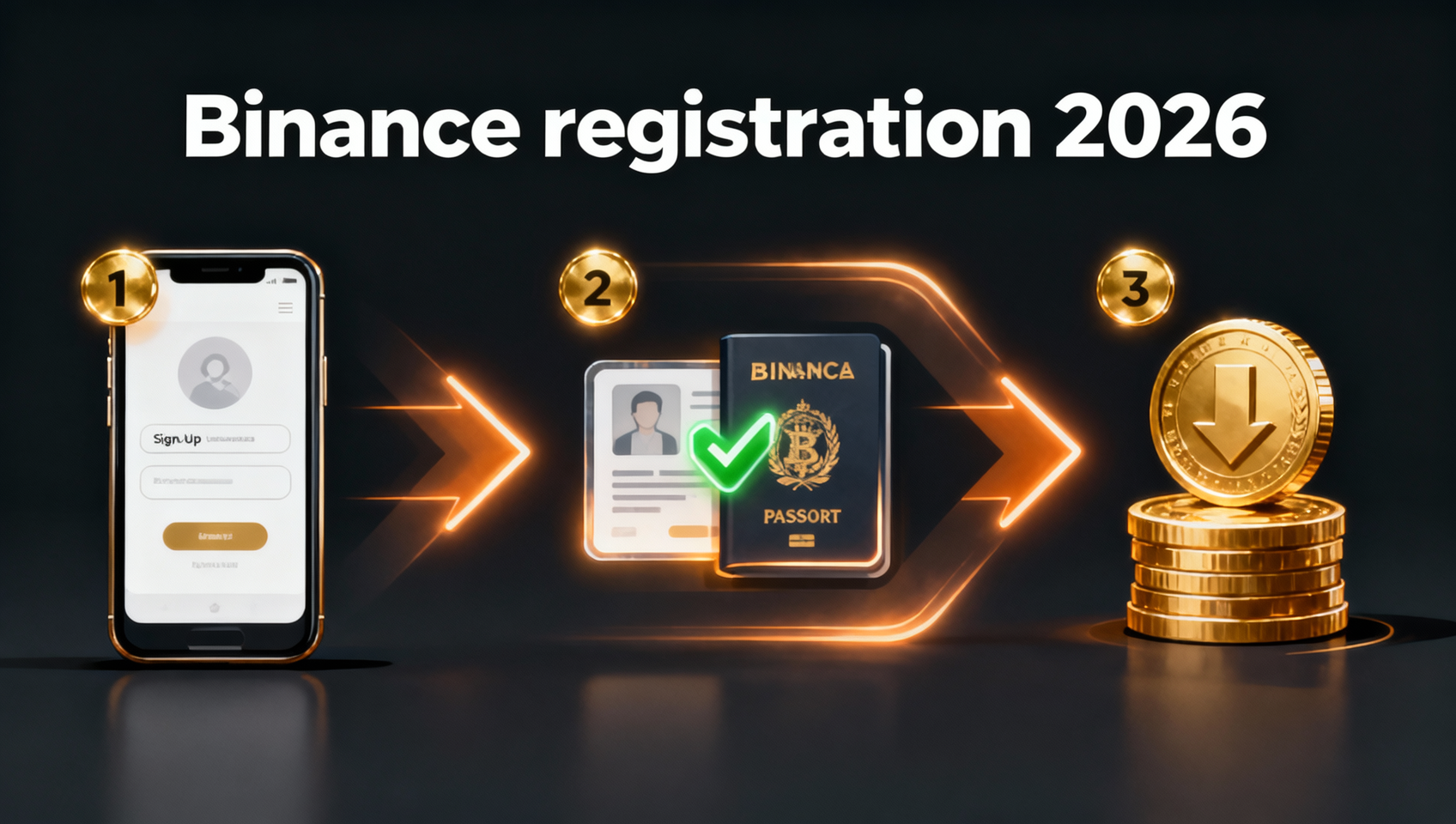
- The whole Binance registration flow takes 15–20 minutes: sign up → verify → KYC → deposit → buy, all in one go.
- Enter the invite code BINANBT at registration to get a 20% trading fee rebate, saving money over the long term.
- You must complete KYC identity verification to deposit, trade and withdraw — always use your own real identity.
- For your first deposit, buy USDT via C2C is the most convenient option with almost no entry barrier.
Table of contents
- What to prepare before you register
- Step 1: Open the website or app and start registration
- Step 2: Verify and sign in
- Step 3: Complete KYC identity verification
- Step 4: Buy USDT via C2C
- Step 5: Make your first crypto purchase
- Step 6: Enable security settings
- 💰 Binance rebate: invite code BINANBT
- FAQ
- Further reading
What to prepare before you register
Before you start, prepare three things so you can finish the whole flow in one go without getting stuck.
- An email or phone number that can receive a verification code (Gmail/Outlook is more stable long-term).
- A government-issued ID (passport, national ID or driver's licence) for KYC.
- A bank card with online banking for C2C payments.
💡 If this is your first time with crypto, read the Binance download guide first to install the official app — the whole flow is smoother.
Step 1: Open the website or app and start registration
Open the official Binance registration page and create a new account with your email or phone number — this is the first step.
- Open the official Binance registration page or the installed Binance app.
- Choose email or phone registration, enter your email/phone and set a strong password (12+ characters with upper/lowercase, numbers and symbols).
- Enter BINANBT in the invite code field (this is the rebate code — be sure to fill it in; it can also be bound within 30 days after registration).
💡 The invite code determines whether you get the 20% fee rebate. You can add it later if you miss it, but the sooner the better — see the Binance invite code guide for the rules.
Step 2: Verify and sign in
After submitting, Binance will send a verification email or SMS — passing it completes sign-up.
- Open the verification email from Binance and click the link (or enter the 6-digit code).
- Return to the app or website and sign in with your new account.
- On first login you will be guided through basic security setup — follow the prompts.
Step 3: Complete KYC identity verification
KYC (Know Your Customer) is Binance's identity verification required by regulation; only after passing it can you deposit, trade and withdraw.
- Go to the Identity Verification page and choose your country and ID type.
- Upload the front and back of your ID and complete the face/selfie verification.
- Enter your name and date of birth — these must exactly match your ID.
- After submitting, approval usually takes from a few minutes to a few hours, after which all features are unlocked.
⚠️ The most common KYC failures are blurry photos, glare and cropped ID edges. Shoot in good light with all four corners visible. Always use your own real identity — never buy or borrow someone else's account, as a mismatch between your identity and your withdrawal bank account will block withdrawals.
Step 4: Buy USDT via C2C
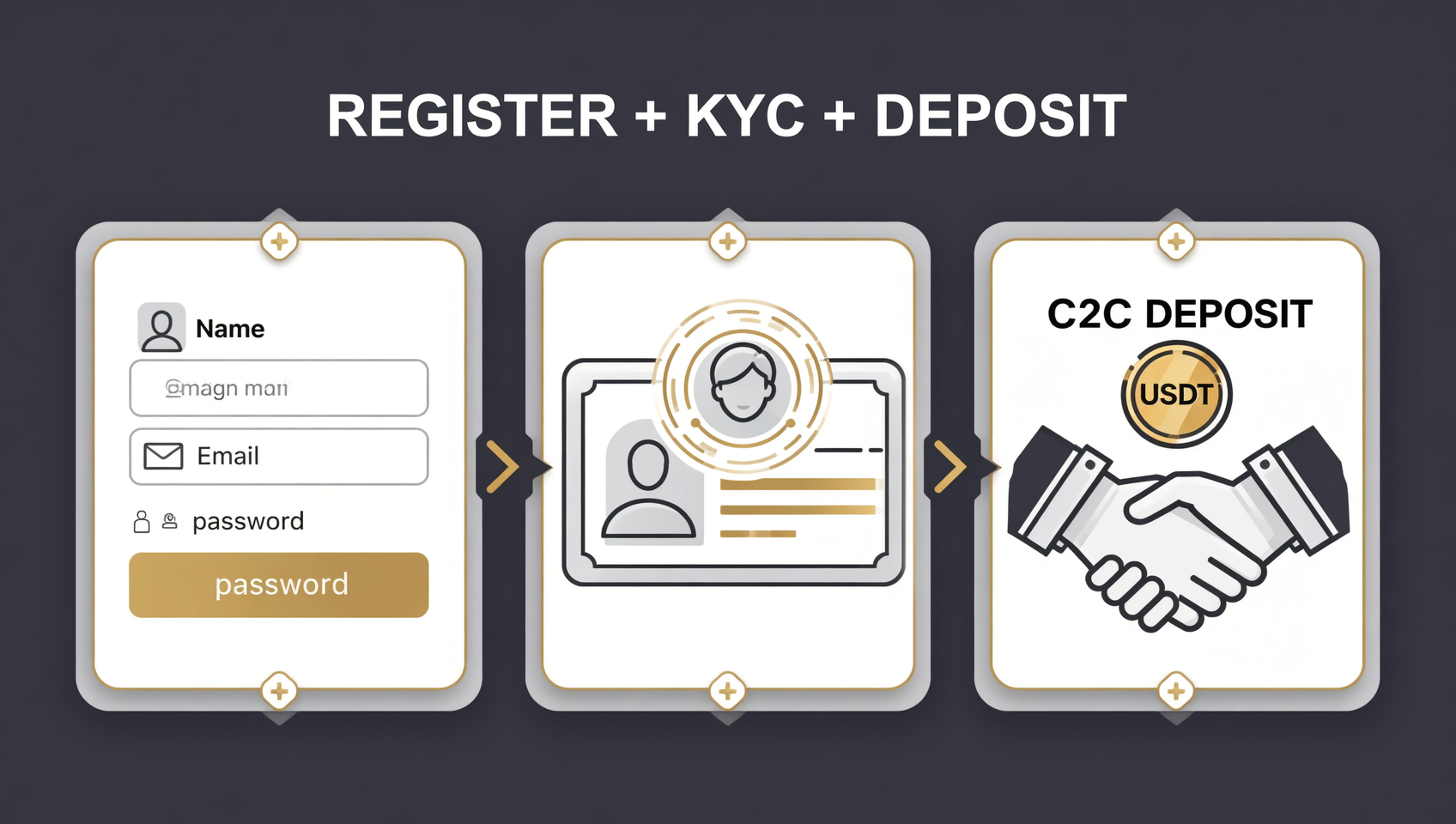
The easiest way to deposit is C2C: buy USDT directly from a seller with fiat, and the USDT is credited to your Binance account.
- Go to Buy Crypto → C2C, choose USDT and enter the amount you want to buy.
- The system matches you with a seller and shows the payment method (bank transfer, etc.).
- Transfer the amount to the account shown and click "I have paid".
- Once the seller confirms, the USDT is automatically released to your Funding Wallet.
⚠️ C2C payment tips: don't write "Bitcoin", "USDT" or "crypto" in the transfer note, or your bank may flag the payment. Start with a small test amount first. The whole C2C flow is escrowed by Binance — the seller cannot take your money without releasing the crypto, which makes it very safe for beginners.
Step 5: Make your first crypto purchase
Once the USDT arrives, you can buy the coins you want — this is the point of registering on Binance.
- Go to Trade → Spot and search for the coin (e.g. BTC or ETH).
- Choose Buy, enter the amount and complete the trade with USDT.
- The purchased coins go to your Spot Wallet, where you can view, hold or sell them.
💡 Practise the full flow with a small amount first, and never invest more than you can afford to lose.
Step 6: Enable security settings
After registering and buying, security matters more than the trades themselves — this step protects your assets.
- Bind Google Authenticator (2FA) or SMS verification in the Security Center.
- Set an anti-phishing code: every genuine Binance email contains it, helping you spot phishing emails.
- Enable the withdrawal address whitelist so funds can only go to approved addresses (new addresses are reviewed for 24 hours).
- Never share your password, verification code or seed phrase with anyone.
💰 Binance rebate: invite code BINANBT
The most easily missed step of Binance registration is entering the invite code. With BINANBT, 20% of every trading fee comes back to you — pure savings.
- Rebate amount: 20% of every trading fee is refunded automatically, saving money on long-term trading.
- How to claim: enter BINANBT in the invite-code field at signup; if you miss it, bind it within 30 days while your account has no trades.
- Stacking perk: enable "Use BNB to pay fees" to save another 25% — combined, your effective trading costs drop noticeably.
👉 Register on Binance with BINANBT and claim your 20% fee rebate
FAQ
Do I need identity verification to register on Binance?
Yes. Accounts that have not completed KYC cannot deposit, trade or withdraw. This is a standard requirement for compliant exchanges worldwide — always verify with your own real identity.
What if I forgot to enter the invite code BINANBT?
You can still add it. Within 30 days of registration, while your account has no valid trades, you can enter the invite code on the "Referral" page and enjoy the same 20% fee rebate.
What is the minimum amount to buy crypto on Binance?
The C2C entry barrier is low — a few dozen USDT (roughly tens of dollars) is enough to start. Practise with a small amount first, then add more once you're comfortable.
Can I deposit fiat currency?
Yes. Buying USDT from a seller with fiat via C2C is the most convenient deposit method and requires no currency exchange.
How long does KYC approval take?
Usually a few minutes to a few hours, and longer during peak periods. If it takes too long, check that your photos are clear and your details match your ID, then resubmit.
Further reading
- How to Download Binance in 2026: Android/iOS/HarmonyOS
- Binance Invite Code 2026: How to Claim the 20% Fee Rebate
- What Is Bitcoin? A Complete Beginner's Guide for 2026
- What Is XRP (Ripple)? How to Buy It in 2026
- How to Use MetaMask: setup, seed phrase and security
Disclaimer: this content is for educational purposes only and does not constitute investment advice. Crypto investing carries risk — make decisions based on your own situation. Binance fees, rebate rates and KYC requirements are subject to the figures published on the Binance website1.
Footnotes
-
Source: Binance official fee schedule and identity verification help pages, checked October 2026. ↩