

Key takeaways:
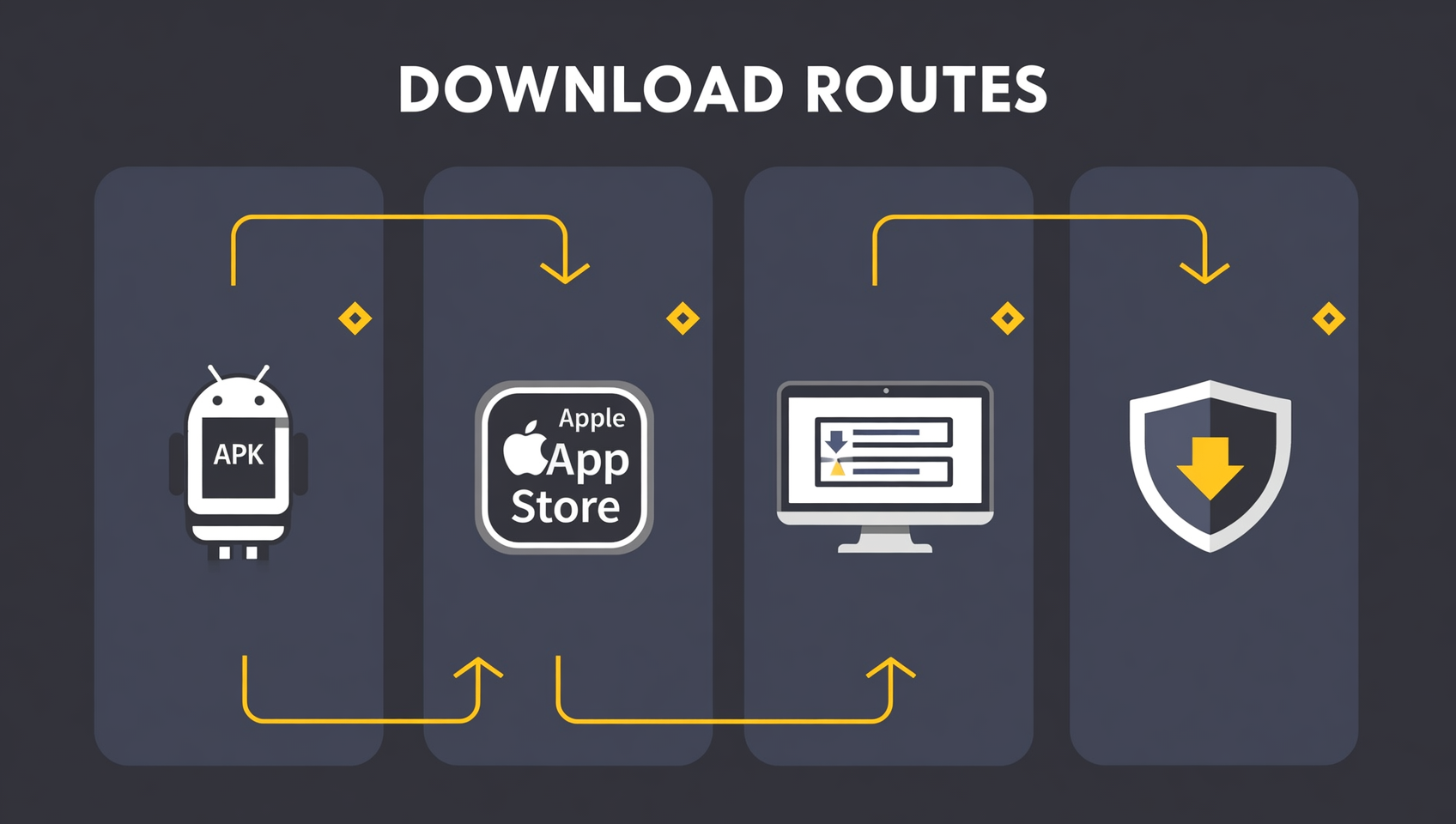
- There is only one safe route to download Binance — four official ways: Android APK, iOS App Store, desktop client and HarmonyOS. Touch nothing else.
- Downloading Binance is completely free: no paid "member unlock" or "premium download". Anyone asking you to transfer money first is a scammer.
- Android: get the APK straight from the official site (no Google Play needed). iOS: you need a foreign Apple ID. Desktop: download the .exe/.dmg. HarmonyOS: install the official package.
- Download/install problems usually come down to three causes: a corrupt file (re-download), a signature conflict (uninstall the old copy), or an old OS (update).
- After installing, enable 2FA, then don't register directly in the app — use invite code BINANBT for a 20% fee rebate.
Table of contents
- Where is the Binance download entry? Three things first
- Is downloading Binance free? Do I need to register first?
- Downloading Binance on Android: official APK install
- Downloading Binance on iOS: a foreign Apple ID
- Downloading Binance on desktop and HarmonyOS
- How to spot a fake Binance app
- Fixing download and install problems
- First steps after downloading Binance: security check
- 💰 Binance rebate: invite code BINANBT
- FAQ
- Further reading
Where is the Binance download entry? Three things first
There is exactly one entry to download Binance — the download page on Binance's official site. Mainland app stores don't carry Binance, and the pages of "Binance download sites" and "Binance mirror sites" across the web are almost all fakes. So before you start, remember three things to avoid 90% of phishing traps:
- Binance has only one official download entry: the download page on Binance's official site (Android APK, iOS, desktop and HarmonyOS are all there). Treat any third-party domain claiming to be the "official Binance download" as suspicious.
- Downloading Binance is always free: the app costs nothing, and there's no "member unlock" or "official-only version". Anyone asking you to transfer money first is a scammer.
- Know the developer and icon: the genuine app's developer is Binance and its icon is the signature black-and-gold diamond, rated 4.7+ with hundreds of millions of downloads.
⚠️ Why this matters most: once crypto assets land in a fake app, they're essentially gone. A fake app looks almost identical to the real one and waits for you to enter your password and verification codes so it can drain your funds. So "which entry you download from" matters far more than "how to download".
Is downloading Binance free? Do I need to register first?
Both downloading and registering Binance are completely free, and you don't need an account before downloading. These two questions trip up a lot of people; here's the short answer:
- Downloading is free: the Binance app is free to download; there's no such thing as a paid "member unlock".
- You don't need to register first: you can download the app first and decide on registering later, or register on Binance first and then download — the two don't block each other.
- Use an invite code when you register: entering invite code BINANBT at signup gets you a 20% fee rebate. Registering directly in the app earns no new-user reward — this is the extra benefit most worth grabbing alongside the download.
💡 A common misconception: "I need a VPN to reach Binance's site to download it" — the Android APK usually installs without a VPN; on iOS what you need is a foreign Apple ID, not a VPN. We'll cover each platform below.
Downloading Binance on Android: official APK install
Android is the easiest way to download Binance: get the APK straight from the official site — no Google Play and no VPN needed.
- Open Binance's official download page and choose the Android version.
- Download the official APK (filename starts with BNApp, usually 100MB+).
- Some phones show "install from unknown sources is blocked" — go to Settings → Security → Install unknown apps and allow your browser or file manager.
- Tap the APK to install; when the Binance icon appears on your home screen, you're done.
📱 Deep Android guide: to verify the APK's digital signature, find the per-brand "unknown sources" settings, or fix install failures/crashes/antivirus false positives, see the Binance Android APK download guide — this article only covers the four basic steps.
⚠️ APK safety reminder: only get the APK from Binance's official download page. Never download a Binance APK from search results, third-party app stores or unknown sites — those packages may carry a trojan or phishing code.
Downloading Binance on iOS: a foreign Apple ID
On iPhone, the hurdle to downloading Binance is the Apple ID, not the app: the mainland App Store doesn't list Binance, so you need a foreign Apple ID. Register one yourself for free — no card needed, and don't buy a shared account.
- Register a foreign Apple ID: when creating it on Apple's site, set the country/region to the US (or another foreign region) and choose "None" as the payment method; you can use your +86 mainland phone number to receive the code.
- On your iPhone, switch only "Media & Purchases": Settings → your name at the top → Media & Purchases → Sign Out, then sign in with the foreign ID. Don't touch iCloud — WeChat, photos and backups are unaffected.
- Open the App Store and search Binance; look for the developer Binance and the black-and-gold diamond icon.
- Download and install. You'll need to switch back to the foreign region to update.
📱 Deep iOS guide: the full details on registering a foreign Apple ID, switching safely and spotting clone apps are in the Binance iOS download guide.
Downloading Binance on desktop and HarmonyOS
Beyond mobile, Binance offers Windows / macOS desktop clients and a HarmonyOS package — all on the same official download page.
- Windows / Mac: the site detects your system and downloads the
.exe(Windows) or.dmg(Mac) client. On Windows, if SmartScreen blocks it, click "More info → Run anyway"; on macOS, open "System Settings → Privacy & Security" and click "Open Anyway". - HarmonyOS: download the HarmonyOS package from the official site, allow "install unknown apps" and install it; if Huawei's "Pure Mode" blocks it, turn off enhanced protection in "Settings → System & updates → Pure Mode".
Desktop security check: on Windows, right-click the installer → Properties → Digital Signatures, where the signer should be "Binance Holdings Limited"; on macOS run codesign -dv /Applications/Binance.app in the terminal and the Authority should contain "Developer ID Application: Binance Holdings Limited"1.
How to spot a fake Binance app
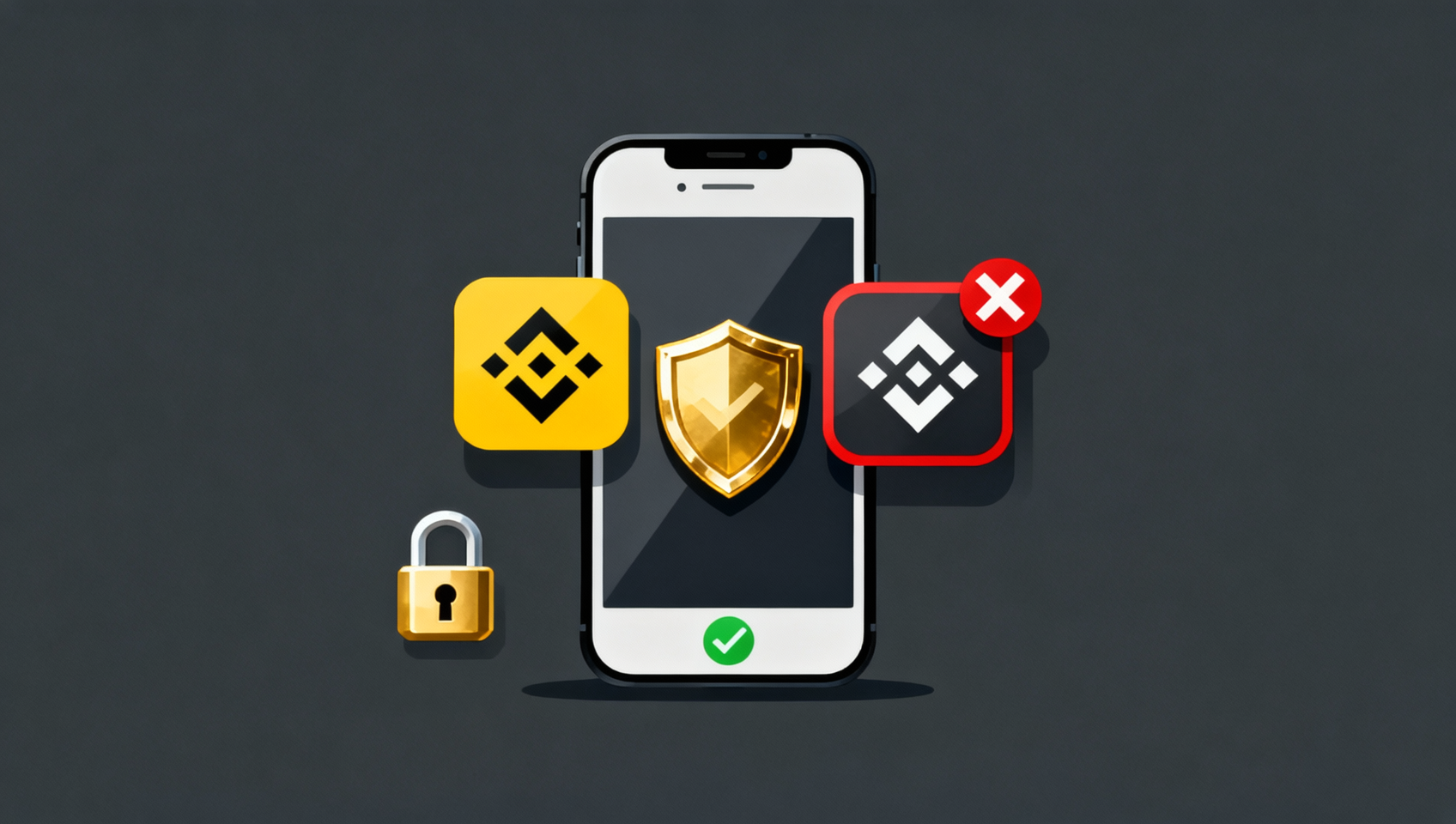
The biggest risk in downloading Binance isn't failing to get it — it's getting a fake. Check three things: the source, the developer/icon, and the digital signature.
| Check | Genuine | Fake |
|---|---|---|
| Source | Only Binance's official download page / the official App Store listing | Search results, app markets, QQ groups, unknown sites |
| Developer | Binance | An unknown company or individual |
| Icon | Black-and-gold diamond | Flashy colors or a knock-off icon with text |
| Digital signature | Binance Holdings Limited | Unknown or a personal/third-party signer |
⚠️ Watch the other direction too: if a "Binance APK" is only a few MB, or its name contains words like "cracked / accelerated / lite / member", it's almost certainly fake. The digital signature is the hardest check — if the signer isn't Binance Holdings Limited, delete it no matter how identical it looks.
Fixing download and install problems
If the installer from the official site won't install or open, it's almost always one of three causes. Go down the table and fix it.
| Symptom | Cause | Fix |
|---|---|---|
| Parse error / corrupt file | Interrupted download, incomplete file | Delete it and re-download from the official site |
| Conflict with an installed app | An older copy with a mismatched signature | Uninstall the old version, then install the official one |
| White screen / crash | OS too old or app too outdated | Update the OS or download a compatible version |
| Won't open the install | Blocked by "unknown sources" | Allow the current app to install in settings |
| Can't find Binance | App Store still set to the China region | Confirm "Media & Purchases" switched to the foreign ID |
First steps after downloading Binance: security check
Installing the app isn't the end of the story — the next three things block most account-theft risks.
- Check the client: go to "Profile → About" and confirm the version matches the official one, with no "cracked / accelerated" labels.
- Enable two-factor authentication (2FA): in the Security Center, bind Google Authenticator or phone verification so login and withdrawals both need a second confirmation.
- Don't register directly in the app: registering right after downloading earns no new-user reward — only the registration link or invite code BINANBT gets you the 20% fee rebate.
💰 Binance rebate: invite code BINANBT
After downloading and installing, enter invite code BINANBT at registration to get a 20% fee rebate — the extra benefit most worth grabbing alongside the download. Key reminder: don't register directly in the app, which earns no new-user reward; only the registration link or invite code BINANBT gets it for you.
- Rebate amount: 20% cashback on every trading fee, saving you money on every trade over time.
- How to claim it: enter BINANBT in the "invite code" field at signup; if you miss it, you can bind it within 30 days of registering.
- Stack it: turn on "pay fees with BNB" to save an extra 25% on fees.
👉 Register on Binance now and claim your 20% fee rebate
FAQ
Where is the official entry to download Binance?
Binance has no "single official download address" — the official download entry is the download page on Binance's official site (Android APK, iOS, desktop and HarmonyOS are all there). Treat any non-official domain claiming to be a "Binance download site" as suspicious.
Does downloading Binance cost money?
It's completely free. Downloading and registering the Binance app both cost nothing. Any channel demanding a "paid download" or "member unlock" is fake — close it and report it.
Do I need to register before downloading Binance?
No. You can download the app first and register later, or register first and download later — the two don't block each other. But when you register, enter invite code BINANBT; registering directly in the app earns no new-user reward.
Does the Android version have to be downloaded as an APK?
Most Chinese Android phones (Xiaomi/Huawei/OPPO/vivo/Honor) have no Google Play, so the only route is the APK from the official site. Overseas Android phones can search Binance on Google Play.
Does the iOS version require a foreign Apple ID?
Yes. The mainland App Store doesn't list Binance, so you need a foreign-region Apple ID. Register one yourself for free; don't buy a shared account. See the Binance iOS download guide for the full walkthrough.
How do I tell whether the downloaded Binance app is genuine?
Check three things: ① the source must be Binance's official download page or the official App Store listing; ② the developer is Binance with the black-and-gold diamond icon; ③ the digital signature is Binance Holdings Limited. All three must match.
The downloaded Binance won't open — what now?
First switch networks (toggle Wi-Fi/mobile data) and retry, then check you're on the latest version; if it still won't open, re-download the latest installer from the official site. For deep Android troubleshooting see the Binance Android APK download guide.
Do I need a VPN to download the Binance app?
The Android APK usually installs without a VPN; on iOS what you need is a foreign Apple ID, not a VPN. Please follow local laws and use official channels.
Further reading
- Binance download guide 2026: Android / iOS / HarmonyOS / desktop
- Binance Android APK download guide: official install, fix errors & verify the app
- Binance iOS download guide: foreign Apple ID, safe switching & spotting fakes
- Binance registration guide 2026: signup, KYC and buying
- Binance official website entry guide: official URLs and anti-phishing
Disclaimer: this content is educational only and not investment advice. Cryptocurrency investing carries risk; decide according to your own situation. Only obtain the Binance app through official channels such as Binance's site and the App Store, and run a security check after installing. Signatures and fee rates are as published by Binance1.