

Key takeaways:
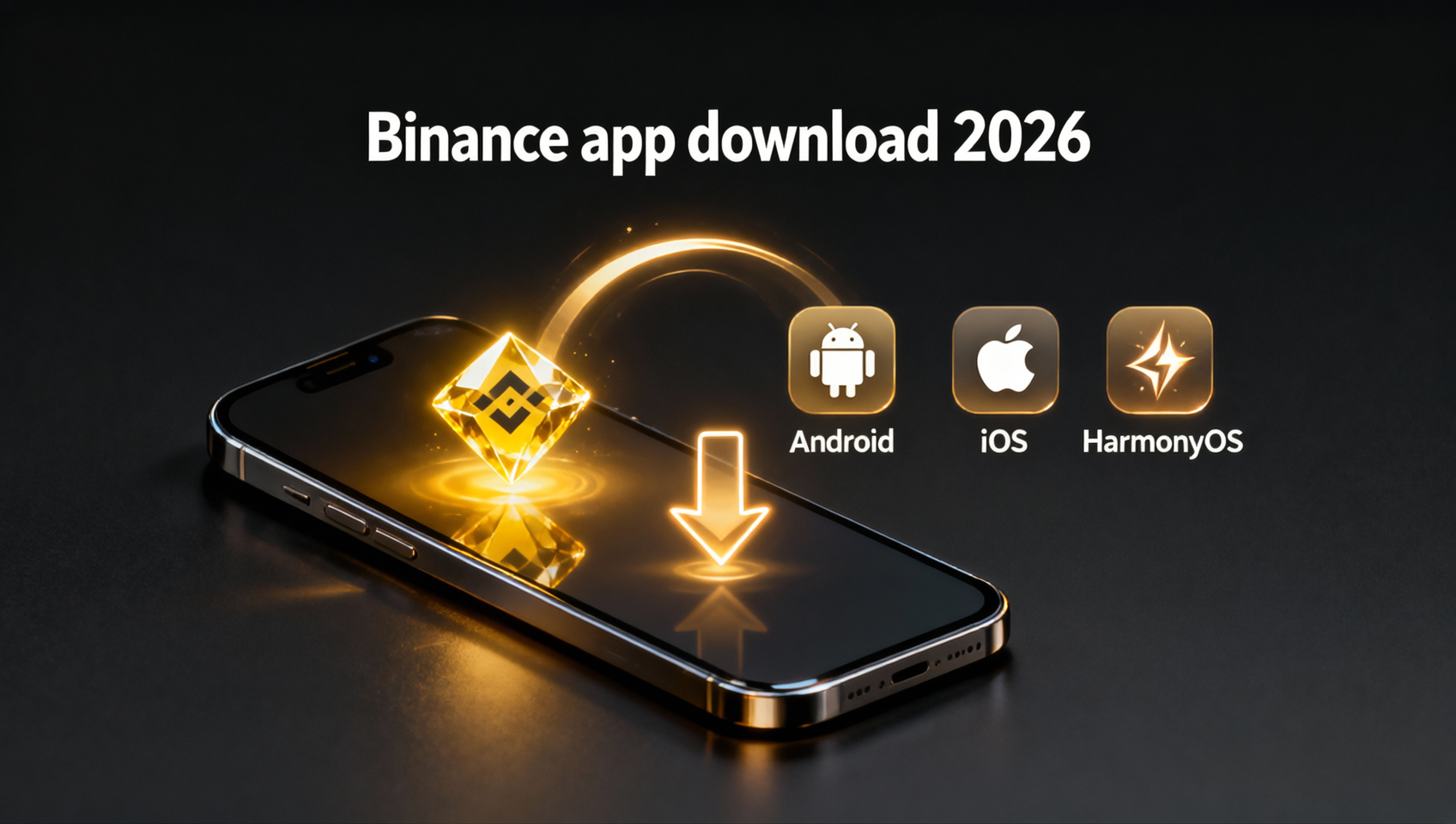
- The only safe way to download Binance is its official website — four channels: Android APK, iOS App Store, HarmonyOS and the Windows/Mac desktop app; never trust any other source.
- Android users can install the official APK with no Google Play; iOS users need an overseas Apple ID; HarmonyOS installs the official package directly.
- Downloading and registering are both free — any "paid download", "membership unlock" or "official-version-only" site is a scam.
- If it won't install or open, it's usually one of three things: a corrupt file (re-download), a signature conflict (uninstall the old copy) or an old OS (upgrade).
- After installing, enable 2FA first, then register with the invite code BINANBT for a 20% fee rebate (don't register directly in the app).
Table of contents
- Three things to know before downloading Binance
- Official download channels at a glance
- Android: direct APK install (no Google Play)
- iOS: App Store download (overseas Apple ID)
- HarmonyOS install
- Windows / Mac desktop download
- Fixing a Binance app that won't install or open
- First step after downloading: security checks
- 💰 Binance rebate: invite code BINANBT
- FAQ
- Further reading
Three things to know before downloading Binance
Binance has no version in mainland-China app stores — users download via the official Binance download page or an overseas Apple ID, and this is where most download mistakes happen. Before you start, remember three things that will steer you past 90% of phishing traps:
- The official download entry is a single domain family: the registration site and the official download page. Any other "Binance official", "Binance mirror" or "Binance download" site not on the official domain is suspect.
- Downloading is always free: the Binance app is free, with no "membership download", "paid unlock" or "official-version-only". Anyone asking you to send money first is a scammer.
- Check the developer and icon: the genuine app is published by Binance, with the signature black-and-gold diamond icon, a 4.7+ rating and hundreds of millions of downloads.
⚠️ Why this step matters most: crypto assets sent to a fake app are almost impossible to recover. Fake apps look nearly identical to the real one, waiting for you to enter your password and verification code before draining your coins. So where you download matters far more than how.
Official download channels at a glance
Binance download comes down to four routes, split by device: Android APK, iOS App Store, HarmonyOS, and the Windows / Mac desktop client.
| Platform | Download method | Special requirement |
|---|---|---|
| Android | Download the APK directly from the website | No Google Play needed |
| Android | Search "Binance" on Google Play | Google services required |
| iOS | Search "Binance" on the App Store | Overseas Apple ID required |
| HarmonyOS | Official HarmonyOS package | No Google services needed |
| Windows / Mac PC | Download the .exe / .dmg client from the website | Windows 10/11 or macOS 10.15+ |
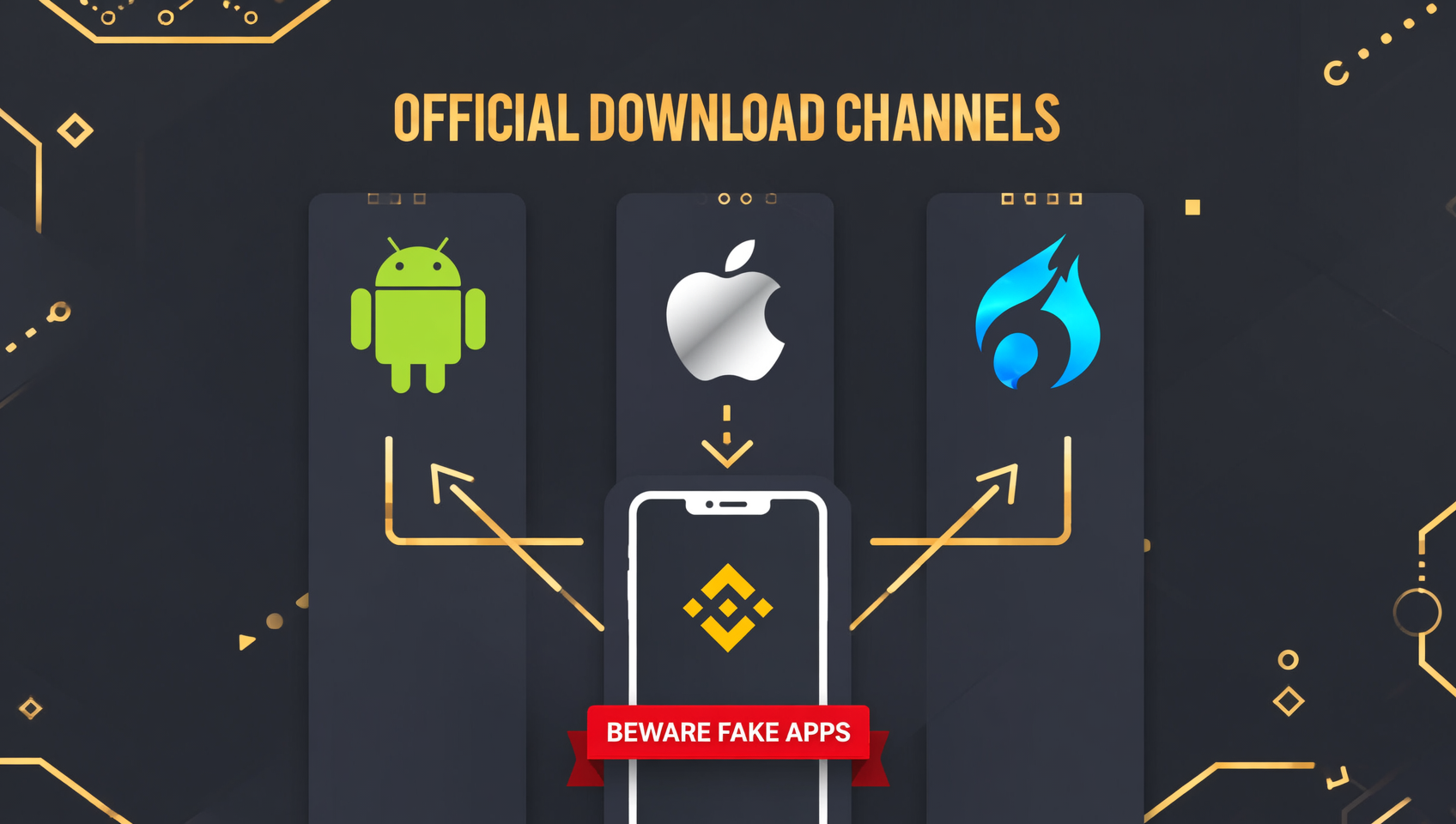
Downloading is free on every platform, and no invite code is required to download. If you see a "paid download" or "membership unlock" prompt, close it and report it.
Android: direct APK install (no Google Play)
Android is the easiest route — download the APK directly from the official site, with no Google Play or VPN store needed.
- Open the official Binance download page and choose the Android version.
- Download the official APK (the file name starts with
BNApp). - If your phone warns about installing from unknown sources, go to Settings → Security → Install unknown apps and allow your browser or file manager.
- Tap the APK to install. A Binance icon on your home screen means success.
📱 Android deep dive: to verify the APK's digital signature, find the per-brand "unknown sources" path, or fix install failures/crashes and antivirus false positives, see the Binance Android APK download guide. This article covers the four download steps; the deep troubleshooting lives there.
⚠️ APK safety reminder: only download the APK from the official Binance download page. Never download the Binance APK from a Baidu search, a third-party app market or an unknown website — those installers may be trojan-laced or phishing apps.
iOS: App Store download (overseas Apple ID)
iOS users download the official Binance from the App Store, and mainland-China App Store results don't show Binance — you need an overseas Apple ID.
- Sign out of the current account and sign in to an overseas Apple ID (US, Hong Kong, Singapore, etc.).
- Search Binance and look for the developer Binance with the black-and-gold diamond icon.
- Download and install. If it says "Untrusted Enterprise Developer" on first launch, go to Settings → General → VPN & Device Management and trust the certificate.
No overseas Apple ID? Two options: ① create one yourself — on Apple's "Create Your Apple ID" page set the country/region to the US or another overseas region and choose "None" as the payment method to register for free; ② sign in to an existing overseas account. Don't buy a "shared Apple ID" online — those accounts can be locked at any time and lock you out instead.
If you don't have an overseas Apple ID yet, you can register for Binance first and handle the download later — the two can run in parallel.
HarmonyOS install
HarmonyOS phones have no Google services, so install the HarmonyOS package provided on the Binance website — the only official path for HarmonyOS users.
- Open the official Binance download page and choose the HarmonyOS version.
- After downloading, allow "install unknown apps" in the system prompt.
- Open the Binance app and sign in normally.
The HarmonyOS build has the same features as the Android version — registration, KYC and trading are all supported. Note Huawei's "Pure Mode": if the install is blocked, go to "Settings → System & updates → Pure Mode" and turn off enhanced protection first.
Windows / Mac desktop download
Beyond mobile, Binance also offers Windows and macOS desktop clients with essentially the same features as the mobile app — ideal for anyone who prefers to watch the market and place orders on a big screen.
- Open the official Binance download page; it auto-detects your system and lets you download the Windows (.exe) or macOS (.dmg) installer (usually named
BinanceDesktop_Setup.exe/.dmg). - Windows install: double-click the
.exe; if SmartScreen warns you, click "More info → Run anyway". Some antivirus software (360, Tencent PC Manager, etc.) may false-flag it — add it to the allowlist. - macOS install: double-click the
.dmgto mount it and drag the Binance icon into the Applications folder; on first launch, if "developer cannot be verified" appears, go to "System Settings → Privacy & Security" and click "Open Anyway". - Enable 2FA at login; the account is shared across mobile, desktop and web.
System requirements: Windows needs Win10/11 64-bit; macOS needs 10.15 or later, with universal support for both Intel and Apple Silicon (M-series chips).
⚠️ Desktop security check: on Windows, right-click the installer → Properties → Digital Signatures — the signer should be "Binance Holdings Limited"; on macOS run
codesign -dv /Applications/Binance.appin the terminal and confirm the Authority contains "Developer ID Application: Binance Holdings Limited". The desktop client is Electron-based with about 95% feature parity with the web version; C2C and Launchpad are among the few features not yet supported.
Fixing a Binance app that won't install or open
If the installer you downloaded from the official website won't install or open, it's almost always one of three causes — go down the list.
| Symptom | Cause | Fix |
|---|---|---|
| Parse error / corrupt package | Interrupted download, incomplete file | Delete and re-download from the official site |
| Conflicts with an installed app | An old version with a mismatched signature | Uninstall the old copy, then install the official APK |
| Blank screen / crash | OS too old or app too outdated | Upgrade the OS, or download a compatible build |
| Installer won't open | Blocked by "unknown sources" | Allow the current app in settings |
First step after downloading: security checks
Installing the app is not the end — the following three checks block most account-theft risks.
- Verify the client: go to "Profile → About" and confirm the version matches the official build, with no "cracked" or "accelerated" labels.
- Enable 2FA: bind Google Authenticator or SMS verification in the Security Center so login and withdrawals require a second confirmation.
- Never screenshot verification codes or trade on unknown Wi-Fi: leaked codes are the most common cause of stolen funds.
💰 Binance rebate: invite code BINANBT
After installing, enter the invite code BINANBT at registration to claim a 20% trading fee rebate — the perk most worth grabbing alongside the download. Key reminder: don't register directly in the app — you get no signup reward that way; you only earn it through a registration link or the invite code BINANBT.
- Rebate amount: 20% of every trading fee is refunded, saving money on long-term trading.
- How to claim: enter BINANBT in the invite-code field at signup; if you miss it, you can still bind it within 30 days.
- Stacking perk: enable "Use BNB to pay fees" to save another 25% on fees.
👉 Register on Binance and claim your 20% fee rebate
FAQ
What is the official Binance download address?
There's no single "official download URL" — the official download entry is the download page on Binance's official website (Android APK, the iOS guide, HarmonyOS and desktop are all there). Any non-official domain claiming to be a "Binance download site" or "official mirror" is suspect.
Do I have to pay to download Binance from the official website?
No, it is completely free. The Binance app download and registration are both free. Any "paid download" or "membership unlock" channel is fake — close it and report it immediately.
Why won't the Binance app open on my Android phone?
The most common causes are network instability or an outdated version. Switch between Wi-Fi and mobile data and retry, then check for updates. If it still won't open, download the latest APK from the official site and reinstall it. For deeper fixes, see the Binance Android APK download guide.
Do I need an overseas Apple ID for Binance on iOS?
Yes. Because of regional restrictions, Binance is not available in the mainland China App Store, so you need an overseas Apple ID to download the official app. You can register one yourself for free — don't buy a shared account.
How do I tell if the Binance app is genuine?
Three checks: 1) verify the developer name — it should be Binance; 2) check downloads and rating — the official app has hundreds of millions of downloads and a 4.7+ rating; 3) open the app and check features — fake apps usually have missing features and rough UI.
What's the difference between the Binance app and the website?
The app supports fingerprint/face login, push notifications and QR transfers; the website suits large trades and deep analysis. Using both is recommended.
Do I need a VPN to download the Binance app?
The Android APK direct install usually doesn't need one; iOS needs an overseas Apple ID. Follow local laws and use official channels.
Further reading
- Binance Android APK download guide: official install, fixes & verification
- Binance Registration 2026: Sign Up, KYC & Buying Crypto
- Binance Invite Code 2026: How to Claim the 20% Fee Rebate
- Binance Official Website Entry Guide: URLs & Anti-Phishing
Disclaimer: this content is for educational purposes only and does not constitute investment advice. Crypto investing carries risk — make decisions based on your own situation. The APK comes from official Binance channels; run a security check after installing. Binance spot fees and BNB discounts are subject to the figures published on the Binance website1.
Footnotes
-
Source: Binance official fee schedule, checked October 2026. ↩