


Table of Contents
- What is C2C Trading?
- Why Choose C2C?
- Step 1: Preparation
- Step 2: Choose a Merchant
- Step 3: Place an Order
- Step 4: Confirm & Receive
- Frozen Card Prevention (Important)
- FAQ
- Summary & Tips
💡 Don't have a Binance account yet? Follow the Binance Registration Guide first.
What is C2C Trading?
C2C (Customer-to-Customer) means buying and selling crypto directly between users. You buy USDT from another Binance user using fiat currency. When the seller confirms they've received your payment, the platform releases the crypto to your account.
Binance acts as an escrow — the seller locks their crypto on the platform, and it's only released when you've paid. Neither party can cheat the other.
C2C vs "Buy Crypto" Quick Entry
| Aspect | C2C Trading | "Buy Crypto" |
|---|---|---|
| Counterparty | Other users (merchants) | Market makers (platform) |
| Price | Market-driven, usually better | Fixed, wider spread |
| Difficulty | Need to select merchant | One-click |
| Speed | 10-30 minutes | A few minutes |
| Payment options | Bank, Alipay, WeChat Pay | Usually bank cards |
Why Choose C2C?
- Better rates — For the same amount in RMB/CNY, C2C typically gives you 1-3% more USDT
- Flexible payments — Bank card, Alipay, WeChat Pay — use whatever's convenient
- No on-chain fees — USDT lands in your Binance account directly, no blockchain fees
- Negotiable for large amounts — For 10,000+ USDT orders, you can negotiate better rates
Step 1: Preparation
1. Complete KYC Verification
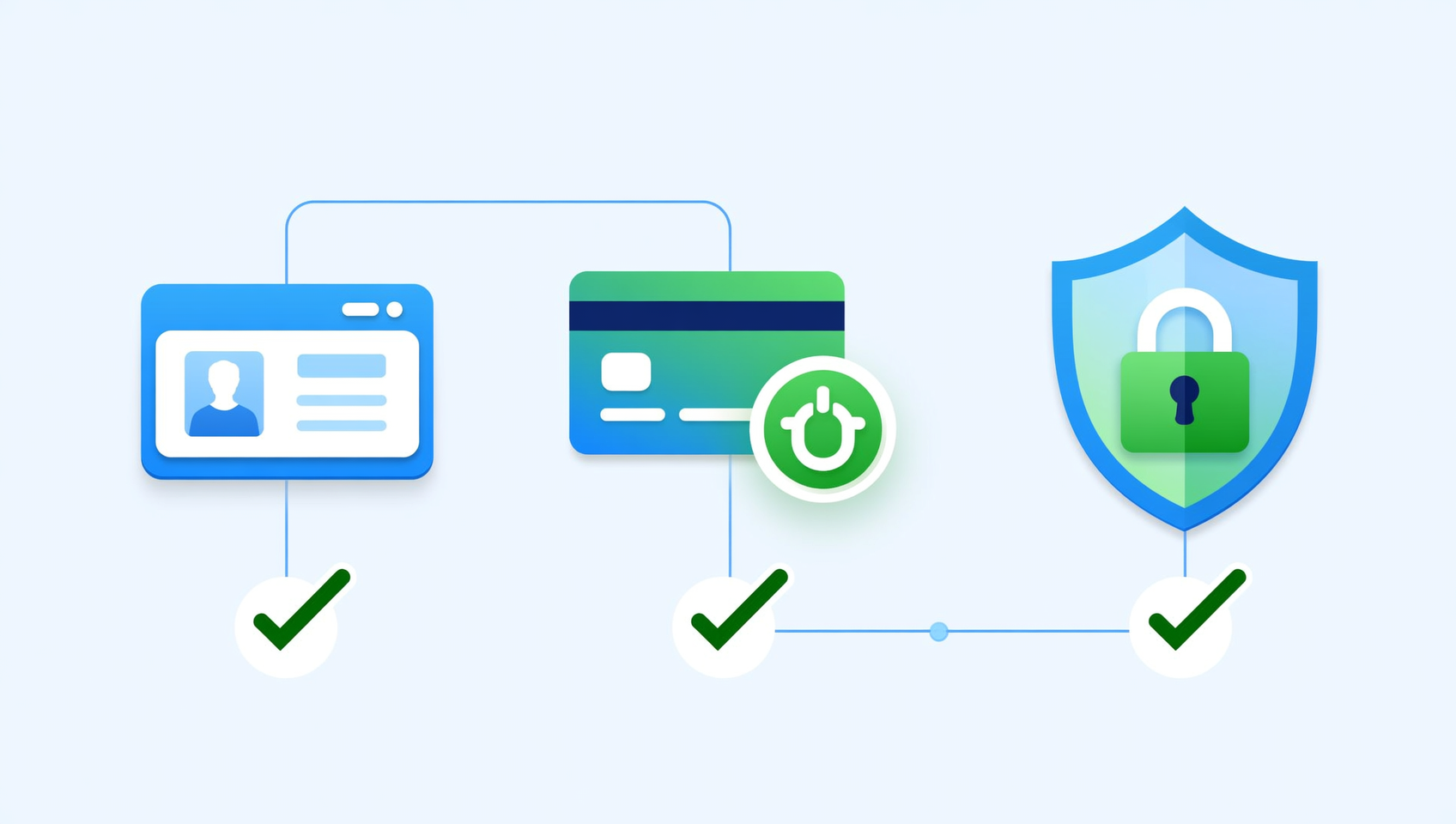
- Binance account → Profile → Identity Verification
- Upload ID/Passport → Complete facial recognition
- KYC Level 2 is required for C2C trading
- Takes a few minutes to a few hours to process
2. Link Payment Methods
| Method | Features | Recommended Amount |
|---|---|---|
| Bank Card | High limits, for large amounts | 700+ USD |
| Alipay | Fast, small transactions | 70-700 USD |
| WeChat Pay | Daily use, fast arrival | 70-700 USD |
- Go to C2C → Profile → Payment Settings
- All linked accounts must match your KYC name
3. Security Setup
- Enable Google Authenticator (recommended)
- Set up an Anti-Phishing Code
- Bind trusted devices
⚠️ Never share your payment passwords, SMS codes, or private keys in C2C chat.
Step 2: Choose a Merchant
📺 Not sure how to pick a merchant in the self-selection zone? Watch the Binance C2C self-selection zone video.
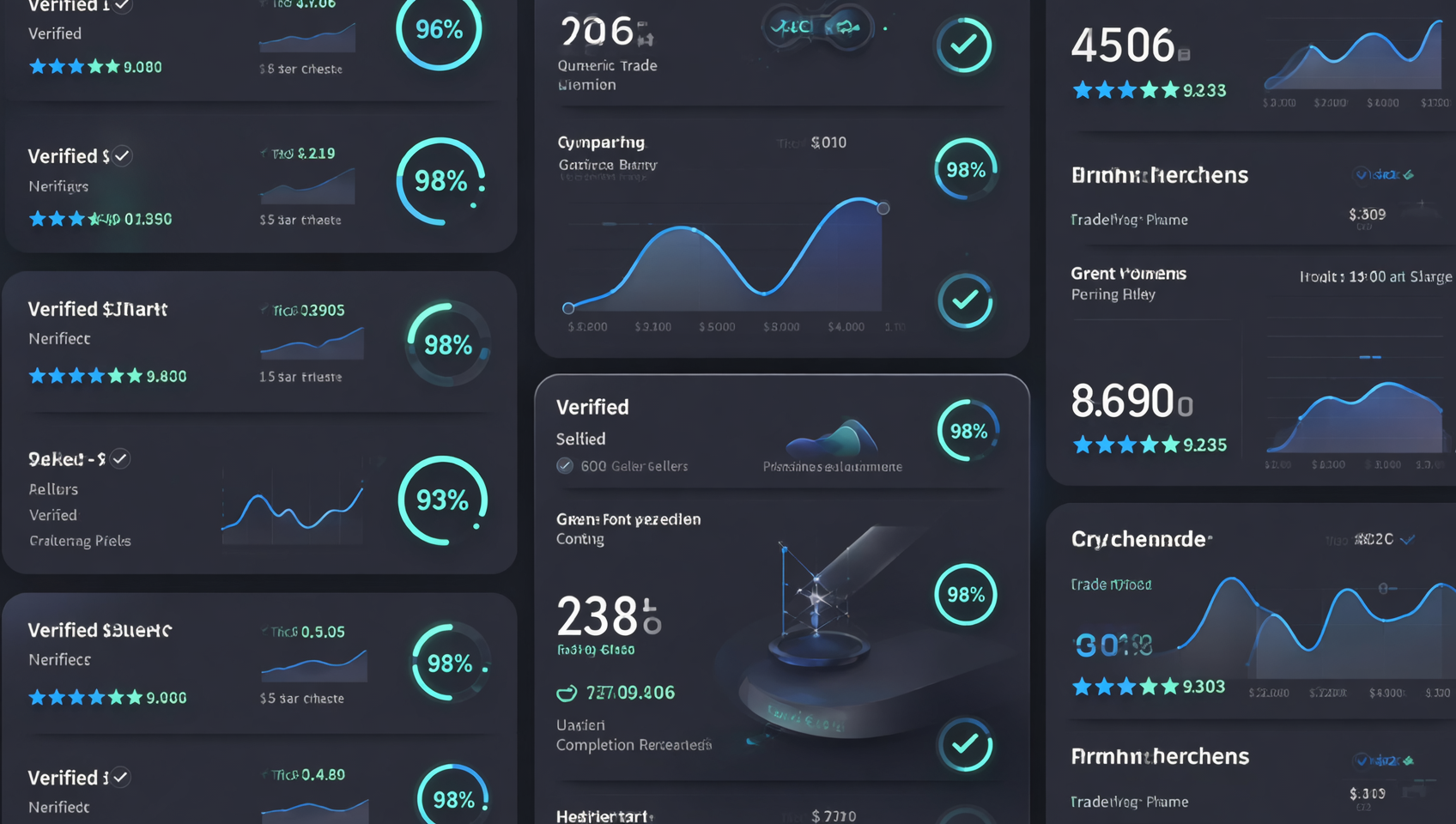
Open Binance → C2C → Buy → USDT. You'll see a list of merchant offers.
Key Metrics
| Metric | What to Look For | Good Standard |
|---|---|---|
| Price | Per USDT in CNY | Within 0.5% of market average |
| Orders | Total completed trades | 1,000+ |
| Rating | Positive feedback % | 99%+ |
| 30-day Completion | Recent order completion rate | 95%+ |
| Payment | Supported methods | Must match yours |
Merchant Priority
- 🥇 Binance Verified Merchants — Most reliable
- 🥇 Verified Merchants — ID-verified with long history
- 🥈 High-volume — 5,000+ orders, 99.5%+ rating
- 🥉 Mid-volume — 1,000-5,000 orders, 99%+ rating
Step 3: Place an Order
Process
- Enter amount — How much USDT you want to buy (or how much fiat to spend)
- Review order — Confirm merchant, price, total, payment method
- Wait for merchant confirmation — Merchant has 15 minutes to confirm
- Transfer payment — Use your linked payment method to send money
- Mark as paid — Tap "I've Paid" in the app
⚠️ Never cancel an order after you've already transferred money. Your funds could be lost.
Step 4: Confirm & Receive
1. Wait for Release
The merchant releases USDT after confirming receipt. Quality merchants do this within 5 minutes.
2. Transfer to Spot Wallet
USDT arrives in your C2C wallet. Transfer it to your Spot Wallet to start trading:
- C2C → Balance → Transfer
- From C2C Wallet → Spot Wallet
3. Start Trading
Now you can trade on Binance Spot, save in Earn, or withdraw to a wallet.
Frozen Card Prevention (Important)
⚠️ This is the most critical part of C2C trading. Improper practices can lead to frozen bank cards.
Why cards get frozen
Some C2C merchants may receive funds linked to illegal activity. When those funds pass through your account, your card can be frozen by authorities or bank risk controls.
6 Prevention Tips
1️⃣ Diversify Receiving Accounts
- ❌ Don't always use the same bank card for large amounts
- ✅ Rotate between 2-3 different bank cards
- ✅ Use Alipay/WeChat Pay for small amounts
2️⃣ Use Smaller Banks
- ✅ City commercial banks, regional banks
- ❌ Avoid big state-owned banks (stricter risk controls)
3️⃣ Transfer Memo — Critical!
- ✅ Leave it blank, or use neutral words like "payment", "goods"
- ❌ Never write "buy USDT", "Bitcoin", "Binance", "crypto", or any crypto-related keywords
- Many banks auto-scan transfer memos for sensitive keywords
4️⃣ Keep Complete Records
Save for every trade:
- Order screenshots (with order ID)
- Transfer confirmation
- Chat history (if any)
- Bank transaction records
5️⃣ Avoid Suspicious Patterns
- ❌ Don't do multiple large C2C trades the same day
- ❌ Don't receive funds from multiple sources then forward them
- ✅ Keep daily trading under ~15,000 USD equivalent
6️⃣ Prefer Alipay/WeChat Pay
For orders under 1,500 USD, use Alipay or WeChat Pay instead of bank cards — lower risk triggers and easier to resolve if flagged.
If Your Card Gets Frozen
- Contact your bank — Determine the reason and freezing authority
- Prepare evidence — Collect all transaction proof
- Contact Binance support — Get official transaction verification
- Stay calm — Legitimate trades can be resolved with proper documentation
FAQ
C2C vs "Buy Crypto" — What's the difference?
Binance has two fiat entry points. "Buy Crypto" uses integrated market makers — simple but wider spread. C2C is peer-to-peer with better rates. Choose C2C for price, "Buy Crypto" for convenience.
How long does C2C take?
10-30 minutes typically. Good merchants release within 5 minutes of payment confirmation.
How to choose a reliable merchant?
1,000+ orders, 99%+ rating, 95%+ 30-day completion rate. Binance Verified first.
Card frozen — what to do?
Contact bank, prepare transaction proof, contact Binance support. Prevention is key — use the 6 tips above.
C2C limits?
KYC Level 2: ~50,000 USDT per order, ~200,000 USDT daily. Split large amounts.
Fees?
Free for C2C buyers (merchant pays ~0.35%). This is why C2C rates beat "Buy Crypto."
Summary
Key Takeaways
- Prepare — Complete KYC2, link 2+ payment methods
- Choose merchants — 1,000+ orders, 99%+ rating, 95%+ completion
- Prevent frozen cards — Diversify accounts, safe memos, keep records
- After receiving — Transfer from C2C Wallet to Spot Wallet
Recommended Reading
📚 Learning Resource: What is Blockchain? Complete Beginner Guide — Blockchain fundamentals and on-chain data analysis tutorials