
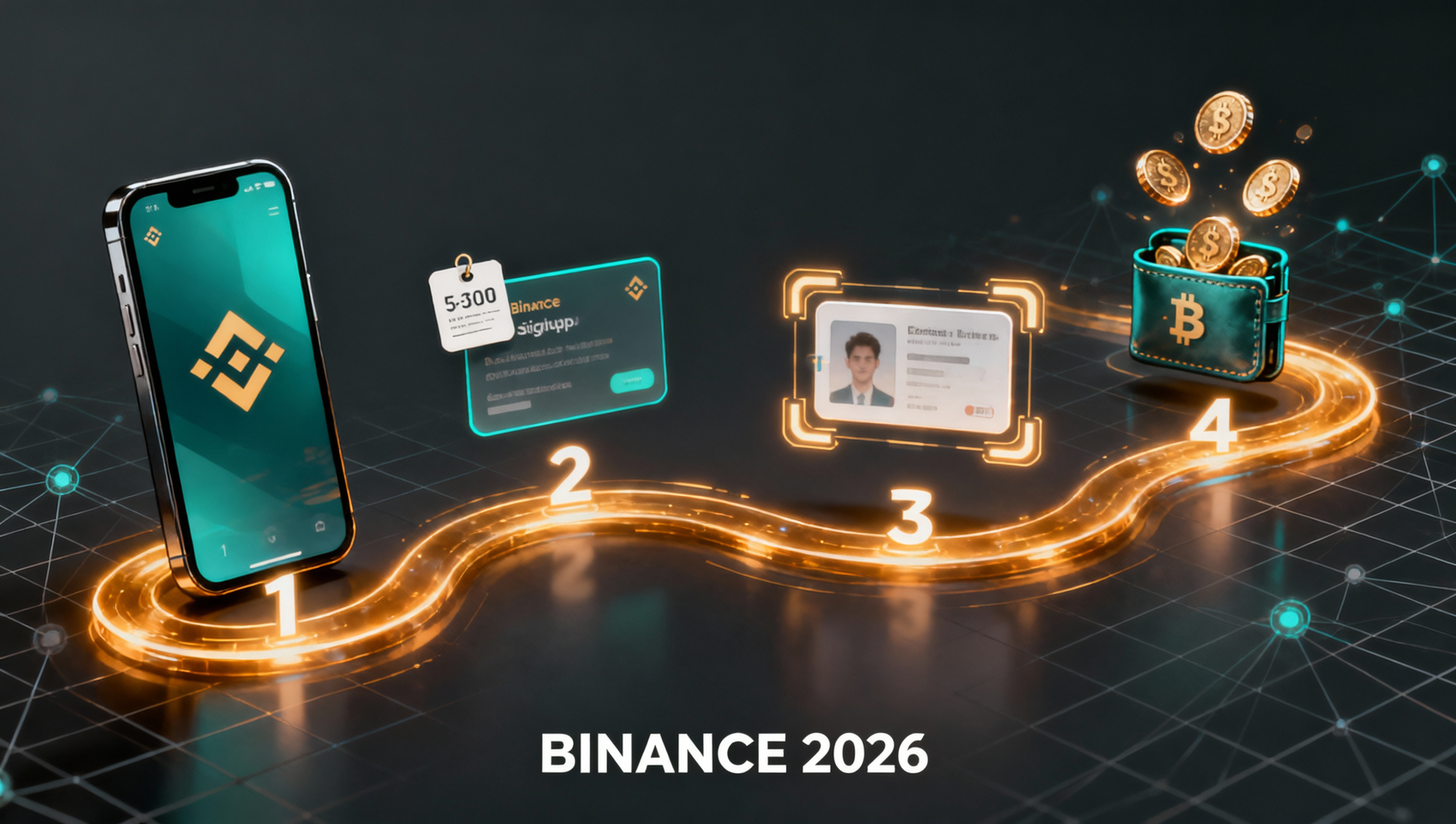

⚠️ Read this first: downloading the app is not the same as registering. Signing up directly inside the app gets you no signup reward at all. An in-app registration binds to no referral, so the $19,800 welcome package and the 20% fee rebate simply don't apply — you have to use the registration link (e.g. "Sign Up") or enter invite code BINANBT.
Key takeaways (TL;DR):
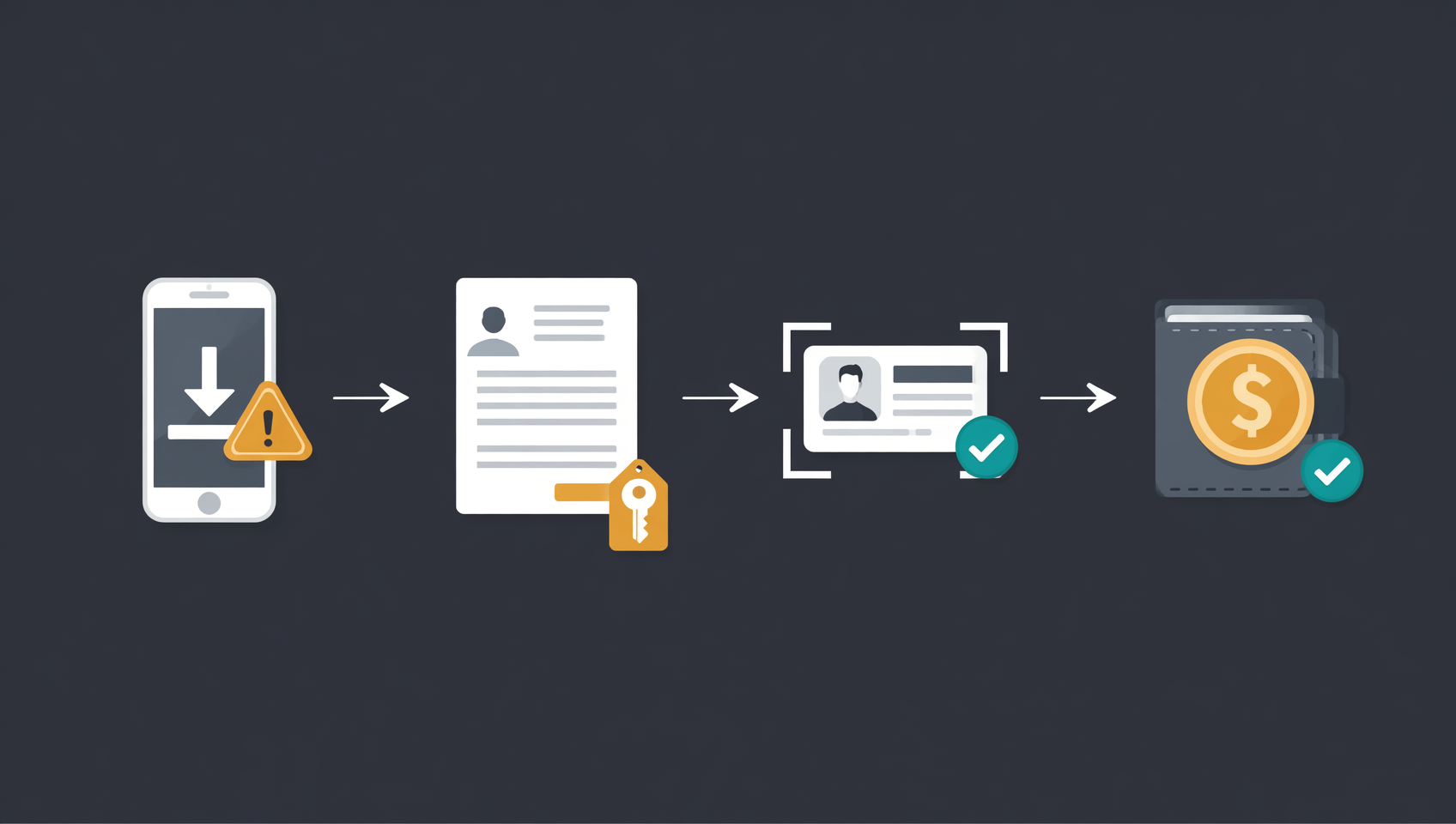
- The four steps run in a fixed order, and getting it wrong means redoing things: download → register (with invite code) → KYC → deposit and buy. The most expensive mistake is finishing KYC before you remember the invite code.
- Your referral relationship is fixed at the moment you register. You can still attach BINANBT within 30 days of signing up, as long as the account has no valid trades. Once you trade, that door closes.
- The real download risk isn't failing to install — it's installing a fake. Only binance.com, the App Store and the official APK count. Third-party "Binance download" sites are the number one source of stolen accounts.
- If KYC fails, it's almost always the photo: cropped corners, glare, blur. Use your own real identity — bought or borrowed accounts get frozen.
- Done smoothly, the whole thing takes about 20–30 minutes, and nearly all of that goes into the download and the KYC review.
Contents
- Bottom line: the four steps have a fixed order
- Step 1: Download the Binance app
- Step 2: Register and attach the invite code
- Step 3: KYC identity verification
- Step 4: Fund the account and make a first purchase
- The five mistakes that force a redo
- 💰 Binance rebate: invite code BINANBT
- FAQ
- Further reading
Bottom line: the four steps have a fixed order
Opening a Binance account takes four steps, but the order matters — because your referral relationship is written into the account at exactly one moment.
| Step | What you do | Typical time | If it goes wrong | Cost of redoing it |
|---|---|---|---|---|
| 1. Download | Official APK / iOS app / desktop client | 5–10 min | You install a fake build and hand over your password | High: assets can be stolen |
| 2. Register | Email or phone + invite code BINANBT | 2–3 min | You skip the invite code | Medium: fixable within 30 days, permanent once you trade |
| 3. KYC | ID document + face scan | 5–15 min | Verification is rejected | Low: retake and resubmit |
| 4. Deposit | Buy USDT via C2C, then buy spot | 5–10 min | Wrong coin, wrong network | Medium-high: a wrong-chain transfer may be unrecoverable |
(Timings are typical experience, not a guarantee — they depend on your connection, the review queue and how steady your hands are.)
The column that matters is the last one. Only steps 1 and 2 are irreversible if you get them wrong. A fake build steals your credentials; a closed referral window never reopens. A failed KYC is just another photo, and a deposit mistake can be limited by starting small. So spend your attention accordingly: five extra minutes verifying the installer, ten extra seconds checking the invite code, one careful KYC attempt, one small first deposit.
In one line: verify the download > fill in the code > pass KYC first time > start with a small deposit.
Step 1: Download the Binance app
There is no "official download site" for Binance — there is only binance.com. Search results promising a "download portal", "high-speed mirror" or "official designated installer" are traffic farms or fake builds.
Three devices, three routes
- Android: open the download page on the official site and install the APK directly — Google Play is not required. The first install asks you to allow apps from unknown sources.
- iOS: Binance is not in the App Store in every region. Depending on where you are, you may need an Apple ID registered in a supported region, then search for Binance. Switch back to your own account afterwards; don't keep sharing someone else's Apple ID.
- Desktop: the official Windows (.exe) or Mac (.dmg) client is good for charting and resting orders, but it's a poor place to open your first account — face verification is smoother on a phone.
How to tell a fake build (three checks)
- Domain: only
binance.comand its official subdomains.binance-download.xxx,binance-app.xxxand lookalike spellings are all fakes. - Developer and package name: on iOS, confirm the developer is Binance. On Android, the official package name starts with
com.binance; anything else is not the official build. - Extra demands: the official app only asks you to log in or sign up. If it wants you to "pay to activate", "add a support agent to receive the installer" or "verify a bank card", it's fake.
If it won't install
| Message | Real cause | Fix |
|---|---|---|
| Parse error | The file didn't finish downloading | Delete and re-download; avoid resuming |
| App not installed / signature conflict | An older or fake build is present | Uninstall the old one first |
| OS version too old | Outdated Android version | Update the system or use desktop |
| Install blocked | Phone security app false positive | Confirm the source is the official site, then allow |
Step 2: Register and attach the invite code
This step takes three minutes, and it decides whether every future trade gets a 20% fee rebate.
Email or phone number
Use an email — a long-lived Gmail or Outlook account is best. Three reasons: changing your phone number won't cost you the account, official risk notices reach you, and SMS filters won't swallow the code. Phone registration is faster but awkward when you change country or carrier.
How to enter the invite code
- Use the registration link (e.g. "Sign Up"): the code is filled in automatically; just check that it reads BINANBT.
- Enter it manually: type BINANBT into the invite code / referral ID field. It's seven letters — no spaces.
- Either route works; you don't need both.
What if you forgot it
You can still attach it: within 30 days of registering, and before the account has any valid trades, enter BINANBT on the referral page. Once a trade is recorded, the window closes. And if you registered with someone else's code, you cannot switch.
So the lesson isn't "you can always add it later" — it's confirm the referral relationship before you deposit or trade.
The verification code never arrives
Check spam first; try a different email domain; wait 60 seconds before resending; if you registered by phone, make sure the country code is right. If it keeps failing, switch email — don't burn half an hour on this step.
Step 3: KYC identity verification
KYC is a regulatory requirement, not a Binance obstacle course: without it you cannot deposit, trade or withdraw.
What to prepare
- A valid government ID: national ID card, passport or travel permit — the exact options depend on the country or region you selected.
- Even lighting, a clean background, and a clean lens.
- Five to fifteen uninterrupted minutes. Backing out mid-way through the face scan means starting over.
The sequence
- Select your country/region and document type, and match the details on the document exactly.
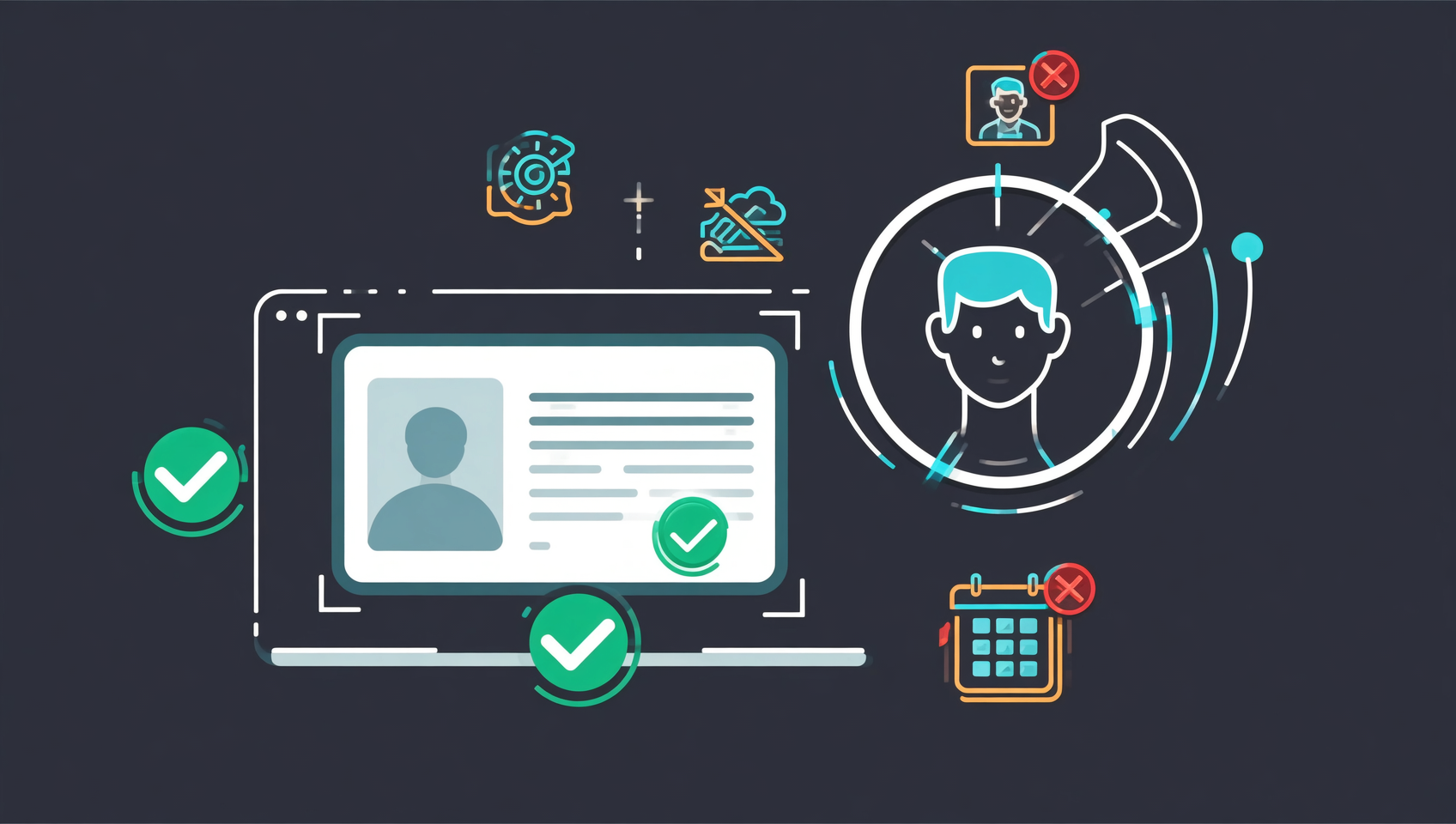
- Photograph both sides of the ID: all four corners visible, not touching the frame, no glare, nothing covering it.
- Face verification: remove glasses and mask, face the light, follow the prompts to turn your head or blink.
- Submit and wait for review; approval unlocks the full account.
How long the review takes
Usually minutes to a few hours, longer during peak periods. If nothing happens after 24 hours, the problem is almost always the documents — rather than waiting, retake a sharp set and submit again.
Five common rejection reasons
| Reason | What the system says | What to change |
|---|---|---|
| Blurry or glared photo | Document details unreadable | Natural light, no flash, wipe the lens |
| Corners cut off | Please capture the full document | Leave a margin around the edges |
| Mismatched details | Name or birth date doesn't match | Copy the document exactly; no nicknames or English names |
| Expired document | Rejected outright | Use a renewed document or a passport |
| Face mismatch | Liveness check failed | Remove glasses and mask, turn off beauty filters |
The one hard line
Do not buy accounts, borrow identities or use a family member's documents. If the verified identity doesn't match the bank account you deposit and withdraw with, risk controls will freeze the account — and unfreezing means new documents and a manual review, which takes far longer than whatever you thought you were saving.
Step 4: Fund the account and make a first purchase
For a beginner there is one sensible route: buy USDT through C2C, then buy spot. Don't start with direct bank card purchases, credit card buys or cross-chain transfers — those steps have far more ways to go wrong.
- Go to Buy Crypto → C2C, choose USDT, enter an amount (start with a small test amount).
- Transfer to the payment details shown on the order page. Never write "USDT", "Bitcoin" or "crypto" in the transfer memo — it can trigger bank risk controls.
- Tap "I have paid" and wait for the seller to release the coins (the page has a countdown; you can appeal if it times out).
- The USDT lands in your funding account; transfer it to the spot account and buy BTC, ETH or whatever you came for.
- Buy a small amount first and complete the full loop — buy, check the position, sell — before adding more money.
C2C is escrow-backed, so your money isn't released until the seller delivers. But pay inside the order page only. Anyone who asks you to transfer privately, add them on a messenger app, use a different account, or "take it off-platform" is a scammer.
The five mistakes that force a redo
- Registering inside the app. No referral relationship means no welcome package and no 20% rebate, and it's hard to fix afterwards.
- Doing KYC before entering the code. The rebind window only cares about "30 days + no trades"; trade once and it closes permanently.
- Installing an APK from a third-party site. A fake build records the password you type, and nothing looks wrong afterwards.
- Using beauty filters during KYC. The face comparison will fail and you lose a review cycle.
- Paying a C2C seller privately. Outside escrow, once the money leaves it never comes back.
💰 Binance rebate: invite code BINANBT
The cheapest step of the four is the second one: enter the invite code correctly at sign-up and every future trade pays you back a little.
- Rebate: 20% of every trading fee, returned to you. The rebate ceiling for an invitee is 20%.
- How to claim: enter BINANBT in the invite code field at registration. If you missed it, you can still attach it within 30 days of signing up, provided the account has no trades.
- Stack it: enabling "pay fees with BNB" saves roughly another 25%, so the effective spot fee drops noticeably when the two combine.
- Important: signing up directly inside the app gets you no signup reward at all. An in-app registration binds to no referral, so the $19,800 welcome package and the 20% fee rebate simply don't apply — you have to use the registration link or enter invite code BINANBT.
👉 Sign up on Binance and claim your 20% fee rebate
FAQ
Does downloading and registering on Binance cost anything?
No — it's free end to end. The app, the account and the KYC review cost nothing; you only pay trading fees when you trade. Any claim that you must "pay to download", "unlock the official version" or "pay to skip the KYC queue" is a scam.
Can I register first and download the app later?
Yes. Registration and KYC both work in a browser, and opening an account doesn't require the app at all. But the invite code still has to go in at registration, or within the "30 days and no trades" window afterwards.
Do I have to use an ID card, or is a passport acceptable?
Government-issued documents such as a national ID card or passport are generally accepted; the exact list depends on the country or region you select when registering. A passport is usually the simplest option internationally, while a national ID is the most direct in many markets.
What if I entered the wrong invite code?
If the account is already bound to someone else's code, you cannot change it yourself — you have to contact Binance support and explain. That's exactly why the ten seconds spent checking the spelling of BINANBT, seven letters, are worth it.
Do I have to complete KYC right after registering?
There is no countdown, but an unverified account can only browse market data: no deposits, no trading, no withdrawals, and some regions impose further limits. If you intend to use the account, verify early.
How many Binance accounts can one person open?
In principle, one personal account per person. Multiple accounts can trigger risk controls and complicate later identity reviews; registering again just to claim another welcome reward is a poor trade.
Further reading
- Binance download guide 2026: Android APK, iOS and desktop installs
- Binance registration 2026: sign up, KYC and deposit
- Binance invite code 2026: BINANBT 20% fee rebate guide
- Binance official site 2026: URL, app download and sign-up link
- Binance spot trading 2026: limit, market and stop orders
- How much money do you need to buy crypto for the first time?
- More Binance guides: the Binance hub
Disclaimer: This content is for educational purposes only and is not investment advice. Crypto trading carries price, platform and regional compliance risks; make decisions according to your own circumstances. Download channels, KYC requirements and fees are governed by Binance's live pages1.
Footnotes
-
Sources: Binance Help Center (identity verification, referral rebate, C2C trading rules and the app download page), checked October 2026; fees and rebate rates are subject to Binance's live pages. ↩