

Key takeaways (TL;DR):
- There is only one correct path for a Binance official download: use the official binance.com domain and the download page (
binance.com/en/download); any other "Binance download site" is almost certainly fake.- The biggest trap is not the download — it is whether the "official site" you found is real: search-engine ad slots are full of fake download sites, and one wrong click can drain your funds.
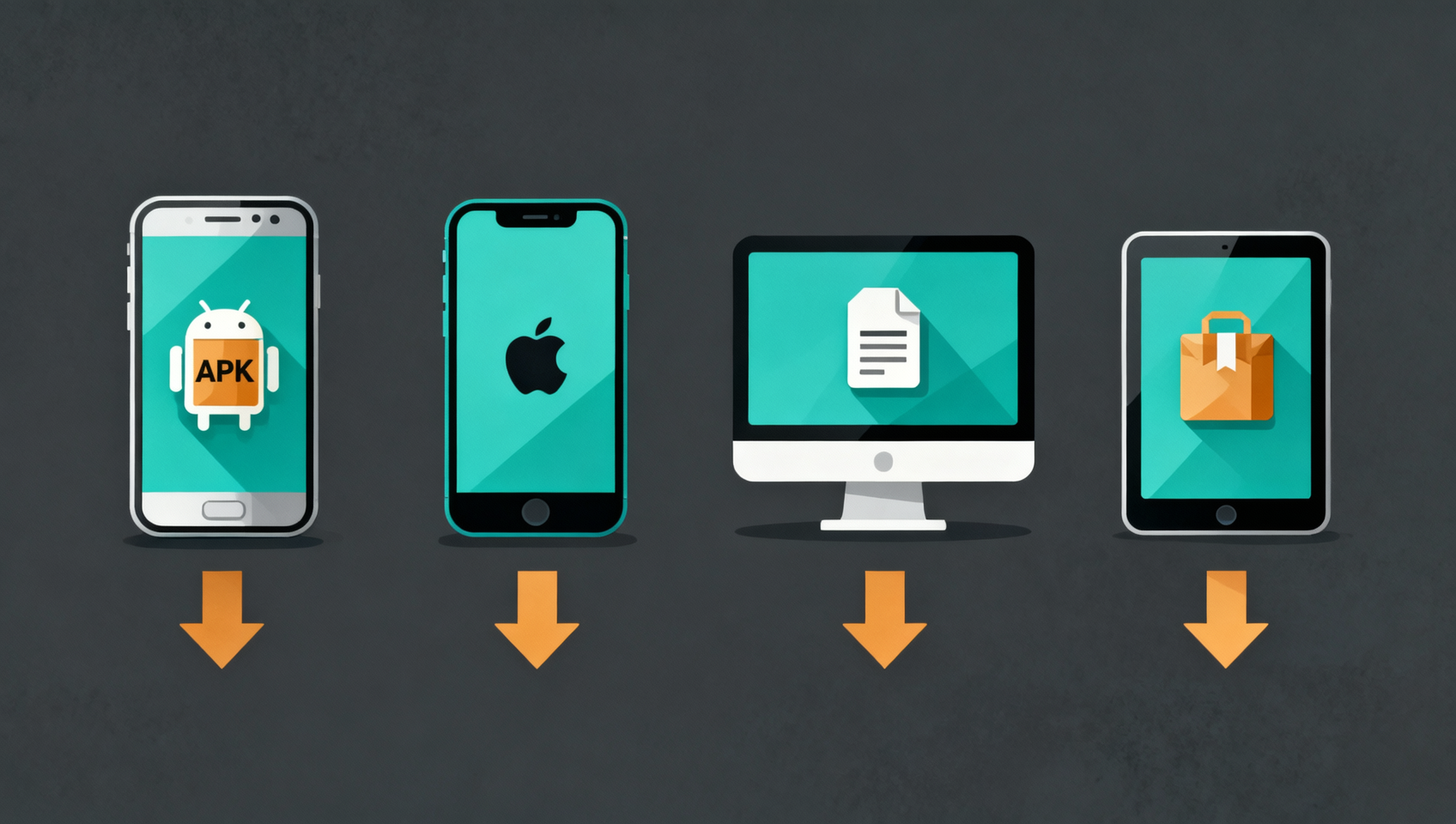
- By device: Android downloads the official APK (no Google Play needed), iOS uses a non-China Apple ID, desktop downloads .exe/.dmg, and HarmonyOS installs the official package.
- After downloading, verify it is genuine (digital signature / developer is Binance / set an anti-phishing code) before registering.
- Register with invite code BINANBT for a 20% fee rebate (don't register directly in the app — that gets you no signup reward at all).
Table of contents
- Binance official download: the one thing everyone overlooks
- Where the Binance download page is: official entry points
- Downloading by device: Android / iOS / desktop / HarmonyOS
- How to verify the app is genuine after downloading
- First step after downloading: register with an invite code
- 💰 Binance rebate: invite code BINANBT
- FAQ
- Further reading
Binance official download: the one thing everyone overlooks
The biggest trap in "Binance official website download" is not the download itself — it is that the "official site" you found may not be Binance at all. Many people search "Binance official website download", click one of the top links, and end up with a fake app: it looks identical, but the deposit address has been swapped, and the coins you send go straight into the scammer's wallet1.
So the first line of this guide is not "how to download" but "where to download from". One principle: Binance's only official download entry is the binance.com domain. Any other "Binance official site", "Binance mirror" or "Binance download site" whose domain is not binance.com should be treated as fake until you verify it through the official verification channel.
Where the Binance download page is: official entry points
The Binance official download page is https://www.binance.com/en/download — bookmark it instead of clicking search results every time. The download page lists every official option (app, desktop client, HarmonyOS), and it is the only trustworthy source2.
| Download | Official channel | Notes |
|---|---|---|
| Android app | APK from the download page | No Google Play needed |
| iOS app | App Store (non-China Apple ID) | Developer must be Binance |
| Windows / Mac | .exe / .dmg from the official site | Desktop client, passes signature check |
| HarmonyOS | Package from the official site | Install directly |
⚠️ The bottom line: a Binance official download is free, and registration is free. Any "paid download / member unlock / official-only version" is a fake site — Binance's app is never paid, and there is no "official version" that requires a transfer first.
Downloading by device: Android / iOS / desktop / HarmonyOS
After you get the installer from the download page, installation differs by device — the two spots most people get stuck are Android's "unknown sources" and iOS's "non-China Apple ID".
Android: download the APK from the official site, install directly (no Google Play)
- Open the Binance download page and download the Android APK.
- During install the system warns about "unknown sources" — allow this one install in settings (this is the normal prompt for apps outside an app store, not a virus).
- Open the app after install, but don't register yet — see "Verify it is genuine" below.
iOS: download from the App Store (needs a non-China Apple ID)
- iOS has no APK; sign in to the App Store with a non-China Apple ID.
- Search Binance and make sure the developer is Binance, then download.
- If you are on a China-region Apple ID, Binance won't appear — that is normal; switch to a non-China ID first.
Desktop: download .exe / .dmg from the official site
- Download the Windows (.exe) or Mac (.dmg) client from the download page.
- Run the installer; if Windows shows a SmartScreen prompt, confirm the source is the official site before allowing it.
- On Mac, if Gatekeeper blocks the first open, allow it under System Settings → Privacy & Security.
HarmonyOS: package from the official site
- Get the HarmonyOS build from the download page.
- Complete the install following the on-screen prompts, and check the source first.
How to verify the app is genuine after downloading
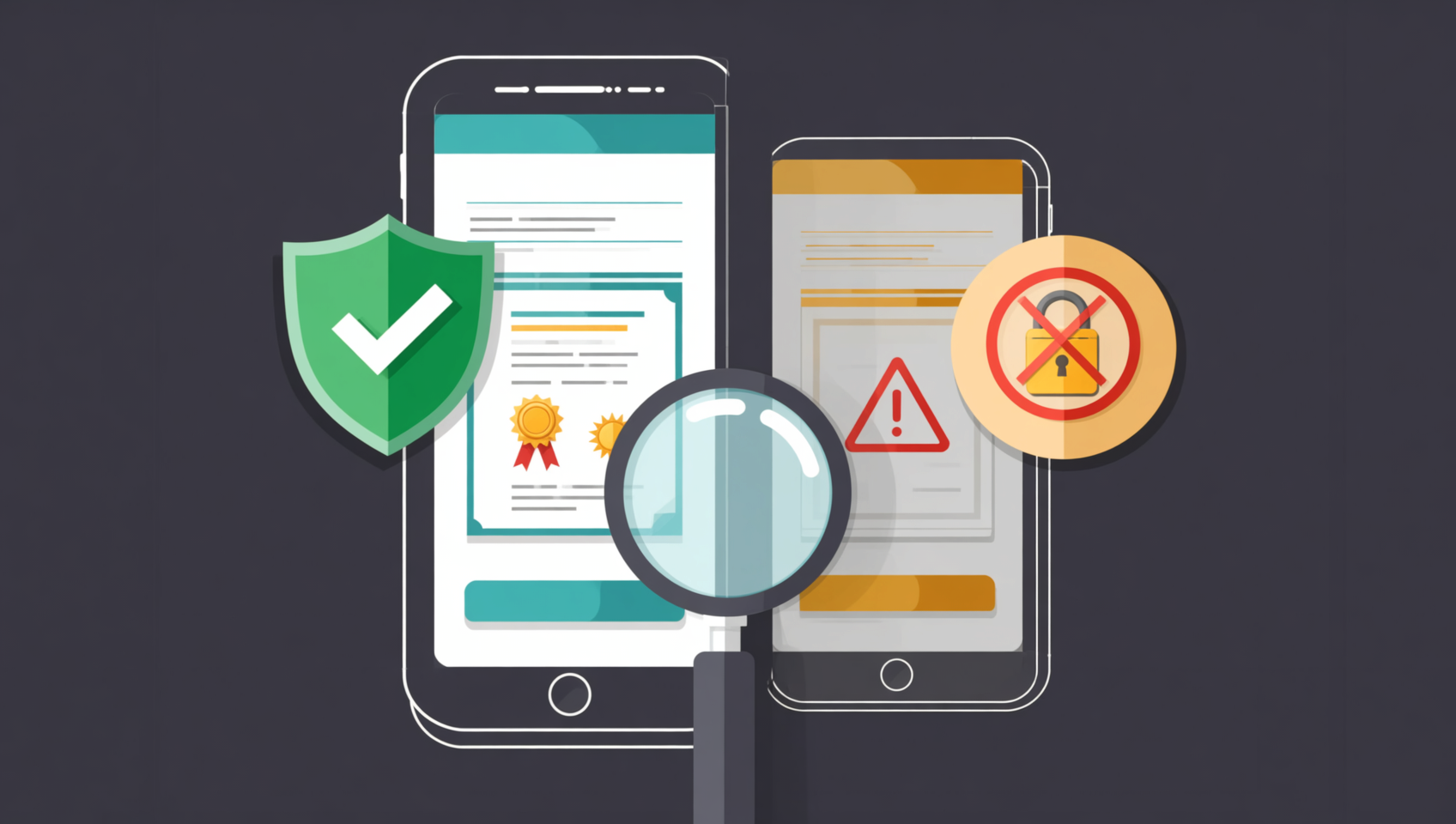
Downloading is not the same as being safe — the real protection is verifying that the app was signed by Binance. Three checks you can actually do, in order of reliability:
- Check the developer / signature: on iOS, check the App Store developer is Binance; on Android, check the APK's digital signature; on desktop, check the digital signature signer of the .exe/.dmg.
- Use the official verification channel: paste a suspicious download link or domain into Binance's official Binance Verify channel to check it2.
- Set an anti-phishing code: after registering, set a phrase only you know in the security center; every official Binance email will then include it — an email without it is 100% phishing.
Bottom line first: a fake app is dangerous because it looks and works like the real thing — it only strikes the moment you deposit. So the "verify the signature/developer after downloading" step deserves more of your time than the download itself.
First step after downloading: register with an invite code
Once the official app is installed, the first step is registering — but note that only sign-ups through a registration link or with invite code BINANBT get the new-user reward. Tapping "Register" directly inside the app binds to no referral, so you get none of it.
- Invite code: BINANBT — a 20% rebate on every trading fee.
- Stacking benefit: enable "Use BNB to pay fees" for another 25% off.
- Missed it?: within 30 days, before you have made a valid trade, you can still fill it in on the referral page.
💰 Binance rebate: invite code BINANBT
After downloading from the official site, register with invite code BINANBT for a 20% rebate on every trading fee. This article contains referral links; registering through them may reward us, but it never costs you a cent extra.
- Rebate amount: 20% cashback on every spot/futures trading fee.
- How to claim: enter BINANBT in the invite-code field at registration; if you miss it, you can still link it within 30 days.
- Stacking benefit: enabling "Use BNB to pay fees" saves roughly 25% more.
- Important: signing up directly inside the app gets you no signup reward at all. An in-app registration binds to no referral, so the $19,800 welcome package and the 20% fee rebate simply don't apply — you have to use the registration link or enter invite code BINANBT.
👉 Register on Binance and claim your 20% fee rebate
FAQ
What is the official Binance download website?
The official Binance download page is binance.com/en/download, and the core domain is binance.com. Bookmark the download page directly instead of clicking search results every time — the ad slots are full of fake download sites.
How do I download the Binance app on Android?
Open the Binance download page and download the Android APK, then allow "unknown sources" in system settings to install. Binance on Android does not need Google Play — you download the APK directly from the official site.
How do I download the Binance app on iOS?
iOS has no APK; sign in to the App Store with a non-China Apple ID, search Binance, and make sure the developer is Binance. A China-region Apple ID won't show Binance — that is normal; switch first.
Does a Binance official download cost money?
No. The Binance app download and registration are free, and there is no "paid download", "member unlock" or "official-only version". Any site asking you to transfer first is a fake.
How do I confirm the downloaded Binance app is genuine?
Check the developer/signature: on iOS, the App Store developer must be Binance; on Android, check the APK digital signature; on desktop, check the .exe/.dmg signer. You can also verify the link through the official Binance Verify channel and set an anti-phishing code.
If I register right after the official download, do I get a reward?
No. Only sign-ups through a registration link or with invite code BINANBT get the new-user reward (20% fee rebate + $19,800 welcome package). Tapping "Register" directly inside the app binds to no referral, so you get nothing.
Further reading
- Binance Download 2026: Android APK / iOS / HarmonyOS / Desktop
- Binance Official Entry Guide 2026: Website, App and Registration
- Binance Android APK Download: Signature Verification and Install Fixes
- Binance iOS Download Guide 2026
- Binance Registration 2026: Sign Up, KYC and Deposit
- Binance Invite Code 2026: BINANBT 20% Fee Rebate Guide
- More Binance content: the Binance hub
Disclaimer: This content is for educational purposes only and is not investment advice. Crypto investment carries risk; make your own decisions. Binance's official domains, download channels, fees and rebate rates are subject to what Binance officially publishes2. Always download through official channels and verify the client's authenticity to avoid fake apps.
Footnotes
-
Sources: Binance official security announcements and anti-phishing guidance (risk warnings about fake apps and phishing download sites), October 2026. ↩
-
Sources: Binance official download page (binance.com/en/download) and the Binance Verify official verification channel, checked October 2026. ↩ ↩2 ↩3