

⚠️ Read this first: the wallet handles custody; the exchange handles buying. To fund a wallet with USDT or ETH, start by registering on Binance — only registration through the registration link (e.g. "Register now") or with invite code BINANBT unlocks the new-user rewards (a 20% trading fee rebate plus a welcome package worth up to $19,800).
Key takeaways (TL;DR):
- MetaMask is a key manager and transaction signer — it does not hold your coins. Assets live on-chain; the seed phrase is the only proof of ownership.
- Since January 2026 one recovery phrase covers EVM chains, Solana, Bitcoin and Tron (native Tron support arrived on 15 January 2026); XRP and others still need Snaps.
- Most losses are not "hacks": they come from leaked seed phrases and malicious approvals (approve). Revoke unused approvals regularly with Revoke.cash.
- Download only from metamask.io, write the seed phrase on paper and keep it offline — never screenshot it, never store it in the cloud, never share it.
How do you use MetaMask? In one sentence: MetaMask is a free crypto wallet that generates and stores your private keys and signs on-chain transactions for you, making it the gateway between you and Ethereum and other blockchain applications. It is built by Consensys, appeared in 2016 as a browser extension, and today ships as a browser extension, a mobile app and a desktop client.
But the biggest misunderstanding beginners have about it usually arrives in the first minute: many people assume putting money "into the wallet" works like putting money into a payment app. The opposite is true — there are no coins in the wallet; the coins are on-chain. As of October 28, 2026, Ethereum trades at about $2,3581, and a normal ETH transfer costs a few dollars of gas depending on network congestion. None of that goes to MetaMask; it all goes to the network. This tutorial starts from "why do you need it" and works through to "how to use it safely".
Table of contents
- What is MetaMask and why do you need it?
- Exchange account vs self-custody wallet
- Three counterintuitive things about MetaMask in 2026
- Step 1: Download and install (without installing the wrong thing)
- Step 2: Create a wallet and back up your seed phrase
- Step 3: Fund it from an exchange
- Step 4: Add networks and tokens
- Step 5: Manage approvals and security settings
- Five security red lines
- The four mistakes beginners make most
- 💰 Binance rebate: invite code BINANBT
- FAQ
- Further reading
What is MetaMask and why do you need it?
MetaMask is essentially a private-key manager plus a transaction signer: it holds your keys and signs for you when you transfer funds or use a DeFi app, but it does not hold your assets.
Broken down, it does three things:
- Generates and stores private keys: when you create a wallet it randomly generates a seed phrase (12 English words by default), and every private key is derived from those words.
- Signs transactions for you: you click "confirm swap" on a website, MetaMask pops up a window for you to review and sign, and only after signing is the transaction broadcast on-chain.
- Acts as the bridge between web pages and the blockchain: without it, an ordinary browser cannot talk to on-chain applications — which is why it is called the browser gateway to Ethereum.
What it does not do: it does not freeze, it does not custody, it does not recover assets for you, and it takes no responsibility for any transaction. That is both its value (nobody can stop you spending your own money) and its risk (no support desk, and a mistake is a permanent loss).
Exchange account vs self-custody wallet
One sentence to separate them: on an exchange you own an IOU from a platform; in your own wallet you own the private keys. The first is convenient, the second is actual ownership.
| Dimension | Exchange account (e.g. Binance) | Self-custody wallet (e.g. MetaMask) |
|---|---|---|
| Who holds the keys | The platform | You |
| Lost password | Recoverable through KYC and support | Lose the seed phrase and it is gone forever |
| Trading experience | Order book, deep liquidity, resting orders | Only swaps at the current price, subject to liquidity and slippage |
| What you can do | Buy and sell, futures, earn, fiat on- and off-ramps | DeFi, NFTs, airdrops, on-chain interactions |
| Main risk | Exchange hack, account freeze, insolvency | Seed-phrase leak, phishing approvals, your own mistakes |
| Best for | Trading, fiat flows, short-term holding | Long-term holding, participating in on-chain ecosystems |
The usual division of labor in practice: trade on an exchange, and move the portion you plan to hold long term into a wallet you custody. If you do not have an exchange account yet, start with the Binance registration guide; if you have an account but no app, use the Binance app download guide.
Three counterintuitive things about MetaMask in 2026
Three statements about MetaMask run against intuition, but once they land you understand the security model of self-custody.
Counterintuitive #1: there are no coins in the wallet
This is the most important one. Your ETH and USDT were never inside MetaMask; they live on the blockchain, recorded under "your address". MetaMask stores only the key that can operate that address.
The practical benefit of understanding this: changing phones, reinstalling an OS or removing the extension does not lose your coins — as long as the seed phrase exists, importing it brings everything back instantly. Conversely, if you believe "the coins are in the wallet app", you will underestimate the seed phrase: uninstalling the app without a backup is throwing away the key along with the safe.
Counterintuitive #2: MetaMask is no longer "Ethereum only"
Many people still think of it as "Ethereum and BSC only". Since January 2026 MetaMask has offered unified multichain accounts: one seed phrase manages accounts on Ethereum and other EVM chains, Solana, Bitcoin and Tron, and switching networks reveals the matching assets without manually adding RPCs. Native Tron support went live on January 15, 20262.
The boundary still matters: XRP, Cosmos, Polkadot and others require Snaps (third-party plugins), which is an advanced setup. Beginners should not use "does it support every chain" as the criterion for choosing a wallet — supporting well the chains you actually use matters more than being able to install everything.
Counterintuitive #3: most theft is not "a hacker breaking in"
Cases of wallet software being compromised are rare. The overwhelming majority of losses come from three user-side causes:
- Leaking the seed phrase yourself: a screenshot in the photo library, a saved message, an upload to cloud storage, sending it to "support". The moment the seed phrase touches an internet-connected device, you have handed the key to everyone who can access that device.
- Malicious approvals: clicking "approve" on a website grants its contract an allowance to move your tokens. A scammer builds a fake airdrop site, talks you into approving an "unlimited" allowance, and can then move those tokens at any time — without your seed phrase and without your password.
- Phishing sites and fake extensions: "MetaMask official" ads in search results, same-name apps in app stores, "official support" agents messaging you first on Telegram — the most active scams of 2026. Recent variants even pose as a "MetaMask 2FA security check", which is really just a page designed to make you type in your seed phrase.
Conclusion first: security in self-custody is not about how strong the software is, but about how strict your habits are. The five steps below all revolve around that.
Step 1: Download and install (without installing the wrong thing)
There is only one rule for installation: start from the official site, metamask.io. This is the highest-risk step in the whole process, because fake extensions and copycat apps often rank above the real one in search results.
- Type
metamask.iomanually into the browser address bar (do not click sponsored search results). - The page detects your browser; pick the matching extension (Chrome, Edge, Brave, Firefox).
- You are redirected to the browser's official extension store — confirm the developer is MetaMask before clicking "Add".
- Once installed, pin the icon to the toolbar so you can check it at any time.
- On mobile: follow the link from the official site to the App Store or Google Play. Do not search the store by name and install whatever appears.
How do you tell whether you installed a fake? Three checks: is the developer name MetaMask, are installs in the tens of millions, and are there a mass of "my wallet was drained" reviews. Any page that asks you to "enter your seed phrase to verify", no matter how official it looks, is phishing.
Step 2: Create a wallet and back up your seed phrase
This section determines the security of everything you will ever hold — read it in full before you act.
- Choose "Create a new wallet" (if you already have one, choose "Import wallet" and enter the existing seed phrase).
- Set an unlock password: it works only on this device, to stop someone who picks up your computer from opening the wallet. It cannot recover the wallet — forget the password and you re-import with the seed phrase; forget the seed phrase and it is over.
- Write down the seed phrase: the system shows 12 English words. Copy them by hand onto paper in order, do it twice, and check the order.
- Verify the seed phrase: select the words in the order prompted to complete verification.
- Finish creating and note your address (starts with 0x).
There is exactly one principle for storing the seed phrase: offline, physical, unique.
- ✅ Hand-write it on paper or stamp it into a metal seed plate, stored somewhere only you know
- ✅ If you worry about fire or flooding, store it in two places (for example, split the 12 words into two halves)
- ❌ Never screenshot it, photograph it or keep it in a photo album
- ❌ Never send it in a chat or email, save it in a cloud note, or upload it to a cloud drive
- ❌ Never tell anyone — including anyone claiming to be "MetaMask official support"
Step 3: Fund it from an exchange
Funding is not about "sending it over" — it is about the asset, the network and the address all matching. On-chain transfers are irreversible and nobody can undo a mistake.
Taking a withdrawal from Binance to MetaMask as the example:
- Copy your address in MetaMask: click the account name to copy; the address starts with
0x. - In Binance choose "Withdraw", paste the address and select the asset (ETH or USDT, for example).
- Choose the network: the most critical step. It must match the network MetaMask is currently showing — if the wallet is on Ethereum mainnet, choose ERC-20 (Ethereum); if the wallet has been switched to BNB Chain, choose BEP-20.
- Send a small test first: for the first transfer, withdraw a small amount (10 USDT, for example) and confirm arrival before sending the rest.
- Wait for confirmation: Ethereum mainnet usually confirms within minutes; you can track the status on a block explorer.
Three details that commonly go wrong:
- Wrong network: withdrawing USDT on TRC-20 (Tron) to an Ethereum address sends the coins onto a network MetaMask is not displaying, and recovery is extremely difficult.
- Transfers between accounts inside the same exchange need no on-chain fee, but withdrawing to an external wallet costs a withdrawal fee plus gas — two different things.
- USDT and USDC are ERC-20 tokens inside the wallet and need gas (ETH) to move. So always keep a little ETH in the wallet, or you end up holding tokens you cannot send. For how stablecoins differ, see USDT vs USDC: a deep comparison.
Step 4: Add networks and tokens
MetaMask shows only Ethereum mainnet by default. To use BSC, Polygon and others, or to see a token you just bought, you have to add them manually.
Adding a network: the easiest route is Chainlist — search the network name, click "Connect Wallet", check the chain ID and approve; MetaMask fills in the RPC parameters. Never copy RPC addresses from unfamiliar sites: a malicious RPC can show you wrong balances or even misdirect transactions.
Adding a token: tokens do not appear automatically. Click "Import tokens" in the wallet and paste the token's official contract address (from the project's site or a block explorer, not a random third party), then confirm the symbol and decimals.
A very common confusion: "I bought a token on Binance, sent it to my wallet, and the balance is zero." The usual cause is a network mismatch — the same token is a different contract on each chain, so coins sent on BSC are naturally invisible under Ethereum mainnet. Switch networks and they appear.
💡 A fee-saving trick: Ethereum mainnet gas is usually cheaper when on-chain activity is low (early morning in Asia, for example). For small transfers, wait for a gas trough; if you transact frequently, consider an L2 network where fees are an order of magnitude lower.
Step 5: Manage approvals and security settings
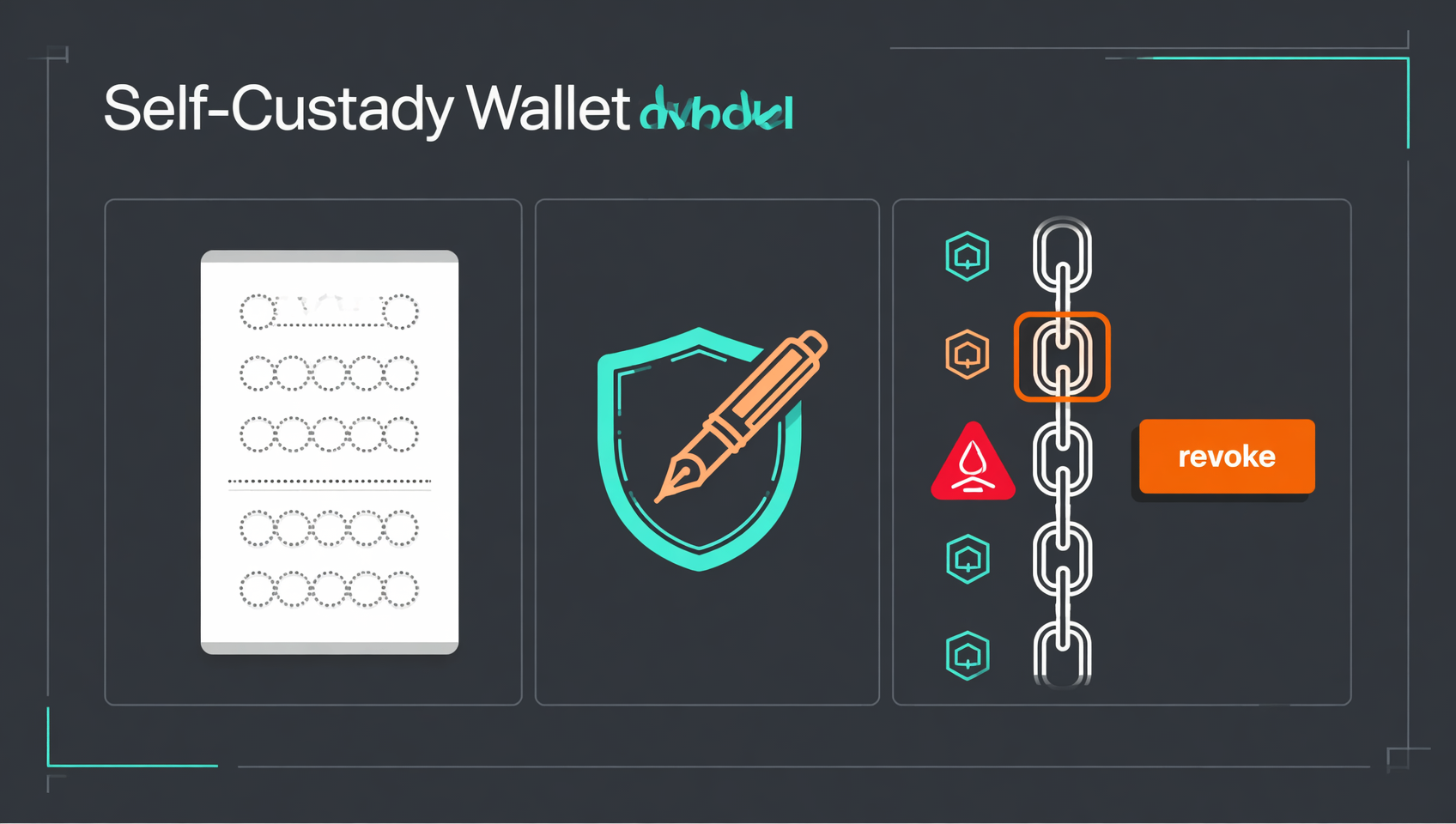
This is the step beginners skip and later regret most: review and revoke contract approvals you no longer need.
Why are approvals so dangerous? When you swap tokens on a DEX you first "approve" that contract to spend your tokens, and many sites request an unlimited allowance. Once a malicious contract holds that approval it can move the token at any time — no seed phrase, no password, no confirmation from you required. A single malicious signature is enough to empty a wallet.
What to do:
- Open Revoke.cash, connect your wallet and it lists every approval you have granted across chains.
- Go through them one by one and revoke the ones you no longer use, especially unlimited allowances.
- Do this once a quarter, particularly after trying a new project or claiming an airdrop.
- If you see an approval you do not recognize — especially one that appeared right after claiming an "airdrop" — revoke it immediately.
Other settings worth turning on:
- Enable transaction simulation in settings (a preview of how your balances will change) — it catches most scams.
- Use a hardware wallet (Ledger, Trezor) for large balances: signing happens on the device and the private key never touches the internet.
- Keep multiple accounts for different purposes: a small hot account for daily interactions, a cold account for long-term holdings.
Five security red lines
Treat these five as hard rules and they block more than 90% of loss scenarios.
- Never reveal the seed phrase. Anyone asking for it — "support", "technical help", "official verification" — is a scammer, without exception.
- Download only from the official site. No sponsored search ads, no download links in group chats, no "accelerated" or "localized" builds.
- Read what you sign. What operation does the popup describe, which contract is being approved, what is the allowance? If you do not understand it, do not sign.
- Do not touch "free airdrops". Any airdrop that requires you to approve first, pay gas first or enter a seed phrase is a scam.
- Hardware wallet for large amounts, hot wallet for small. Never keep everything in one browser extension.
The four mistakes beginners make most
- Treating an app uninstall as "logging out". Reinstall without the seed phrase and the assets are gone for good. Confirm the seed phrase is backed up offline before uninstalling.
- Keeping the seed phrase in the phone's photo album. A lost phone, a shoulder-surfer, a cloud backup syncing, a malicious app reading the gallery — any one of them is fatal.
- Clicking "Connect wallet" and signing on an unknown site. Connecting is harmless in itself, but the signature that follows can be an approval to move assets. Learn the difference: connecting only tells the site your address; signing is what touches your assets.
- Believing in "wallet recovery" services. Anyone claiming they can restore a seed phrase by technical means is a scammer, 100% of the time — if you do not have the seed phrase, nobody can recover anything.
💰 Binance rebate: invite code BINANBT
Claim your rebate before you fund the wallet: register on Binance with invite code BINANBT for a 20% trading fee rebate. This article contains referral links; registering through them may reward us, but it never costs you anything extra.
- Rebate amount: 20% cashback on every trading fee; the rebate ceiling for invitees is a uniform 20%.
- How to claim: enter BINANBT in the invite-code field at registration; if you miss it, you can still link it within 30 days.
- Stacking benefit: enabling "Use BNB to pay fees" saves roughly 25% more.
- Important: signing up directly inside the app gets you no signup reward at all. An in-app registration binds to no referral, so the $19,800 welcome package and the 20% fee rebate simply don't apply — you have to use the registration link or enter invite code BINANBT.
👉 Register on Binance and claim your 20% fee rebate
FAQ
Where are the coins in my MetaMask wallet stored?
Not in the wallet. MetaMask only stores your private keys and signs transactions for you; the assets are recorded on the blockchain. That is why importing the same seed phrase on another device recovers everything — you are restoring the keys, not the coins.
Is MetaMask free? What fees does it charge?
Downloading and creating a wallet is free; there is no account fee or annual fee. You pay on-chain gas (which goes to the network) and a roughly 0.875% service fee when using the built-in Swap (check the page for the exact figure). Anyone charging an "account opening fee" or "activation fee" is a scammer.
Can I recover my wallet if I lose the seed phrase?
No. The seed phrase is the only recovery credential — MetaMask does not have it and neither does support. Without a seed phrase or exported private key, and with a damaged or wiped device, the assets are permanently inaccessible. Conversely, whoever holds your seed phrase owns everything you hold.
Does MetaMask only work with Ethereum?
Not anymore. Since January 2026 one seed phrase manages accounts on Ethereum and other EVM chains, Solana, Bitcoin and Tron, switching networks as needed. XRP, Cosmos and Polkadot still need the Snaps plugin, which is more advanced — beginners do not need it on day one.
What happens if I pick the wrong network when withdrawing to MetaMask?
The assets are lost permanently or become extremely hard to recover. Withdrawing USDT from Binance on TRC-20 (Tron) to an Ethereum address sends the coins onto a network the wallet does not display, so they are invisible in MetaMask and cannot be pulled back directly. Before withdrawing, confirm the asset, network and address all match, and send a small test first.
Is MetaMask safe? Can it be hacked?
The wallet software is rarely the weak point; the risk is on the user side: a leaked seed phrase, a malicious approval signed on a phishing site, a fake "MetaMask" extension. Keep the seed phrase offline, read what you sign, download only from the official site, and everyday use is safe. Pair large balances with a hardware wallet.
Why can't I see my token in MetaMask?
Most tokens need to be added manually. Choose "Import tokens" and paste the token's official contract address. If it still shows zero, check the network — the same token is a different contract on each chain, so switching networks hides the balance.
Should I use the mobile app or the browser extension?
Both work and the seed phrase is shared. The browser extension suits DeFi, NFT and other web apps on a computer because it interacts with the page. The mobile app suits checking balances on the go and scanning WalletConnect codes, and it includes a dApp browser. Import the same seed phrase into both to run them in parallel, but never import it on a device you do not trust.
Further reading
- The complete Ethereum guide 2026: from smart contracts to L2
- What is Bitcoin? A 2026 beginner's guide
- USDT vs USDC: safety, reserves and where each one fits
- Blockchain technology explained: hashes, blocks and chains
- Binance app download guide 2026
- Binance registration 2026: sign up, KYC and buying crypto
- Binance invite code 2026: how to claim the 20% fee rebate
- The complete self-custody wallet guide
Disclaimer: This content is for educational purposes only and is not investment advice. On-chain transfers are irreversible, and losses caused by a leaked seed phrase cannot be recovered — you are responsible for safeguarding your private keys and seed phrase. Prices and network parameters are dated as noted; always verify against the wallet interface and official announcements1.