

⚠️ Read this first: before buying or withdrawing, you need an account — use the registration link (e.g. "Register now") or invite code BINANBT to sign up for Binance and get the new-user rewards (20% fee rebate + up to $19,800 welcome package). "Not visible in my wallet" and "actually gone" are two different problems; get the diagnostic order right before you act.
Key takeaways (TL;DR):
- A zero balance does not mean the crypto is gone. A wallet is a viewer and a signer; the chain holds the truth. Check your address on a block explorer before you panic.
- Eight causes, ranked by likelihood: wrong network > wrong account > token not imported > hidden token > contract migration > exchange sub-account > actual theft > wrong address or chain.
- One seed phrase derives many addresses. An empty default address after restoring a wallet usually means a different account or derivation path, not a lost wallet.
- A token not showing usually means the wallet does not recognize it. ERC-20, BEP-20 and SPL tokens need support or a manual contract import; many fake tokens share the same name and symbol, so trust only the contract address.
- An outgoing transfer you did not authorize is real theft. Stop the bleeding first: new device, new wallet, move remaining assets, then revoke approvals and report.
- Never pay an upfront "recovery" fee. Anyone asking for your seed phrase, private key, verification code or remote access is running a second scam.
Contents
- One-line answer: invisible vs. actually gone
- Step one: check the address on a block explorer
- Eight causes, from most common to most serious
- Cause 1: wrong network
- Cause 2: wrong account or derivation path
- Cause 3: token not recognized by the wallet
- Cause 4: token hidden or flagged
- Cause 5: contract migration, rename or delisting
- Cause 6: funds in another exchange sub-account
- Cause 7: actual theft
- Cause 8: wrong address, wrong chain or sent to a contract
- Diagnostic table
- If it really was stolen: 30-minute stop-loss checklist
- Before importing a token, verify the contract
- Six things not to do
- Prevention: make "invisible" less likely
- 💰 Binance rebate: invite code BINANBT
- FAQ
- Further reading
One-line answer: invisible vs. actually gone
When tokens disappear from your wallet, first decide whether they are invisible or already transferred. The two cases require opposite responses.
There is one diagnostic move: paste your wallet address into the block explorer for the right chain and read the balance and transfer history.
- Balance still there, no unauthorized outgoing transfer → the asset is not lost; the problem is the wallet display, network or account.
- Balance reduced, or an outgoing transfer/approval you do not recognize → the asset was moved; treat it as theft.
- Balance there but no token in the list → the wallet has not recognized the token; import the contract.
- Balance at a different address → you restored a different account or derivation path.
A wallet is not a vault; it is a window into on-chain assets and a signing tool. The assets never sit inside the wallet — they sit on the blockchain. "Missing from my wallet" is therefore an imprecise statement.
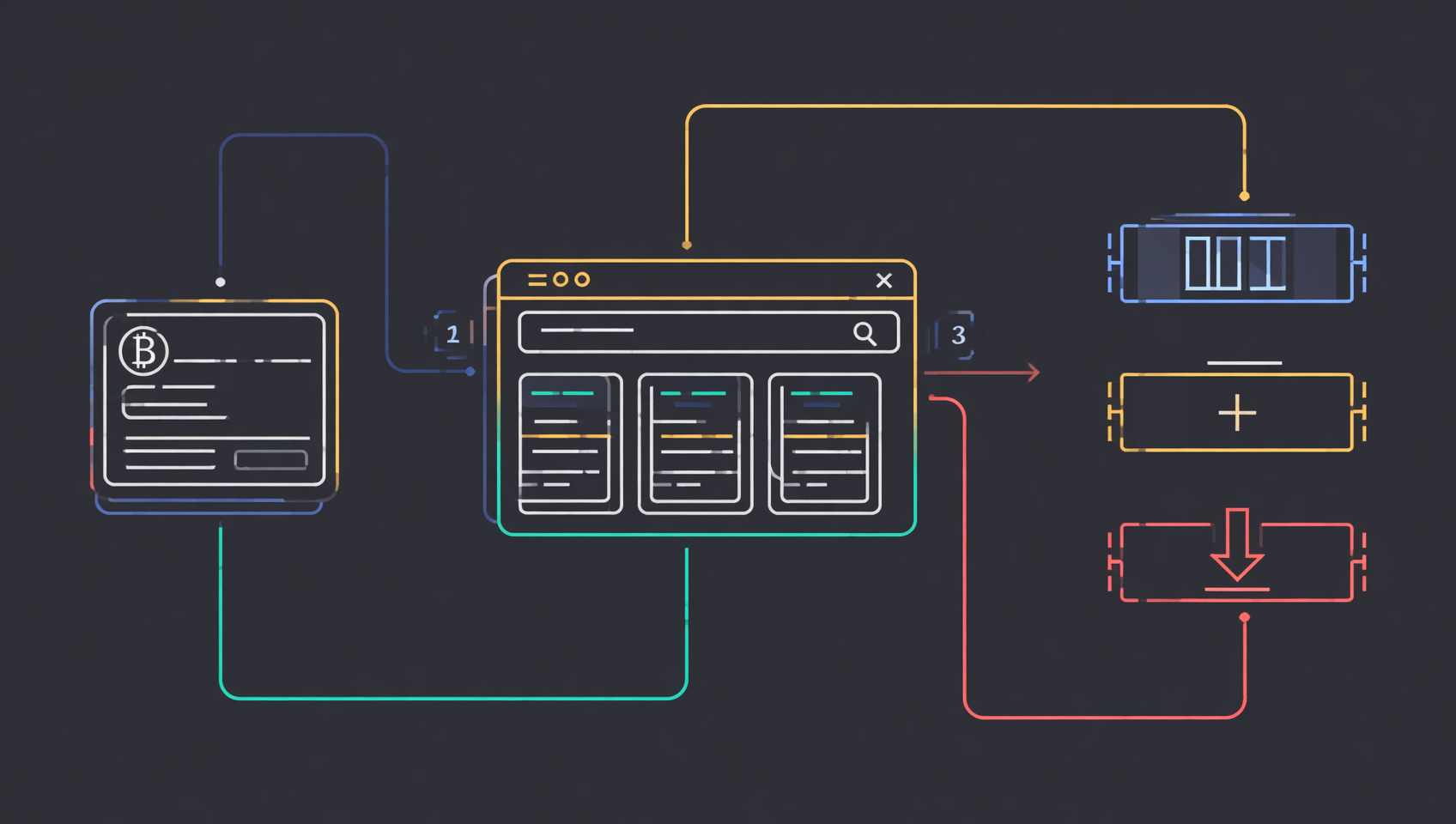
Step one: check the address on a block explorer
1. Copy the right address
Open the wallet's receive page and copy the current account address. Do not copy from transaction history — history can contain similar-looking addresses planted by address-poisoning attacks, and one wrong copy can send your next transfer to a scammer.
2. Pick the explorer for the network
| Network | Explorer | Common assets |
|---|---|---|
| Ethereum | etherscan.io | ETH, ERC-20 (USDT, USDC, LINK, etc.) |
| BNB Smart Chain | bscscan.com | BNB, BEP-20 |
| Arbitrum | arbiscan.io | ETH, ERC-20 on Arbitrum |
| Base | basescan.org | ETH, ERC-20 on Base |
| Polygon | polygonscan.com | POL, ERC-20 on Polygon |
| Tron | tronscan.org | TRX, TRC-20 (commonly USDT) |
| Solana | solscan.io | SOL, SPL tokens |
| Bitcoin | mempool.space or blockchair.com | BTC, Ordinals |
3. Read three places
- Native balance: ETH, BNB, TRX, SOL, BTC.
- Token holdings: the ERC-20/BEP-20/SPL list; some explorers collapse it by default.
- Transactions / token transfers: sorted by time; focus on outgoing transfers and interactions you do not remember.
4. Search by contract address if the token is missing
If you know the contract address, paste it into the explorer search bar, then check the holders and your balance. Do not search by token name alone, because anyone can deploy a token with the same name.
5. Check every chain
The same EVM address (starting with 0x) usually exists on Ethereum, BNB Chain, Polygon, Arbitrum, Base and others, but the balances are independent. Same address does not mean same network.
Eight causes, from most common to most serious
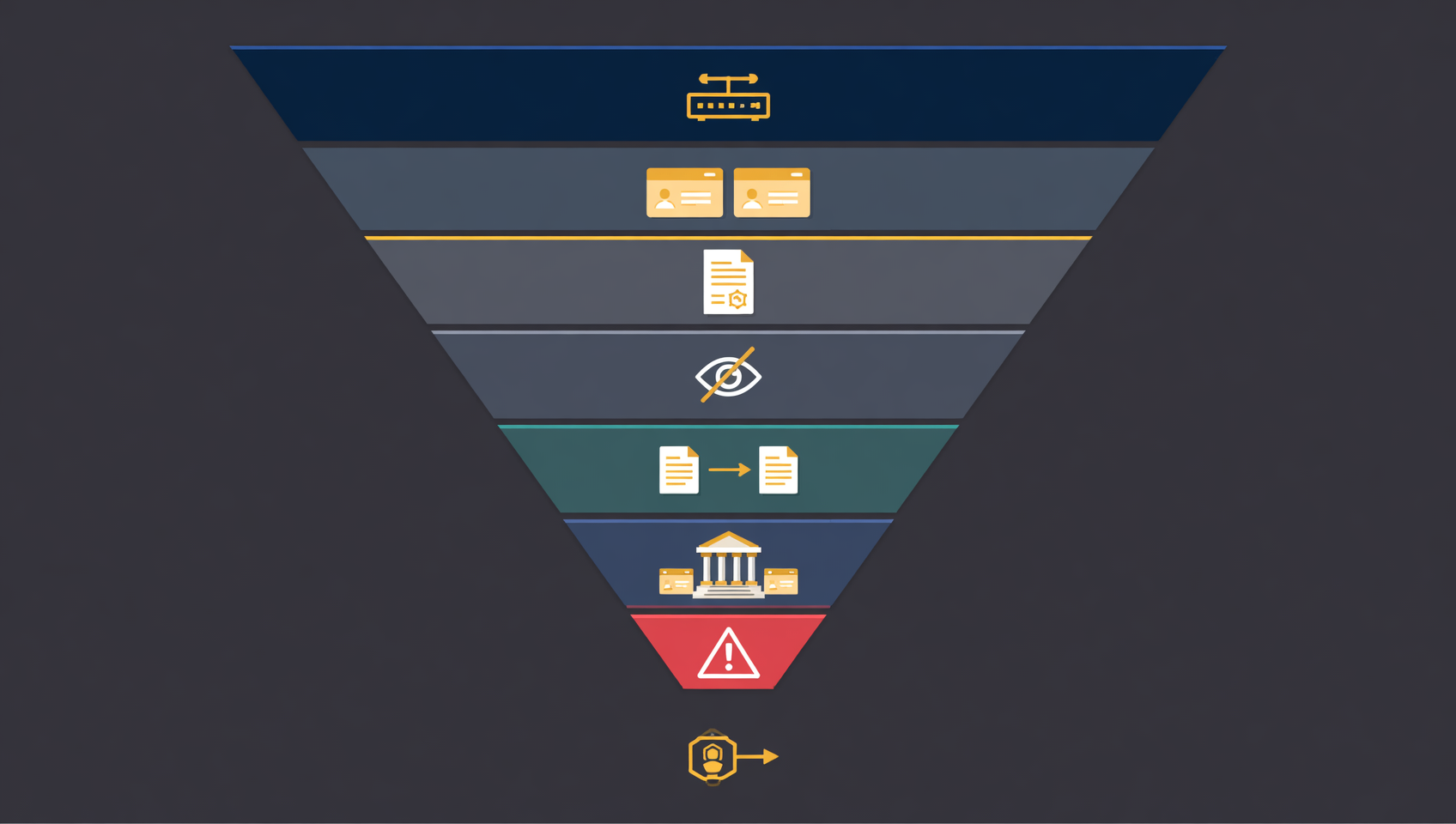
The first five are "the asset is there but not displayed." The sixth is "the asset is somewhere else." The last two are real loss or irreversible mistakes.
Cause 1: wrong network
The same address can exist on multiple EVM chains, but each chain has its own assets. You will not see USDT on BNB Chain while the wallet is on Ethereum, and you will not see Ethereum USDC while it is on BNB Chain.
Typical situations:
- You withdrew from an exchange via BEP-20 but the wallet is on Ethereum mainnet.
- You received USDC on Polygon but the wallet shows Ethereum.
- You added a custom RPC that connects to a testnet or a different chain.
How to check: query the address on each chain's explorer. Whichever chain shows the balance is the one to switch to.
What to do: switch networks in the wallet. If you must add a network manually, copy the RPC, Chain ID and explorer URL only from the chain's official documentation, never from a stranger.
Note: the same address does not mean cross-chain transfer. Sending Ethereum USDT to a BSC address does not move it across chains; you are looking at two independent ledgers for the same address.
Cause 2: wrong account or derivation path
One seed phrase derives countless addresses, and the wallet shows only one by default. This is why "the address changed after I restored my wallet" is common.
Common situations
- MetaMask has Account 1, 2 and 3; you normally use Account 2 but open Account 1.
- A hardware wallet connects with a different derivation path (for example, Ledger Live vs. Legacy), showing another set of addresses.
- You import the seed phrase into another wallet whose default path differs, so the first address is not the original one.
- A Bitcoin wallet uses a different address type (Legacy, SegWit, Taproot), deriving different addresses from the same seed.
How to check
Find the address that originally received the funds in a block explorer and see whether it still holds a balance. Then go back to the wallet and compare addresses account by account until you find the exact match.
What to do
- Software wallet: add accounts and compare addresses; do not create a new seed phrase.
- Hardware wallet: reconnect, choose "add account" and look for the address with the balance under different derivation paths.
- Bitcoin wallet: switch the address type or script type used during restoration to find the original address.
Key point: an empty default address does not mean the seed phrase is wrong. Confirm the address first, then judge the wallet.
Cause 3: token not recognized by the wallet
Wallets only display tokens they know about. New, obscure or cross-chain tokens may be completely invisible.
MetaMask's token detection covers Ethereum, Linea, Avalanche, BNB Smart Chain, Polygon, Arbitrum, Optimism, Base, zkSync and Solana, but not every network or token is detected automatically1.
Manual import (MetaMask example)
- Open the wallet's Tokens tab.
- Open the token list menu and choose "Import tokens."
- Select "Custom token" and paste the token contract address.
- The wallet usually fills in the symbol and decimals; confirm they match.
- Import and return to the asset list.
Key: trust only the contract address
Names and symbols are trivial to fake. Anyone can deploy a token called "USDT" with the symbol "USDT." Verify the contract address against the official website, official docs, the CoinGecko/CoinMarketCap token page or the verified contract in a block explorer2.
If the balance is still zero after importing
- Confirm the network.
- Confirm the contract belongs to that network.
- Confirm the wallet address is the one holding the token.
- Check the address's balance for that contract in the explorer.
Cause 4: token hidden or flagged
Wallets hide zero-balance, low-value or suspicious tokens to prevent accidental clicks. This is not a loss.
Common triggers
- The token balance is zero, so the wallet hides it by default.
- The token price is extremely low and it is grouped under "low-value tokens."
- The token came from an unsolicited airdrop and is flagged as spam.
- You hid it manually earlier.
How to find it
Open the wallet's assets or token settings, turn off "hide tokens without balance," then check the hidden, low-value or suspicious token lists. The exact path varies by wallet and version.
Safety note
Do not interact with unsolicited airdropped tokens. The token itself usually cannot drain your wallet, but the website it advertises, the approval it asks for or a permit signature can. The safest response is to hide it, not to swap, approve or click its link.
Cause 5: contract migration, rename or delisting
A project may deploy a new contract and migrate holders to it. The old contract balance stays on-chain, but the wallet may stop pricing it and exchanges may delist it.
Typical situations
- The project upgrades its contract and asks users to swap 1:1 or claim based on a snapshot.
- The token is renamed or changes ticker, and the wallet list has not caught up.
- An exchange delists the token; it still exists on-chain but has no market price.
- The project rug-pulls; the old token balance remains but is worthless.
How to check
- Read the project's official announcements, docs and social accounts (watch for impersonators).
- Check the old contract's activity and whether a new contract address has been announced.
- Check CoinGecko/CoinMarketCap for a migration or delisting notice.
What to do
Enter the migration page only from the official announcement and verify the new contract. Do not trust migration links in DMs, and never enter a seed phrase. A migration normally needs a signature or a transfer of the old token, not your private key.
Cause 6: funds in another exchange sub-account
If the crypto is actually still on an exchange, check every sub-account before assuming it is lost.
Common locations
- Funding account: where deposits often land.
- Spot account: used for trading.
- Earn: flexible savings, locked products, staking, dual investment.
- Futures account: used as margin and shown as available or occupied.
- C2C/P2P account: fiat-trading balances.
- Collapsed dust balances: small remainders hidden by the interface.
How to check
- Review the exchange's transaction and internal-transfer history.
- Check Earn or savings positions.
- Check open orders; funds may be frozen by an unfilled order.
- Use the withdrawal txid in a block explorer to confirm whether the funds actually reached the chain.
Exchange balances are not self-custody. The platform shows its own ledger, not your on-chain balance; if the platform fails, your claim depends on its rules and local law.
Cause 7: actual theft
If the explorer shows a reduced balance and an outgoing transfer you did not make, the asset may have been stolen. There are three common routes:
1. Seed phrase or private key leak
An attacker imports the wallet on any device and transfers the assets. Changing the wallet password does not help; the password only encrypts a local file, not the chain.
2. Malicious signature
You signed an approve, permit or other authorization on a phishing site, giving the attacker permission to move a token. The wallet shows "approval," not "transfer," which is easy to miss.
3. Old approvals exploited
You approved a token to a DApp months ago; a contract bug or a malicious project uses the old allowance to drain the token. Revoking stops future transfers but cannot recover what is gone.
How to confirm
- Inspect the outgoing transaction's counterparty, time and amount.
- Look for
Approve,PermitorIncrease Allowancerecords. - Look for tiny incoming transfers (address poisoning or dust attacks), then compare the addresses you later sent to.
What to do
Follow the stop-loss checklist below immediately. Do not search for a "recovery service" first.
Cause 8: wrong address, wrong chain or sent to a contract
This category is usually irreversible; the sooner you contact the recipient or platform, the better the chance.
1. Wrong address
If the address belongs to someone else, only they can return the funds. On-chain transactions cannot be reversed by a wallet or exchange.
2. Wrong chain
- Destination is an EVM address you control: switch to the correct network and import the token contract; the asset is often still visible.
- Destination is an exchange deposit address: contact support immediately with the txid, asset, amount, sending address, destination address and wrong network. Recovery depends on platform policy and is not guaranteed.
- Destination is on an unsupported chain: it may be permanently lost.
3. Sent to the token contract address
Sending ERC-20 tokens to the token contract itself usually makes them unrecoverable, because the contract has no private key to sign a transfer out; unless it includes a rescue function, the tokens are locked forever3.
4. Sent to a contract without a receive function
Some contracts cannot receive ETH or tokens; the transfer may fail or lock the funds. Check whether the transaction succeeded or failed. If it succeeded but the asset did not arrive, it likely went into the contract.
Diagnostic table
| What you see | Most likely cause | Next step |
|---|---|---|
| Wallet shows zero, exchange says withdrawal succeeded | Wrong network, wrong account, unimported token | Check the destination address with the txid |
| Address is right but token is absent | Token not recognized | Import the contract address |
| Token is listed but balance is zero | Wrong network, wrong account, wrong contract | Switch network, account and contract |
| Balance is there but price is zero | No price feed or liquidity | Check DEX pools and actual trades |
| Address changed after restoring | Different derivation path or account | Compare accounts against the original address |
| Exchange balance missing | Funding/Earn/Futures account or frozen | Check internal transfers and Earn positions |
| Unknown outgoing transfer | Seed leak, malicious signature, old approval | Follow the theft stop-loss checklist |
| Transfer succeeded but recipient has nothing | Wrong address, chain or contract | Contact recipient/platform; keep the txid |
If it really was stolen: 30-minute stop-loss checklist
Stop the bleeding before investigating. The wrong order can let the attacker take what is left.
- Stop using the old device: disconnect it and do not keep operating the wallet there.
- Create a new wallet: generate a fresh seed phrase on a clean device; never reuse the old one.
- Move remaining assets: send what is left to the new address; leave enough for gas.
- Revoke approvals: after moving, revoke approvals on the old address with a tool such as Revoke.cash. If the seed phrase leaked, revoking is not enough because the attacker can sign again.
- Record evidence: stolen address, every txid, timestamps, assets, amounts, counterparty addresses, phishing-site screenshots.
- Report and contact platforms: if funds reached a KYC exchange, report quickly so law enforcement can request a freeze. An individual contacting support usually cannot freeze someone else's account.
For the full recovery paths, police-report materials and second-scam patterns, see the MetaMask theft recovery guide linked below.
Before importing a token, verify the contract
The contract address is the only identity; the name and symbol are not. Verify in this order:
- Official website or docs: the project's token page usually lists the contract.
- CoinGecko / CoinMarketCap: the contract field on the token page, with the correct network selected.
- Block explorer: search the contract, check verification, creator, holder count and activity.
- Cross-check: at least two independent sources must agree before you import.
Do not use contract addresses from:
- DMs, group-chat forwards or "official" messages.
- Links attached to an airdropped token.
- Search-engine ads (often phishing sites).
- The name or symbol of an unknown token in your wallet.
Six things not to do
- Never give your seed phrase, private key, password or 2FA code to anyone. Official support never asks.
- Never trust an upfront-fee recovery service. Real tracing and freezing does not start with a crypto payment in a DM.
- Never click links inside unsolicited airdrop tokens. They can lead to phishing or malicious approvals.
- Never sign or approve on a site you do not recognize. Read whether it is a transfer, approval or permit.
- Never send an activation fee, gas fee or deposit to "recover" funds. This is a standard second-scam script.
- Never keep operating on a compromised device. Malware can swap clipboard addresses or capture your seed phrase.
Prevention: make "invisible" less likely
- Record address, network and contract: keep a offline note so you can compare after switching wallets.
- Keep chains separate: the same address works on many chains, but assets are independent; confirm the network before sending.
- Trust only contracts: never judge a token by name or symbol, and never copy a contract from chat.
- Use a cold wallet for large amounts: keep only spending money in a hot wallet.
- Review approvals monthly: revoke unused DApp allowances, especially unlimited ones.
- Back up the seed phrase offline: no photos, no cloud storage, no chat apps.
- Test with a small amount: new address, network or platform — send small first.
- Hide unknown tokens; do not interact: no swap, no approval, no links.
💰 Binance rebate: invite code BINANBT
New users who enter invite code BINANBT at registration get a 20% trading-fee rebate — worth having if you trade regularly. This article contains a referral link; we may earn a reward if you register through it, at no extra cost to you.
- Rebate: 20% of trading fees, ongoing; the more you trade, the more you save.
- Welcome package: up to $19,800, unlocked through tasks — not cash on signup.
- How to claim: enter BINANBT in the invite-code field at registration; that is the most reliable way.
- Important: registering directly in the app gives you none of the new-user rewards. An in-app signup is not linked to any invitation, so the $19,800 package and the 20% fee rebate will not apply. Use the registration link or enter invite code BINANBT.
👉 Register on Binance and claim the 20% fee rebate
FAQ
My tokens are missing but the transaction history is still there. Where did they go?
Paste your wallet address into a block explorer and check the current balance and token holdings. If the on-chain balance is still there, the tokens were not lost; the wallet is simply not showing them, usually because of the wrong network, the wrong account, an unimported token or a hidden token. If there is an outgoing transfer you did not authorize, treat it as theft.
Why can't my wallet see a token that is in the same address?
Wallets only display tokens they recognize. ERC-20, BEP-20 and SPL tokens need wallet support or a manual contract-address import; the same ticker on different chains is a different contract, so the wrong network hides it. Wallets may also hide zero-balance or low-value tokens and flag unsolicited airdrops as suspicious.
I restored my wallet and the address changed. Did I lose my funds?
Usually not. You restored a different account. One seed phrase can derive many addresses, and different wallets, address types and hardware-wallet paths may show different defaults. Find the address that originally received the funds in a block explorer, then add that account or choose the correct derivation path.
Can I recover crypto sent to the wrong network?
It depends. If the destination is an EVM address you control, switch to the correct network and import the token contract; the asset is often still there. If you sent to an exchange deposit address on the wrong network, contact support immediately; recovery is not guaranteed. If you sent to an unsupported chain or a contract address, it may be permanently lost.
A token in my wallet is marked suspicious. Can I still use it?
Do not interact with it. Anyone can deploy a token for a few dollars and airdrop it to any address, using the same name and symbol as a real coin. Verify the contract address through the official website, documentation or block explorer. A token appearing in your wallet does not mean it has value or is safe to swap or approve.
My wallet shows a token price of zero. Does that mean it is worthless?
Not necessarily. Wallet prices come from third-party feeds, and obscure, new or illiquid tokens may have no quote at all. Judge value from the on-chain balance, the contract address, DEX liquidity and actual trades, not from the dollar figure in the wallet.
How do I tell theft from a display problem?
Check outgoing transfers in a block explorer. If the balance is still at your address and there is no transfer you did not authorize, it is a display or network issue. If you see an unknown outgoing transfer, approval or permit signature and the balance dropped, it is theft. Stop using the old device, create a new wallet, move remaining assets, revoke approvals and report it.
Are people who offer to recover my crypto trustworthy?
Almost never. Real tracing and freezing is done by law enforcement, exchange compliance teams and blockchain-analysis firms, not by someone who charges a fee in a DM. Anyone asking for your seed phrase, private key, verification code or remote access, or demanding an upfront activation or gas fee, is running a second scam.
Further reading
- MetaMask wallet stolen: how to recover funds in 2026
- MetaMask wallet tutorial 2026: download, setup and seed backup
- Cold wallets and hardware wallets: complete 2026 guide
- Bitcoin address types: 1 vs 3 vs bc1q vs bc1p
- Crypto airdrop safety guide: fake drops and signature phishing
- Binance withdrawal guide: networks, addresses and memos
- More wallet and security guides
Disclaimer: This article is for educational purposes only and is not investment, financial or legal advice. Wallet, token-contract, block-explorer and exchange interfaces change with each release; follow the official pages for actual operations. On-chain transactions are irreversible, and sending to the wrong address, chain or contract can permanently destroy assets; this article does not promise any recovery outcome. Never share your seed phrase, private key, password, keystore or 2FA code with anyone, and treat any "recovery service" that asks for an upfront payment or crypto transfer as a likely scam. Crypto services are restricted in some countries and regions; confirm your local rules first.
Footnotes
-
Source: MetaMask support article "How to display tokens in MetaMask", queried November 3, 2026: token detection covers Ethereum, Linea, Avalanche, BNB Smart Chain, Polygon, Arbitrum, Optimism, Base, zkSync and Solana; enable it under Settings → Security & Privacy → Autodetect tokens (extension) or Settings → Advanced (mobile); manual import is under Tokens → Import tokens → Custom token. ↩
-
Source: MetaMask support and community documentation: token names and symbols can be duplicated; only the contract address is unique; unsolicited airdrops and suspicious tokens should not be interacted with. Queried November 3, 2026. ↩
-
Source: Etherscan and mainstream ERC-20 implementation notes: a token contract address has no corresponding private key, so tokens sent to the contract are normally unrecoverable unless the contract includes a rescue function; implementations vary. ↩