


Introduction
Aave is the world's largest decentralized lending protocol, often described as a "decentralized bank" in the DeFi ecosystem. You can deposit crypto assets like USDC and ETH to earn interest, or use them as collateral to borrow other tokens. As of July 2026, Aave's total value locked stands at approximately $21 billion, consistently ranking among the top 3 DeFi protocols by TVL1.
This tutorial walks you through the complete process — from depositing on Aave to borrowing and managing your positions safely.
🔍 Prerequisite: If you're new to DeFi, start with our What is DeFi? Beginner-Friendly Guide to understand the core concepts first.
What You'll Need
- A crypto wallet (MetaMask or OKX Wallet)
- Some ETH (for on-chain gas fees)
- USDC or DAI to deposit
💡 Don't have crypto yet? Buy USDC and ETH on Binance or OKX, then withdraw to your wallet.
TL;DR Key Takeaways
- Earn 3-5% APY on Aave deposits — no lockup, withdraw anytime, perfect for DeFi beginners
- Three-step workflow: Create wallet → Bridge to Arbitrum/Base → Deposit USDC, takes ~15 min total
- Golden rule: Deposit only (no borrowing) is safest; understand liquidation risks before borrowing
Step 1: Understand How Aave Protocol Works
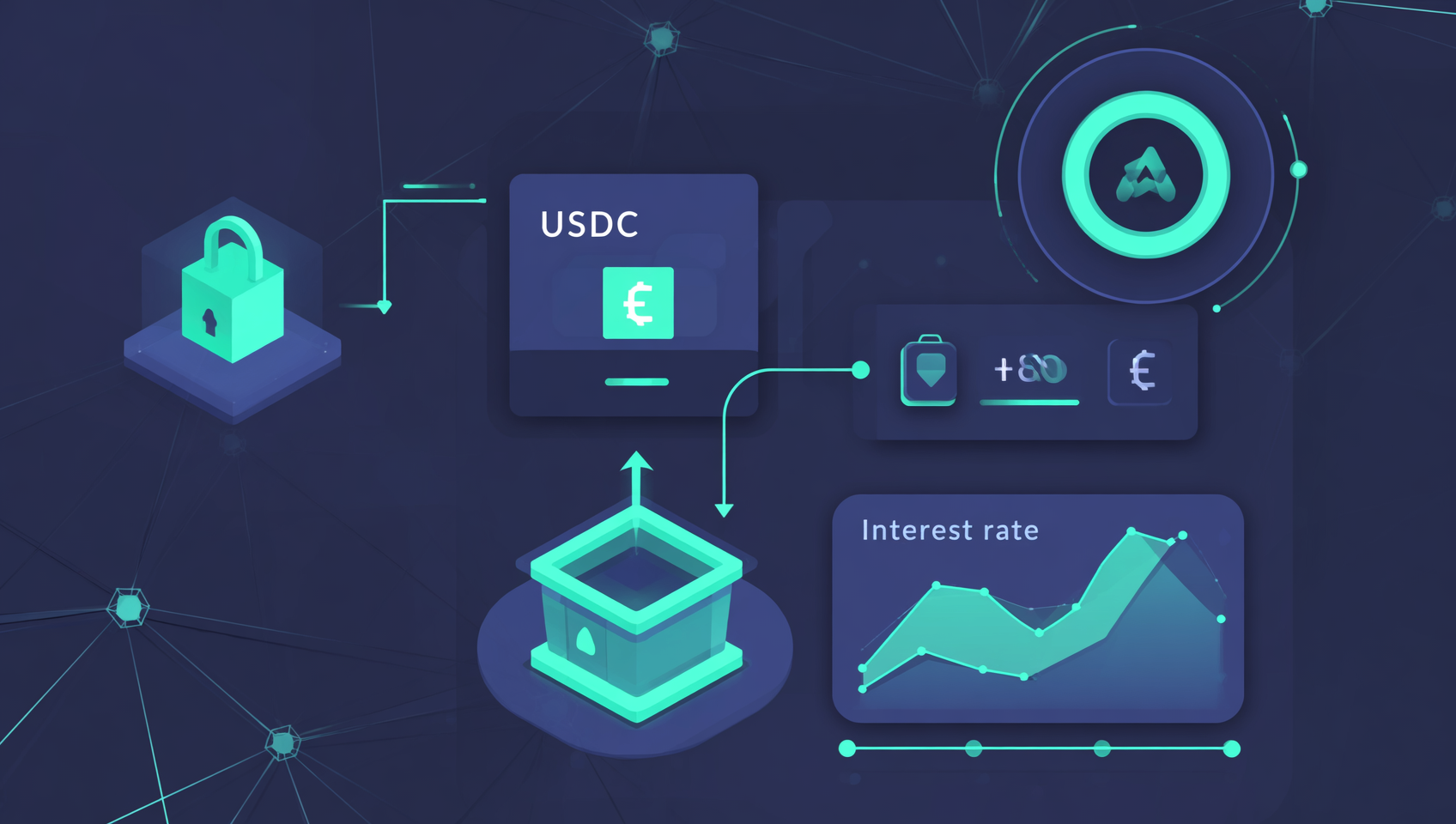
Aave is a decentralized lending protocol running on blockchain, founded by Stani Kulechov and launched in 2017. Unlike a bank, Aave has no CEO, no tellers, and no manual approvals — all lending and borrowing is executed automatically by smart contracts.
How Aave's Liquidity Pool Works
- Depositors put assets into Aave's smart contract pool
- Borrowers withdraw assets from the pool, paying interest
- Interest is distributed automatically to all depositors
- Rates adjust algorithmically based on pool utilization
In simple terms: You deposit USDC, others borrow it and pay interest, the interest is all yours.
Why Choose Aave?
| Feature | Description |
|---|---|
| 🌐 Multi-chain | Ethereum, Arbitrum, Base, Polygon, Optimism, Avalanche |
| 💧 Deep liquidity | Excellent depth on USDC/USDT/ETH/DAI and major pairs |
| 🔒 Security | Dozens of audits, zero hacks since launch |
| ⚡ Instant | Deposits/borrows/withdrawals confirm in seconds |
| 📱 User-friendly | Connect wallet at app.aave.com, no registration needed |
Aave is a "blue-chip DeFi protocol" — its code has been audited dozens of times, with ~$21B in TVL, making it one of the most trusted protocols in DeFi.
Step 2: Prepare Your Wallet and Fund It
Set Up Your Wallet
If you already have MetaMask or OKX Wallet, skip ahead. If not:
- Install MetaMask: Visit metamask.io, download the browser extension
- Create wallet: Set password → Write down your seed phrase (offline only — no screenshots, no cloud storage)
- Add Arbitrum network: Search for "Arbitrum One" in MetaMask settings, or use chainlist.org
⚠️ Seed phrase security: Your seed phrase is the master key to your wallet. Anyone who has it can take all your assets. Write it down on paper and store offline. Never store it on your computer or phone.
Buy and Bridge Funds
- Buy USDC and a small amount of ETH on Binance or OKX
- Withdraw to Arbitrum One or Base network (not Ethereum mainnet!)
- Recommended: $50-100 USDC + $10-20 worth of ETH (for gas)
- Once confirmed, your USDC and ETH will appear in your wallet
💡 Why Arbitrum or Base? On Ethereum mainnet, a simple deposit transaction can cost $10-50 in gas fees. On Arbitrum or Base, the same operation costs $0.10-0.50. Don't use Ethereum mainnet for DeFi unless you're moving large amounts.
Step 3: Connect to Aave and Deposit USDC
Connect Your Wallet
- Open app.aave.com
- Switch your wallet to Arbitrum One
- Click "Connect Wallet" in the top right
- Select MetaMask and approve the connection
⚠️ Safety reminder: Phishing sites often mimic the Aave interface. Always use app.aave.com directly — bookmark it, never click ad links from search results.
Make Your First Deposit
- Find the USDC row on the Aave Dashboard
- Click the "Supply" button
- Enter the deposit amount (start with $50-100)
- Review the APY — the dashboard shows current annual yield
- Click "Supply" and confirm the transaction in your wallet
- Wait for confirmation (10-30 seconds on Arbitrum)
✅ Done! Your USDC is now earning interest on Aave. The dashboard shows:
- Total Supplied: Your deposit amount
- Supply APY: Your annual yield rate
- Accrued Interest: Interest earned so far
Deposit Earnings Example
| Deposit Amount | APY (4% example) | Daily Earnings | Monthly Earnings | Yearly Earnings |
|---|---|---|---|---|
| $100 | 4% | ~$0.011 | ~$0.33 | $4.00 |
| $1,000 | 4% | ~$0.11 | ~$3.33 | $40.00 |
| $10,000 | 4% | ~$1.10 | ~$33.33 | $400.00 |
Step 4: Understand Your Deposit Dashboard
Key Metrics Explained
| Metric | Meaning | Notes |
|---|---|---|
| Supply APY | Annual Percentage Yield | Compounds daily, auto-reinvests |
| Total Supplied | Total deposit value | Principal + accrued interest |
| Available to Withdraw | Withdrawable amount | Usually equals total (no lockup) |
| Health Factor | Collateral health score | ∞ if no active loan; critical if borrowing |
How APY Fluctuates
Aave's APY changes with market supply and demand:
- More borrowing → rates rise → deposit APY increases
- More depositing → rates fall → deposit APY decreases
- Extreme market events → borrowing surges → APY can spike to 10%+
USDC deposit APY on Arbitrum varies between 3.5-5.5% as of mid-2026, while ETH deposit APY hovers around 1-3%2.
Step 5: Borrow Against Your Deposit (Optional)
For beginners, I strongly recommend deposit-only. Earning interest without borrowing is the safest way to start. The following is for reference once you're ready to explore further.
How to Borrow
- Select the "Borrow" tab on Aave
- Choose the asset you want to borrow (e.g., ETH)
- Review key metrics:
- Max LTV: Maximum loan-to-value ratio (typically 70-80%)
- Current LTV: Your current ratio
- Health Factor: Estimated based on borrow amount
- Enter amount — borrow only 20-30% of your limit
- Choose rate type (recommend "Variable")
- Confirm transaction
Borrow Limit Example
| Deposit | Collateral | Borrow Asset | Max Borrowable | Recommended |
|---|---|---|---|---|
| $100 USDC | $100 | ETH | ~$75 | $20-30 |
| $500 USDC | $500 | ETH | ~$375 | $100-150 |
| $1,000 USDC | $1,000 | ETH | ~$750 | $200-300 |
⚠️ Borrowing also incurs interest determined by market supply and demand. If your borrow rate is higher than your deposit rate, you'll experience negative carry — earning less interest than you pay.
Step 6: Monitor Your Position and Liquidation Risk
Understanding Health Factor
Health Factor (HF) is Aave's most important risk metric:
- HF > 2.0: Very safe, ample buffer for price volatility
- 1.5 ≤ HF < 2.0: Safe zone — aim to stay here
- 1.1 ≤ HF < 1.5: Warning zone — monitor closely
- HF < 1.0: Liquidation triggered — collateral sold
What Triggers Liquidation?
Your Health Factor drops when:
- Your collateral's price falls (e.g., you deposited ETH and ETH drops)
- Your borrowed asset's price rises (e.g., you borrowed ETH and ETH surges)
When HF falls below 1, liquidation bots immediately auction your collateral to repay the protocol, charging a 5-10% liquidation fee.
Safety Guidelines
✅ Keep Health Factor above 1.5 ✅ Borrow only 20-30% of your limit ✅ Set price alerts (use DeBank or Zapper) ✅ Keep spare ETH for emergency top-ups
❌ Never borrow to your max limit ❌ Don't borrow a different asset than deposited (ETH→ETH is safer) ❌ Don't borrow during extreme volatility
Emergency Actions
If HF enters the danger zone (<1.3):
- Add more collateral: Deposit additional assets to boost HF
- Repay some debt: Reduce liabilities to increase HF
Don't wait until HF drops below 1.1 — market moves fast and you may not have time to react.
Step 7: Withdraw Deposits and Repay Loans
Withdraw (No Active Loan)
Simply click "Withdraw" on your deposited asset, enter the amount, and confirm.
Repay Then Withdraw (With Active Loan)
If you have an outstanding loan, repay first:
- Click "Borrow" → "Repay"
- Select the borrowed asset, enter amount
- Repay in full to save on future gas costs
- Once repaid, your collateral is unlocked
- Return to Dashboard to withdraw all deposits
💡 Gas optimization: If you have multiple operations, do them in one session to minimize total gas costs.
Step 8: Safety Tips and Best Practices
In DeFi, security is 100% your responsibility. Never skip these habits:
🚨 Phishing Protection
- Always use app.aave.com directly — bookmark it, never click ads or Telegram links
- Use Rabby Wallet (warns about suspicious sites) and browser security extensions
🔑 Approval Management
- Connecting to Aave only requests "view address" permission — no token approval yet
- First deposit requires USDC approval — check the amount carefully
- Use "exact amount" approval instead of "unlimited"
💰 Fund Management
- Never keep all funds in one position
- Use multiple wallets: cold wallet for long-term storage, hot wallet for DeFi operations
- Limit Aave exposure to 20% of total crypto portfolio
📊 Daily Monitoring
- Use DeBank or Zapper to track positions
- Set price alerts (ETH/USD, USDC depeg warnings)
- Follow Aave's official Twitter or Discord for protocol updates
FAQ
Q: Do I need to pay taxes on Aave earnings?
In most countries, DeFi interest is taxable income. The US treats it as ordinary income; Germany exempts holdings over 1 year. Keep detailed records and consult a tax professional. China currently does not explicitly tax personal crypto holdings or transactions, but policy may change.
Q: Aave vs bank savings — which earns more?
Aave by a wide margin. Bank savings accounts offer 0.1-0.3% APY, while Aave USDC deposits earn 3-5% APY — 10-50x more. However, bank deposits have FDIC/SIPC insurance; Aave has no government insurance — your funds are protected only by smart contract code.
Q: Do I pay gas fees on Aave?
Yes. Every transaction (deposit, withdraw, borrow, repay) requires gas. On Arbitrum or Base (L2), gas fees are $0.10-0.50 per transaction. On Ethereum mainnet, each operation costs $5-50 in gas.
Q: Why does Aave's APY keep changing?
Aave uses an algorithmic interest rate model based on supply and demand. More borrowing → higher rates. More depositing → lower rates. In bull markets, borrowing surges and APY rises; in bear markets, borrowing drops and APY falls.
Q: Is $50 too small to deposit on Aave?
Not at all — DeFi works for any amount. On Arbitrum or Base, gas fees are tiny, so even $50 deposits make sense. Just avoid Ethereum mainnet for small amounts — if gas fees exceed 1% of your deposit, it's not worth it.
Q: What's the benefit of depositing USDC and borrowing ETH?
This is a leveraged long-ETH strategy: you're using USDC as credit to gain ETH exposure without selling your stablecoins. If ETH rises, you can repay the loan with less USDC. But the downside is real — ETH drops amplify losses, plus you pay borrow interest. Not recommended for beginners.
Summary
You've now learned everything needed to start your Aave DeFi journey:
- ✅ How Aave's lending protocol works
- ✅ How to prepare your wallet and bridge funds
- ✅ How to deposit and earn interest
- ✅ How to borrow and manage positions
- ✅ How to stay safe
Next Steps
- Start small: Deposit $50-100 USDC, watch the interest for a week
- Track: Use DeBank to monitor your wallet across all protocols
- Explore: Learn about Aave's stable vs variable rate switching and Flash Loans
Aave is your gateway to the DeFi world. On Layer 2, the experience is smooth, the fees are low, and the possibilities are endless. Start small, learn the ropes, then scale up.
Further Reading
- What is DeFi? Beginner-Friendly Guide
- DeFi Security: How to Revoke Contract Approvals
- What Are On-Chain Assets? Guide from Wallet to RWA
- On-Chain Guide — More blockchain education and tutorials
Disclaimer: This content is for educational purposes only and does not constitute financial advice. DeFi operations carry smart contract risk, liquidation risk, and market risk. Please make informed decisions based on your own circumstances.
Footnotes
-
DefiLlama, Aave Protocol Data Page, accessed July 17, 2026. https://defillama.com/protocol/aave ↩
-
Aave Official App, Arbitrum USDC Deposit Rate, accessed July 2026. https://app.aave.com ↩