
OKX Registration 2026: 8 Mistakes to Avoid (KYC, Region & Security)
Avoid the 8 most common OKX registration mistakes in 2026 — phishing sites, a missed referral code, VPN risk-control flags, and KYC rejection reasons. Includes a checklist and the correct flow to get approved on the first try.
TL;DR
- 90% of OKX registration mistakes fall into 3 buckets: phishing sites, a missed referral code, and KYC rejection. See them coming and you'll avoid most problems.
- The referral code must be entered at registration. Using 60895497 gives a 20% permanent fee rebate, and it can't be added later.
- Top causes of KYC rejection: poor ID photos, mismatched information, and registering over a VPN.
- Never use a third-party "KYC proxy" or someone else's ID — your account will be frozen and your funds unrecoverable.
Table of Contents
- The Bottom Line: 90% of Mistakes Come Down to 3 Things
- Clear Up 3 Concepts First
- 3 Mistakes at the Signup Stage
- 4 Mistakes at the KYC Stage
- 1 Mistake After Registration
- A Checklist of All 8 Mistakes
- The Correct OKX Registration Order
- FAQ
- Summary: One Sentence to Remember
The Bottom Line: 90% of Mistakes Come Down to 3 Things
Most OKX registration mistakes fall into three buckets: landing on a phishing site, missing the referral code, and failing KYC. Think these three through in advance and you'll rarely trip at the signup stage.
First, landing on the wrong site. When you search "OKX," the top results are often ads, and some are lookalike phishing pages. Typing your password into one is like handing your assets to an attacker.
Second, missing the referral code. OKX's referral code can only be entered at registration and cannot be added later. Missing code 60895497 means permanently giving up a 20% trading-fee rebate.
Third, failing KYC. This is the most frustrating part — a blurry photo, mismatched details, or registering over a VPN can all leave your verification stuck or rejected.
Below, each of the 8 mistakes is broken down with "why it happens" and "how to avoid it."
Clear Up 3 Concepts First
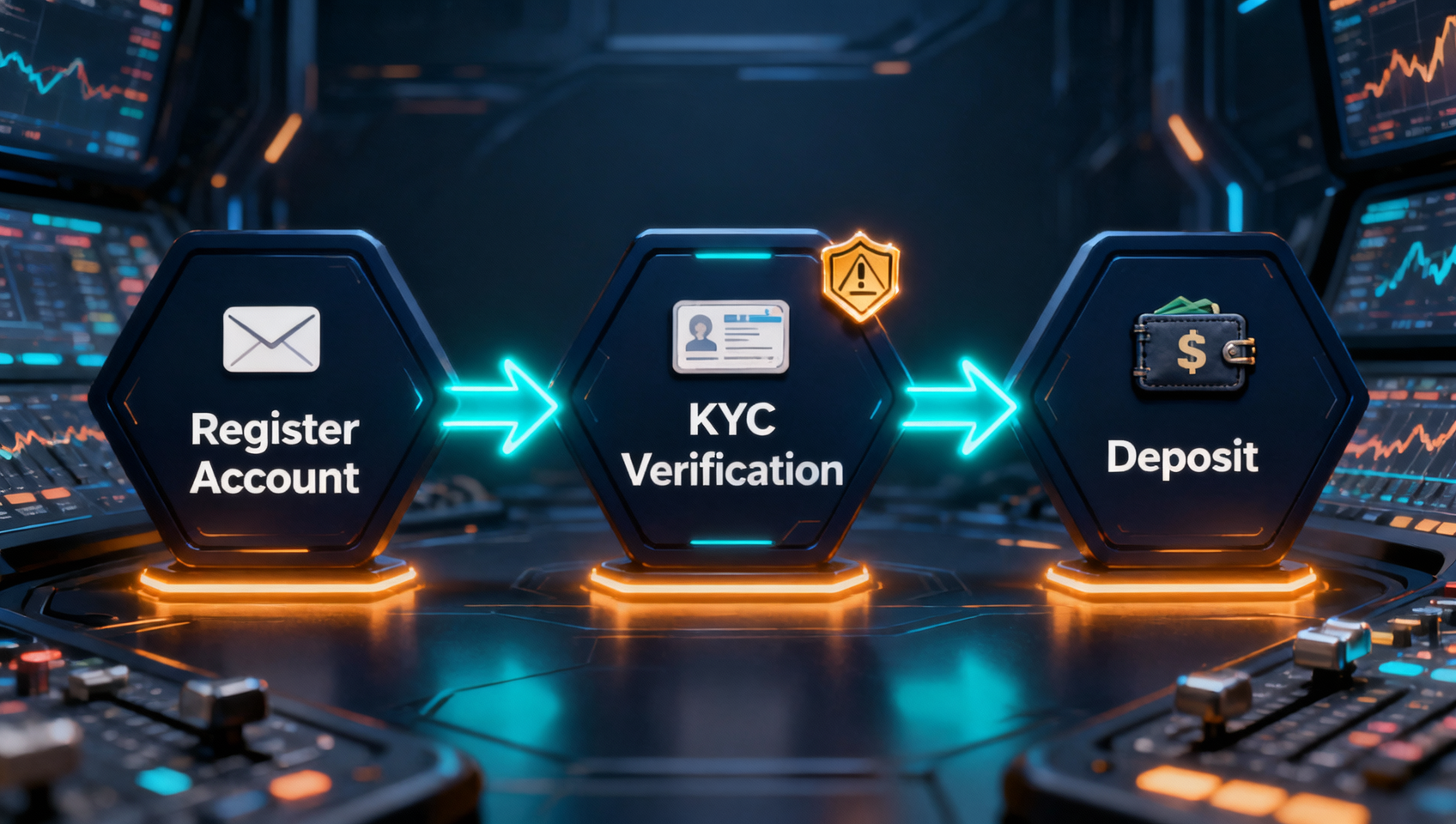
Before we get to the mistakes, let's resolve the confusion most beginners have. Many guides mix up "registration," "KYC," and "deposit," leaving people unsure which step they're stuck on.
- Account registration: creating an account with an email or phone number. It takes minutes, but you cannot trade yet.
- KYC verification: submitting an ID and facial recognition. Only after passing can you deposit, trade, and withdraw. Since January 2024, OKX has required all users to complete at least Lv.1 verification before trading or withdrawing1.
- Deposit: after passing verification, funding your account (C2C buy, on-chain deposit, or bank card) so you can start buying.
One more easy mix-up: a referral code is not the rebate itself. The code (e.g., 60895497) is the "key" to the rebate; the rebate is the portion of fees returned to you after trading. That key can only be turned at registration — there's no going back.
3 Mistakes at the Signup Stage
Mistake 1: Clicking a Phishing Site From a Search Engine
This is the costliest and most easily overlooked mistake. When you search "OKX" on Google or another engine, the top results are often ads — some are carefully faked phishing sites that look identical to the real thing, differing only by a single letter in the domain.
The moment you type your credentials into a phishing site, or "deposit" into it, your funds become nearly impossible to recover. The correct approach: only enter through the official app or a trusted referral link, and never click the ad slots in search results.
⚠️ Three ways to spot a phishing site: ① verify the domain is exactly okx.com; ② check that the site has a valid security certificate (the padlock in the address bar); ③ never click links sent by a stranger claiming to be "support." For a systematic guide, see our anti-phishing guide.
Mistake 2: Missing the Referral Code — You Can't Add It Later
OKX's referral code must be entered at registration and cannot be added or changed afterward. This is the easiest mistake for beginners to make, and an expensive one — the rebate is permanent, so every missed trade is a fee you'll never get back.
Registering with code 60895497 earns a 20% permanent trading-fee rebate, and combined with OKB fee offset (up to 50% off), you can save nearly 55% in total. For the full rebate mechanics and the math, see our OKX referral code guide.
💡 Money-saving tip: registering through a referral link auto-fills the code, so you don't have to type it. Before the first referral link, a disclosure: registering through the link below adds no cost to you; we may earn a platform commission.
👉 OKX official referral registration link (code auto-filled)
Mistake 3: Registering Over a VPN or Proxy — Triggering Risk Control
Registering over a VPN or proxy is the most common way people flag their own account. The exchange's risk-control system records your login IP and region. If your network environment at registration doesn't match your ID's country of residence, the account is easily marked high-risk — at best your KYC stalls, at worst trading is restricted or the account is frozen.
The correct approach: turn off the VPN/proxy and register from your local network where you normally live. Keep your network environment stable after registration, too, and avoid hopping between regional nodes.
4 Mistakes at the KYC Stage
Mistake 4: Registering in an Unsupported Region
OKX does not offer services in every country and region. Some regulated jurisdictions cannot register. If your region is unsupported, forcing registration — or borrowing another region's identity — will eventually get your account frozen by risk control.
The correct approach: use the referral link first to confirm your region is supported. If it isn't, switch to Binance, which supports a broader range of regions (disclosure: registering through the link may earn us a commission). Both are top exchanges — don't risk an account freeze just to "use OKX."
Mistake 5: KYC Information That Doesn't Match Your ID
One of the most common causes of KYC rejection is registration details that don't match your ID. An alias for your name, a wrong date of birth, the wrong nationality, or a single missing digit in your document number — these details all get caught in manual review.
The correct approach: the name, date of birth, and nationality you enter must match your ID/passport character-for-character, and double-check the document number before submitting. If you catch a mistake after submission, you'll often have to go through manual support review, which is a hassle.
Mistake 6: Poor ID Photos
Poor photo quality is the biggest single cause of KYC rejection. OKX requires a clear photo of the original document, and the following will all be rejected:
- Blurry, reflective, shadowed, or cropped photos
- Screenshots, photocopies, or "a photo of another phone's screen"
- An expired document, or one that isn't a valid ID of your own
The correct approach: photograph the original document directly with the latest app, with good lighting, all four corners visible, and no glare or obstruction. For facial recognition, remove hats, glasses, and headphones and use a plain background. A better photo means a much faster review.
Mistake 7: Using a Third-Party "KYC Proxy"
Anyone claiming they can "pass KYC for you," "register for you," or "guarantee approval" is running a scam. These services either disappear with your money or register you through illegal means, leaving your account permanently frozen, funds unrecoverable, and possibly legal trouble.
Remember the one hard rule: identity verification can only be done with your own real identity and documents. There is no shortcut — never touch any "pay-to-pass" channel.
1 Mistake After Registration
Mistake 8: Skipping Security Setup
Many beginners assume "registered = safe," when security settings are the real line of defense. An account protected only by a password is one leaked password away from losing its funds.
After registering, do these two things immediately:
- Enable Google Authenticator (2FA): the single most important step. Without the dynamic code on your phone, an attacker can't log in.
- Set an anti-phishing code: bind a string of characters only you know. Official OKX emails will then include that string, helping you spot forged messages.
OKX itself uses Proof of Reserves (PoR) and a roughly $700 million insurance fund2, but you remain the first line of defense for your own account.
A Checklist of All 8 Mistakes
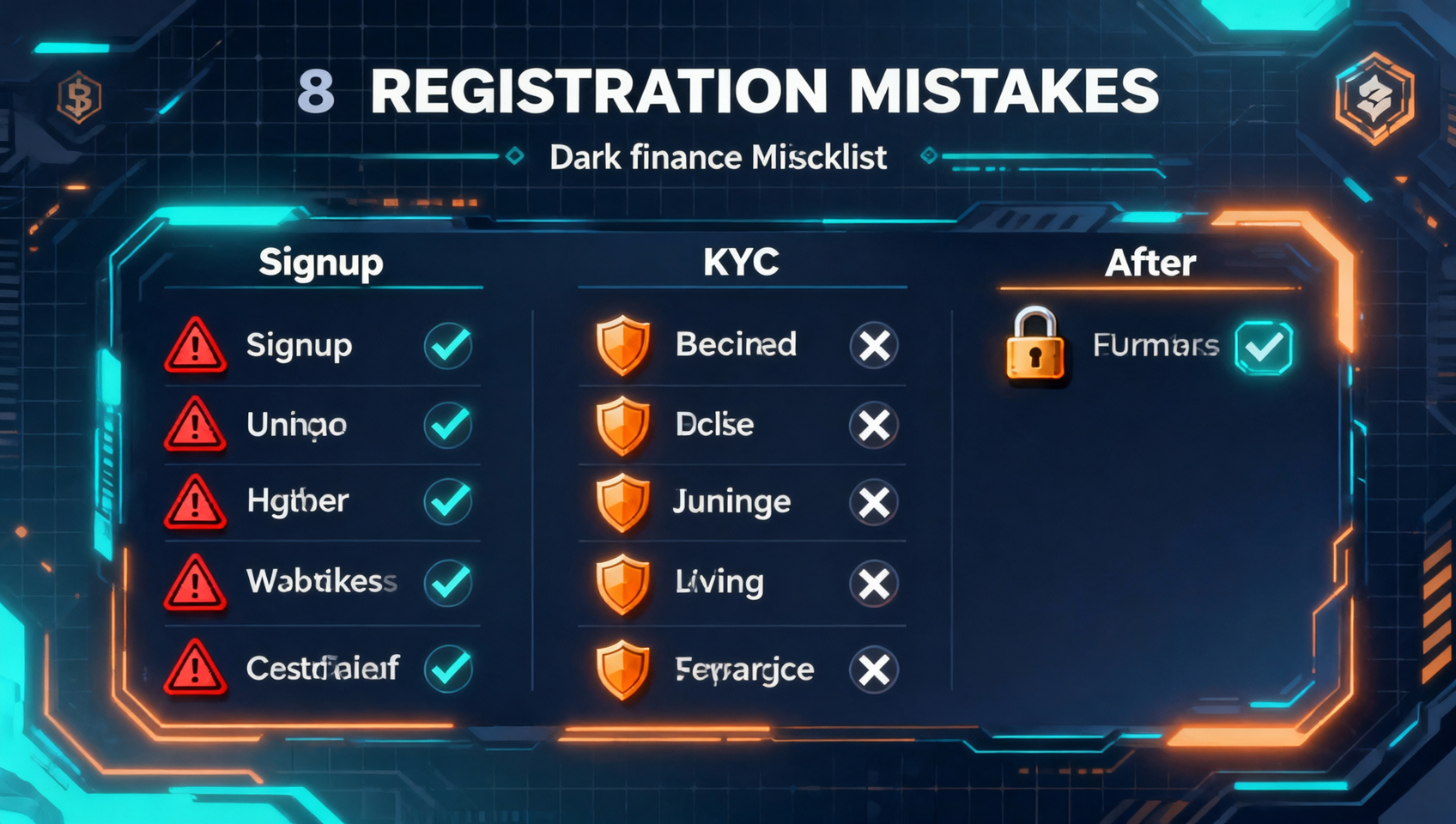
Save this table — it breaks down all 8 mistakes by stage, consequence, and the fix:
| Stage | Mistake | Consequence | How to Avoid It |
|---|---|---|---|
| Signup | 1. Clicking a phishing site | Credentials leaked, assets stolen | Only use the official app or referral link; check the domain |
| Signup | 2. Missing the referral code | Permanent loss of 20% rebate | Confirm the code field shows 60895497 at registration |
| Signup | 3. Registering over a VPN | Risk-control flag, failed review or freeze | Turn off VPN and register on your local network |
| KYC | 4. Unsupported region | Account frozen by risk control | Confirm region support first; switch platforms if not |
| KYC | 5. Mismatched information | KYC rejected | Match your ID character-for-character before submitting |
| KYC | 6. Poor ID photos | Rejection, repeated re-shoots | Photograph the original — clear, all corners, no glare |
| KYC | 7. Third-party "KYC proxy" | Scam, frozen account, lost funds | Use only your own real identity; never pay to "pass" |
| After | 8. Skipping security setup | High risk of account takeover | Enable 2FA + anti-phishing code right away |
The Correct OKX Registration Order
Once you've avoided the 8 mistakes above, the correct order is simple. For step-by-step screenshots, see our OKX registration tutorial.
Step 1: Confirm your environment. Check that your region supports OKX, turn off VPN/proxy, and use your local network.
Step 2: Register via the referral link. Open the OKX official referral link, register with email, and confirm the referral code field is auto-filled with 60895497.
Step 3: Complete KYC. Submit a photo of an original document that matches your registration details, complete facial recognition, and wait for approval (usually minutes to 24 hours).
Step 4: Enable security. Immediately turn on Google 2FA and the anti-phishing code.
Step 5: Test with a small deposit. Deposit a small amount first to confirm the account and channel work, then scale up.
Every step above, with screenshots and exact menu locations, is in our OKX registration tutorial.
FAQ
Does it cost money to register on OKX?
No. Creating an OKX account and completing KYC are free, and the platform never charges a registration or verification fee. Anyone asking you to pay to "register" or "pass review" is running a scam.
What should I do if my OKX registration is rejected or fails?
The most common reasons are poor ID photos, mismatched information, using a VPN, or an unsupported region. Resubmit a clear photo of the original document, turn off the VPN, and confirm your region is supported — you can usually pass on the next try.
Do I have to enter a referral code when registering for OKX?
It is not mandatory, but strongly recommended. The code must be entered during registration and cannot be added later. Using code 60895497 gives you a 20% permanent trading-fee rebate that you would otherwise miss permanently.
How long does OKX KYC take, and how do I fix a rejection?
Basic verification usually passes within minutes; advanced verification generally takes 10 minutes to 24 hours. If rejected, the system will state the reason. Resubmit a clear photo of the original document and make sure the details match — a second attempt is fine.
Can I register on OKX with someone else's ID?
Absolutely not. Using someone else's document or buying a "pre-verified account" violates platform rules and the law. Your account will be frozen, funds cannot be withdrawn, and you will fail facial recognition. Always register with your own real identity.
Can I change my KYC information after registering on OKX?
Identity verification details generally cannot be edited after submission; you must contact support for a manual review. Get the information right the first time to avoid trouble later.
Which is easier to register, OKX or Binance?
The process is similar for both: email signup plus KYC verification. OKX is friendlier for Web3 wallet users, while Binance supports a broader range of regions. Consider registering both and using them as needed.
Summary: One Sentence to Remember
Registering on OKX isn't complicated, and the pitfalls are few — the key is three rules: only use official links, enter referral code 60895497 correctly, and take clear photos of your own ID for KYC.
Do those three things, turn on 2FA, and you're already ahead of most beginners. Next, check out our OKX spot & futures trading guide or the full OKX review to learn the platform.
Further Reading
- OKX Registration Tutorial: Account, KYC & Deposit
- OKX Referral Code & Rebate Guide
- Exchange Rebate Comparison: Binance vs OKX
- Binance Registration Tutorial (for comparison)
- On-Chain Guide — Crypto Tools & Resources
Disclaimer: This content is for learning reference only and does not constitute investment advice. Cryptocurrency investment carries risks; please make decisions based on your own situation.