
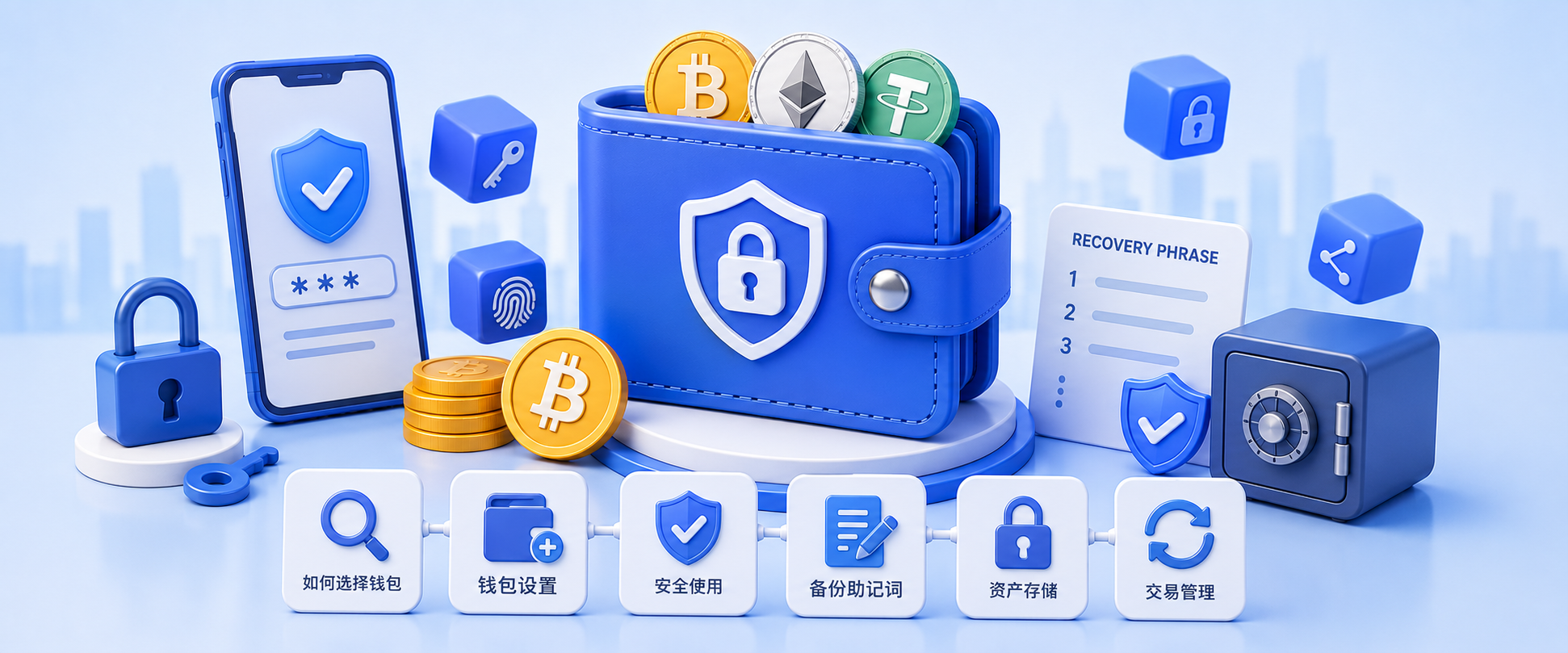
Wallet Security Guide
The ultimate crypto wallet security guide — MetaMask, seed phrases, private keys, protecting your assets and avoiding common scams.
Welcome to the Wallet Security Guide! In the crypto world, you are the sole guardian of your assets. No bank or customer support can recover lost private keys or seed phrases. This guide compiles CoinVado’s best wallet security content in a structured learning path.
Wallet Basics
Understand what crypto wallets are and the differences between types.
- Crypto Wallet Complete Guide 2026: Hot vs Cold — Comprehensive comparison of hot, cold, and hardware wallets
- MetaMask Wallet Installation & Security Guide — From creation to safe usage
- OKX Web3 Wallet Tutorial — Using exchange-integrated Web3 wallets
Goal: Understand wallet types and set up your first wallet.
Private Key & Seed Phrase Security
The most important knowledge in wallet security — read carefully.
- Seed Phrase & Private Key Security Guide 2026 — Best practices for secure backup and common mistakes to avoid
⚠️ Golden Rule: Never enter your seed phrase:
- On any website (even ones that look like MetaMask)
- As screenshots or photos on your phone
- In cloud storage (iCloud, Google Drive)
- In chat apps (WeChat, Telegram)
Correct: Use paper or metal backup offline, stored in a safe place.
Scam Prevention
Learning to identify scams is your most important defense.
- Common Crypto Scams Guide 2026 — From phishing to Rug Pull, know all the tricks
- How to Identify Fake Exchanges — Spot fake trading platforms
- Rug Pull Identification Guide — How to spot worthless scam coins
Web3 Security Advanced
When you start using decentralized apps, know these security practices.
- Web3 Security Complete Guide 2026 — From private key management to contract approvals
- Cross-Chain Bridge Security Guide — Bridge operation risks and best practices
- Revoke Contract Approval Guide — Clean up unnecessary smart contract approvals
Continue Learning
Security is step one. Then explore the wider world:
- Crypto Beginner’s Complete Guide — Full learning roadmap
- Bitcoin Complete Guide — Understand the king of crypto
- Web3 Exploration Guide — DeFi, RWA, on-chain assets
Frequently Asked Questions (FAQ)
What’s the difference between hot wallets, cold wallets, and hardware wallets?
Hot wallets (e.g. MetaMask, exchange accounts) are connected to the internet — convenient, but private keys online face attack risk. Cold wallets broadly refer to offline storage (e.g. paper wallets). Hardware wallets (e.g. Ledger, Trezor) are dedicated cold devices holding private keys in an offline chip, balancing security and usability — the most recommended long-term storage. Small amounts can use hot wallets; larger amounts warrant a hardware wallet.
What’s the difference between a seed phrase and a private key?
A private key is the key controlling asset access (a long string or 64-hex value), derived from the seed phrase. The seed phrase is usually 12/24 English words used to restore the wallet and derive private keys. Remember: the seed phrase can recover all private keys; private keys can’t recover the seed phrase. So always prioritize safeguarding the seed phrase in backups.
What are the three most important wallet security rules?
① Never put seed phrases/private keys online — no screenshots, photos, cloud storage, or entry into any website; ② Back up offline, multiple copies — write by hand on paper or metal seed plates, stored in separate places; ③ Never share with anyone — including those claiming to be “official support” or “security experts.” Anyone asking for your seed phrase is a scam.
Is it safe to keep my seed phrase in phone notes?
Very unsafe. Phones are online, cloud-synced, and can be read by malicious apps or phishing links. If the phone is lost or the system compromised, assets can be stolen. The correct approach is offline backup with paper/metal plates, stored somewhere fireproof and waterproof (e.g. a safe), with no photos or screenshots.
How do I choose the right wallet?
Consider three factors: security needs (larger amounts favor cold/hardware storage), usage frequency (frequent interaction uses hot wallets), and technical experience (beginners can start with MetaMask, then move to hardware wallets). A common combo: exchange (trading) + hot wallet (daily small amounts) + hardware wallet (long-term large amounts). See the wallet complete guide.
What if I accidentally shared my seed phrase with someone?
Handle it immediately: ① Create a new wallet and move all assets from the original (the old seed phrase is considered compromised); ② If funds are on an exchange or other platform, withdraw to the new wallet as soon as possible; ③ Figure out the leak channel and clean up any apps/accounts that may have caused it. Don’t rely on luck — anyone with your seed phrase can transfer your assets at any time.