


1. Why Choose OKX Web3 Wallet?
In 2026, decentralized wallets have evolved from a niche tool into essential infrastructure for any cryptocurrency user. Whether you want to participate in DeFi yield farming, trade NFTs, interact with on-chain DApps, or simply self-custody your assets, a fully-featured non-custodial wallet is a must.
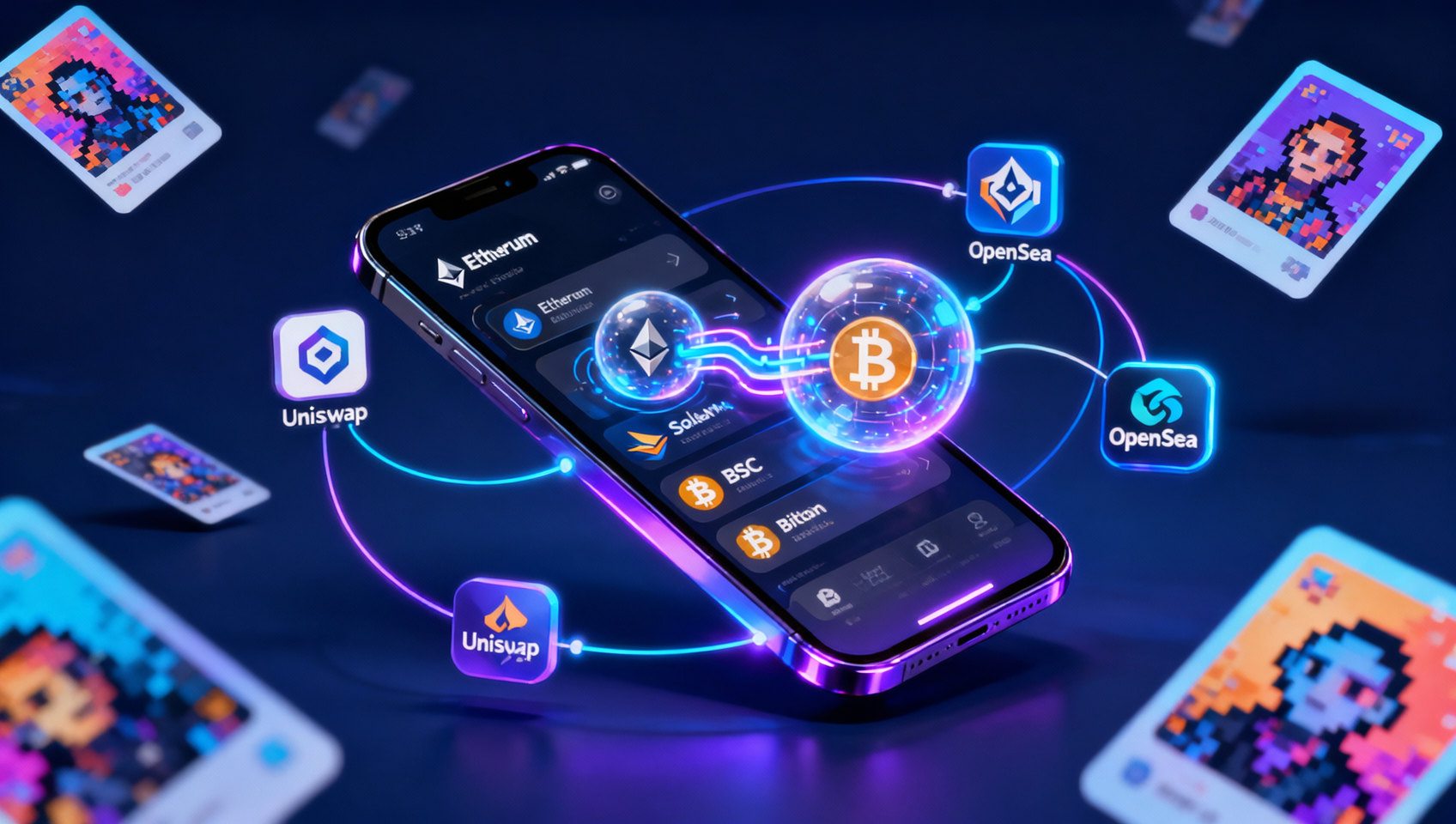
OKX Web3 Wallet is a core product alongside the OKX exchange in the OKX ecosystem — it's not just a "wallet," but an all-in-one multi-chain Web3 gateway.
Key Advantages
| Feature | Details |
|---|---|
| 🌐 60+ Blockchain Support | Covers Ethereum, Solana, Bitcoin (Ordinals), BSC, TON, Sui, and more |
| 🔄 One-Click CEX Transfer | Transfer assets from your exchange account to Web3 Wallet inside the OKX App — 0 fees, instant |
| 🌉 Built-in Cross-Chain Aggregator | Aggregates Stargate, Across, and other major bridge protocols, auto-selects best route |
| 🧩 DApp Browser | Built-in browser to access Uniswap, Aave, OpenSea, and thousands of DApps |
| 🖼️ NFT Hub | Multi-market NFT management panel with viewing, transfer, and listing |
| 🔒 Multi-Layer Security | MPC + TEE technology protects private keys, supports biometric + 2FA verification |
| 💰 One-Stop Swap | Built-in token swap aggregating liquidity from multiple DEXs for best prices |
🎯 Bottom line: OKX Web3 Wallet = decentralized wallet + cross-chain bridge + DApp browser + NFT manager, all directly connected to the OKX exchange.
OKX Web3 Wallet vs Other Wallets
| Feature | OKX Web3 Wallet | MetaMask | Trust Wallet | Phantom |
|---|---|---|---|---|
| Blockchains | 60+ | EVM-focused | 60+ | Solana-focused |
| CEX Integration | ✅ Built-in | ❌ | ❌ | ❌ |
| Cross-Chain Bridge | ✅ Built-in | Manual | Limited | Limited |
| DApp Browser | ✅ Built-in | Extension | Built-in | Built-in |
| Language Support | ✅ Full EN/CN | Limited | Limited | EN mainly |
| NFT Management | ✅ Full | Basic | Basic | Basic |
2. Create or Import Your Web3 Wallet
2.1 Preparation
Before starting, make sure you:
- Have the OKX App installed (iOS/Android)
- Have an OKX account (optional, but makes things easier)
💡 Don't have an OKX account yet? Register via the OKX referral link first — it makes transferring assets from the exchange much more convenient.
2.2 Create a New Wallet
Step 1: Enter Web3 Wallet
Open the OKX App → bottom navigation → "Web3 Wallet" → tap "Create Wallet"
Step 2: Choose Creation Method
| Method | Description | Recommendation |
|---|---|---|
| Create New Wallet | Generate a brand-new seed phrase and wallet address | First time ✅ |
| Import Existing Wallet | Import using existing seed phrase or private key | Already have a wallet |
| Connect Hardware Wallet | Connect Ledger or other hardware wallet | Have a hardware wallet |
Step 3: Set Wallet Password
Set a 6+ character password (different from your exchange password) used to confirm each transaction.
Step 4: Back Up Your Seed Phrase 🔴 Most Important Step!
⚠️ Seed phrase = wallet ownership If you lose your seed phrase, your assets can NEVER be recovered. No one (including OKX support) can help you restore it.
Backup best practices:
- Get paper and pen (or a metal seed plate)
- Write down each word of the 12/24-word phrase, double-check spelling
- Don't screenshot, don't photograph, don't save in phone notes or cloud
- Verify 2-3 random words in order to confirm correct backup
Step 5: Complete Creation
Once created, you'll see an Ethereum address (starting with 0x) and addresses for other supported blockchains.
2.3 Import an Existing Wallet
If you already have assets in another wallet (MetaMask, Trust Wallet, etc.):
- On the creation screen, select "Import Existing Wallet"
- Choose import method:
- Seed Phrase: Enter 12/24 words (space-separated)
- Private Key: Enter a single address's private key
- Keystore: Upload JSON file + password
- After import, all your chain addresses will be restored
⚠️ Security reminder: Before entering your seed phrase/private key, make sure you're in the official OKX App. Never enter your seed phrase on unknown websites or fake apps.
3. Fund Your Web3 Wallet
After creating your wallet, it's empty — you need to transfer assets in. Here are the most common methods:
3.1 Transfer from OKX Exchange (Recommended ✅)
This is the fastest and most cost-effective way:
- In the OKX App, go to "Assets" → "Withdraw"
- Select "Internal Transfer" → receiving account choose "Web3 Wallet"
- Choose the coin (e.g., USDT) and network (e.g., Ethereum)
- Enter the amount and confirm
- 0 fees, instant arrival 🎉
3.2 Transfer from External Wallet
If your assets are in another wallet or exchange:
- Open OKX Web3 Wallet → tap "Receive"
- Select the coin and network
- Copy the address or scan the QR code
- Initiate the transfer from the source platform
- Note: You'll need to pay gas fees on the source chain
3.3 Network Recommendations
| Network | Best For | Gas Cost | Confirmation Time |
|---|---|---|---|
| Ethereum | Most DeFi protocols | ⭐ High | Slow |
| BSC | PancakeSwap, low cost | ⭐ Low | Fast |
| Polygon | DeFi+NFT, low fees | ⭐⭐ Very Low | Fast |
| Arbitrum | L2 ecosystem, EVM compatible | ⭐⭐ Very Low | Fast |
| Solana | Fast trading, active ecosystem | ⭐⭐⭐ Extremely Low | Instant |
| TRC20 (Tron) | Most common for USDT | ⭐⭐⭐ Extremely Low | Fast |
💡 Newbie tip: Start by transferring a small amount of USDT (e.g., 10-20 USDT) from the OKX exchange to your Web3 Wallet to test the process, then transfer more once you're comfortable.
4. Use the Cross-Chain Bridge
The cross-chain bridge is one of the most commonly used tools in Web3 — because your assets may be on one chain but the DApp you want to use is on another.
4.1 What Is a Cross-Chain Bridge?
Think of a cross-chain bridge as a "blockchain portal": you give your assets to the source chain, and the bridge gives you an equivalent amount on the destination chain. The core mechanism is lock-and-mint or burn-and-mint.
USDT on Ethereum ──→ Locked ──→ Equivalent USDT minted on BSC ──→ Arrived
4.2 Using the OKX Cross-Chain Bridge
OKX Web3 Wallet has a built-in bridge aggregator — no need to find individual bridge protocols:
- On the OKX Web3 Wallet home screen → tap "Bridge"
- Select source chain: where to transfer from (e.g., Ethereum)
- Select destination chain: where to transfer to (e.g., BSC)
- Choose token and amount: e.g., 100 USDT
- OKX Bridge automatically compares quotes from multiple protocols (Stargate, Across, Hyphen, etc.)
- Confirm the best route: you can see estimated arrival time, gas fees, and slippage
- Confirm the transaction and wait for completion (typically 1-10 minutes)
4.3 Supported Bridge Routes
OKX Bridge supports cross-chain transfers between these major networks:
- Ethereum ↔ BSC
- Ethereum ↔ Arbitrum
- Ethereum ↔ Optimism
- Ethereum ↔ Polygon
- Ethereum ↔ Base
- BSC ↔ Polygon
- Arbitrum ↔ Optimism
- And many more EVM + non-EVM combinations
4.4 Bridge Usage Tips
| Tip | Details |
|---|---|
| ⏱️ Arrival Time | EVM ↔ EVM usually 1-3 min; EVM ↔ non-EVM (e.g., Solana) may take 5-15 min |
| 💰 Double Gas | You pay source chain gas + bridge protocol fee, typically $1-10 total |
| ⚠️ Minimum Amount | Each route has a minimum; small transfers may not be cost-effective |
| 🔍 Test First | Bridge a small amount first to verify the route works |
| 🛑 Low Liquidity | Uncommon tokens may have insufficient liquidity — use mainstream tokens (ETH, USDT, USDC) |
💡 Money-saving tip: Bridge gas fees depend on network congestion. Gas is cheaper on weekends or late Asian hours. If transferring from Ethereum mainnet, consider using L2 networks like Arbitrum or Optimism to reduce gas fees by 90%+.
5. Connect and Interact with DApps
DApps (decentralized applications) are the application layer of the Web3 world — decentralized exchanges, lending protocols, NFT marketplaces, and blockchain games are all DApps. OKX Web3 Wallet's DApp browser lets you access these applications directly from your phone.
5.1 Open the DApp Browser
- At the bottom of OKX Web3 Wallet, tap "Discover" or "Browser"
- You'll see a list of popular DApps (Uniswap, PancakeSwap, Aave, etc.)
- Tap a DApp to open it in the built-in browser
5.2 Connecting to a DApp
Using Uniswap as an example:
- Open app.uniswap.org in the DApp browser
- Tap "Connect Wallet" in the top-right corner
- Select "OKX Wallet" (or WalletConnect) from the wallet list
- Confirm the connection in the popup → select the address to use
- Connected ✅
Connection Permission Levels:
| Permission | Description | Security Advice |
|---|---|---|
| View Address | DApp can see your wallet address | Public info, no risk |
| Sign Message | Verify you own the wallet | Check what you're signing |
| Transaction Sign | Authorize an on-chain transaction | Check details and gas fee |
| Token Approval | Allow DApp to spend your tokens | ⚠️ High risk! Use limited approval |
5.3 Recommended DApps
| Category | DApp | Best Chain | Use Case |
|---|---|---|---|
| 💱 DEX | Uniswap | Ethereum, Arbitrum, Base | Token swap, liquidity provision |
| 💱 DEX | PancakeSwap | BSC | Low-fee swap, syrup pools |
| 💱 DEX | Jupiter | Solana | Solana ecosystem aggregator |
| 🏦 Lending | Aave | Ethereum, Polygon, Base | Deposit to earn, borrow |
| 🏦 Lending | Compound | Ethereum, Base | Deposit to earn, borrow |
| 🖼️ NFT Marketplace | OpenSea | Ethereum, Polygon | NFT trading, minting |
| 🖼️ NFT Marketplace | Blur | Ethereum | Professional NFT trading |
| 🎮 Blockchain Game | Pixels | Ronin | Blockchain farming game |
| 🪙 Staking | Lido | Ethereum | ETH liquid staking |
| 🪙 Staking | Jito | Solana | SOL liquid staking |
5.4 DApp Interaction Safety
🔴 DApp interaction is the highest-risk operation in Web3 Every transaction you sign could potentially transfer out all your assets
Core Security Principles:
- Check before every signature: verify transaction details (token, amount, gas fee)
- Don't approve blindly: token approvals are the most common attack vector — use limited approval instead of unlimited
- Watch for phishing: double-check URLs in the DApp browser — fake DApp sites are everywhere
- Confirm you're on the right chain: e.g., Uniswap's contract address differs between Ethereum and BSC
- Revoke unused approvals: use Revoke.cash regularly to check and revoke unnecessary token approvals
📖 Related reading: How to Revoke DeFi Contract Approvals — Protect Your Crypto Assets
6. Manage Your NFT Collection
If you hold or trade NFTs, OKX Web3 Wallet provides a fully-featured management center.
6.1 NFT Panel
Tap "NFT" on the OKX Web3 Wallet home screen to enter the management panel:
- Multi-chain aggregation: automatically displays NFTs across all your chains (Ethereum, Polygon, BSC, Solana, etc.)
- Sort views: by floor price, recently acquired, recently created
- Chain filter: view NFTs on a specific chain only
- Search: by name or collection
6.2 NFT Operations
| Operation | Description | Gas Fee Required |
|---|---|---|
| 👁️ View Details | View metadata, attributes, transaction history | ❌ Free |
| 📤 Transfer | Send NFT to another wallet | ✅ Yes |
| 💰 List for Sale | List on OKX NFT Marketplace | ✅ Yes (listing signature) |
| 🛒 Buy | Buy directly from OKX NFT Marketplace | ✅ Yes |
| 🔄 Cross-Chain | Bridge NFT to another network | ✅ Yes (bridge fee) |
6.3 Trading on OpenSea/Blur via DApp Browser
Beyond the built-in NFT marketplace, you can use the DApp browser to connect to OpenSea, Blur, and other professional NFT platforms:
- Open DApp browser → visit opensea.io or blur.io
- Connect OKX Web3 Wallet
- Browse, bid, buy, and list for sale
7. Web3 Wallet Security Best Practices
With a non-custodial wallet, you are fully responsible for your assets. These security measures are worth implementing:
7.1 Seed Phrase Storage
✅ DO: ├── Write offline on paper/metal plate ├── Store in fireproof, waterproof location ├── Keep 2 backups in separate places └── Handle in offline environments when needed
❌ DON'T: ├── Screenshot and save on phone ├── Save to iCloud/Google Drive/notes ├── Take photos and save to album └── Enter into unknown websites or apps
7.2 Daily Security Checklist
| Security Check | Frequency | Action |
|---|---|---|
| Check token approvals | Monthly | Revoke unused approvals via Revoke.cash |
| Check DApp connections | Monthly | Review connected DApps in wallet settings, disconnect unused ones |
| Update app | Auto | Keep OKX App updated to latest version |
| Monitor wallet balance | Regularly | Watch for unusual deductions or unauthorized transactions |
| Verify contract address | Every time | Confirm DApp contract address is official before interacting |
7.3 Wallet Separation Strategy
Consider distributing your assets across multiple wallets:
Hot Wallet (OKX Web3 Wallet) —— Daily use ├── Interact with DApps, DeFi, NFTs ├── Only keep short-term funds (<20% of total assets) └── Small amounts for testing new protocols
Cold Wallet (Hardware Wallet) —— Long-term holdings ├── Store most of your assets ├── Never directly connected to DApps └── Only connect via OKX Web3 Wallet when needed for signing
Watch-Only Wallet ├── Monitor address balances ├── No seed phrase needed └── View-only, cannot transact
8. FAQ
Q1: Does OKX Web3 Wallet require KYC?
No. OKX Web3 Wallet is a decentralized, non-custodial wallet — creating and using it requires no identity verification. Only when you transfer assets from your OKX exchange account to the Web3 Wallet do you need exchange-level KYC — but that's unrelated to the Web3 Wallet itself.
Q2: Does OKX Web3 Wallet support Bitcoin Ordinals and BRC-20?
Yes. As of July 2026, OKX Web3 Wallet fully supports the Bitcoin chain, including Ordinals protocol NFTs and BRC-20 tokens. You can receive, store, and transfer Bitcoin inscription assets in OKX Web3 Wallet.
Q3: What if I lose my phone? Can I recover my wallet?
Yes. OKX Web3 Wallet assets are not stored on your phone — they're on the blockchain. As long as you have your seed phrase, you can recover your wallet on any device. After losing your phone:
- Install OKX App on a new phone
- Enter Web3 Wallet → select "Import Existing Wallet"
- Enter your seed phrase to restore all addresses
- If you suspect your seed phrase has been compromised, immediately create a new wallet and transfer assets
Q4: Does OKX Web3 Wallet have a browser extension?
Yes. OKX Web3 Wallet offers a Chrome browser extension for desktop DApp interactions. It has the same features as the mobile version, including multi-chain support, wallet connections, and DApp browsing. Available on the OKX website's "Web3 Wallet" section.
Q5: Does OKX Web3 Wallet support fiat on-ramp?
Not directly. OKX Web3 Wallet itself doesn't provide a fiat gateway. You'll need to first deposit fiat into the OKX exchange (via C2C, credit card, etc.) to buy USDT or other crypto, then transfer from the exchange to your Web3 Wallet. This is why we recommend registering an OKX exchange account first.
Q6: What's the difference between swapping in Web3 Wallet vs trading on the exchange?
Swapping via the Web3 Wallet is an on-chain transaction — it happens directly on a decentralized exchange (like Uniswap) on the blockchain, and your assets stay in your wallet at all times. Trading on the exchange is centralized trading — you need to deposit assets into the exchange's custodial account first. On-chain swapping is more secure (you control the private keys) but requires gas fees and isn't suitable for high-frequency trading.
Summary
OKX Web3 Wallet is a fully-featured multi-chain Web3 gateway suitable for everyone from CEX users to advanced on-chain players. Recommended learning path:
Create Wallet → Back Up Seed Phrase → Transfer Small Amount from CEX → Use Built-in Swap → Try Cross-Chain Bridge → Connect DApps → Manage NFTs
Once you master these operations, you've truly entered the Web3 world — no longer dependent on centralized platforms, but self-custodying your assets and freely interacting with on-chain applications.
📖 Related Reading: