


Table of Contents
- Why Choose OKX?
- Preparation Before Registration
- OKX Registration Detailed Steps
- KYC Verification Process
- OKX Deposit Tutorial
- FAQ
- Summary: What to Do Next
From Registration to Buying Crypto, Get Started with OKX in 30 Minutes
If you're looking for a reliable cryptocurrency exchange, OKX is definitely on your shortlist.
OKX (formerly OKEx) is a leading global cryptocurrency exchange, consistently ranking among the top three in daily trading volume. Whether it's spot trading, futures trading, or Web3 wallets, OKX offers a comprehensive product line. For beginners, OKX's interface is user-friendly, and the registration process is relatively straightforward.
This article will guide you step-by-step in the simplest way:
- OKX Registration and Account Opening
- KYC Verification
- First Deposit and Crypto Purchase
The whole process can be completed in about 30 minutes. It's recommended to follow along and take action as you read.
💡 Money-Saving Tip: Register using the referral link below to enjoy fee discounts: OKX Official Registration Link
Why Choose OKX?
Before starting registration, let's talk about why choose OKX.
Core Advantages of OKX
1. High Trading Volume, Good Liquidity OKX's daily trading volume often reaches hundreds of billions of dollars, meaning you're less likely to experience slippage when placing orders, and the spread is relatively small.
2. Rich Product Line Spot, futures, options, perpetuals, and margin trading are all available. There's also the OKX Web3 wallet, OKX NFT marketplace, OKX Earn products, and more.
3. Security Assured OKX has a Proof of Reserves (PoR) mechanism, regularly publishing reserve data so users can verify platform assets at any time. It also has the SAFU (Secure Asset Fund for Users) as additional protection.
4. Competitive Fees Spot trading maker fee is 0.08%, taker fee is 0.10%. Holding OKB (OKX's platform token) can offset fees and provide additional discounts.
5. High Compliance OKX holds regulatory licenses in multiple regions globally, including Dubai VARA and Bahamas SCB.
6. Integrated Web3 Wallet OKX has a built-in Web3 wallet supporting multi-chain asset management, allowing you to use DeFi, NFTs, and other features without downloading an additional wallet app.
Comparison with Binance
| Dimension | OKX | Binance |
|---|---|---|
| Futures Trading | Industry-leading, excellent depth | Good depth, many varieties |
| Spot Coins | 300+ | 600+ |
| Web3 Wallet | Built-in, easy to use | Built-in |
| Fee Rate | Maker 0.08%/Taker 0.10% | Maker 0.10%/Taker 0.10% |
| Financial Products | Rich | Rich |
| OKB/BNB Platform Token | OKB can offset fees | BNB can offset fees, wider application |
My Suggestion: If you mainly do futures trading or Web3 interactions, OKX is a good choice. If you want more coin options, consider registering both OKX and Binance to use both platforms.
Preparation Before Registration
Before officially registering, prepare the following materials in advance to save time:
Required Materials
| Material | Description | Notes |
|---|---|---|
| Email or Phone Number | Use a common email for notifications | Recommend Gmail or Outlook |
| ID Card | Chinese ID card, passport, or driver's license | Need front and back photos |
| Phone | For receiving verification codes and liveness detection | Ensure stable internet connection |
| Network Environment | Stable internet connection | Recommend using a common network |
Important Notes
Register via Referral Link: Registering through a referral link can get fee discounts (see beginning of article).
Personal Information Consistency: The information filled in during registration must match your ID document, otherwise KYC will fail.
Do Not Use Proxy/VPN: Using VPN in some regions may trigger risk control blocks; use a local network.
OKX Registration Detailed Steps
Step 1: Visit the OKX Official Website
Open the OKX official website or download the OKX App.
⚠️ Important Note: Always access through official or trusted channels. Do not use search engines to search for "OKX" and click on ad links directly, to avoid phishing sites.
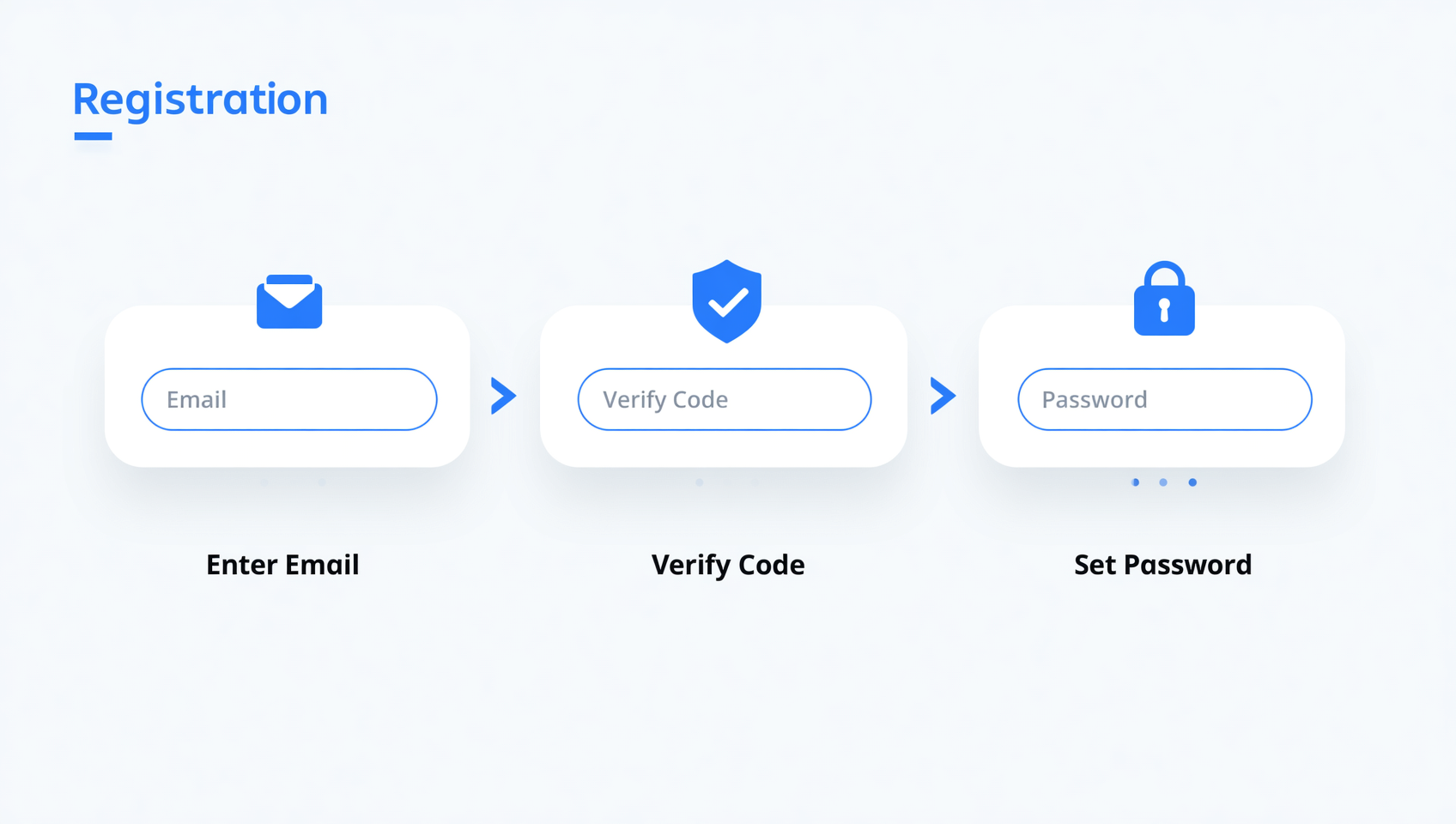
Step 2: Click the Register Button
On the OKX homepage, click the "Register" button in the top right corner.
Step 3: Choose Registration Method
OKX supports two registration methods:
- Email Registration: Enter your email address
- Phone Registration: Enter your phone number
It's recommended to register with email for easier subsequent operations.
Step 4: Set Password
Set a login password with the following requirements:
- At least 8 characters
- Contains uppercase letters, lowercase letters, and numbers
- It's recommended to use a password manager to generate a strong password
Step 5: Complete Verification
Enter the verification code received (email or SMS code) to complete basic verification.
Step 6: Registration Successful
After verification, your OKX account is created! You can now log in to view account information.
KYC Verification Process
After registration, you need to complete KYC verification to use full trading features.
Why Do KYC?
- Unlock All Features: Only after completing KYC can you deposit and withdraw fiat currency
- Increase Trading Limits: Unverified accounts have trading restrictions
- Account Security: Binding identity information provides a way to recover your account if stolen or password forgotten
- Compliance Requirements: Regulators in various countries require exchanges to implement real-name systems
KYC Steps
Step 1: Enter Verification Page
After logging into OKX, click on the avatar in the top right corner → "Identity Verification".
Step 2: Choose Verification Level
OKX's KYC is divided into two levels:
| Level | Requirements | Benefits |
|---|---|---|
| Lv.1 Basic Verification | Fill in basic information | Daily trading, deposits/withdrawals |
| Lv.2 Advanced Verification | ID card + liveness detection | Higher limits, all features |
It's recommended to directly complete Lv.2 Advanced Verification to get it done in one go.
Step 3: Submit Personal Information
- Select nationality/region
- Fill in name (must match ID card)
- Fill in ID number
- Select document type (ID card/passport/driver's license)
Step 4: Upload Document Photos
- Take or upload photos of the front and back of your ID card
- Ensure photos are clear, complete, and without glare
- All four corners should be within the frame
Step 5: Liveness Detection (Face Recognition)
- Follow on-screen prompts to complete facial recognition
- Ensure adequate lighting
- Do not wear hats or sunglasses
Step 6: Wait for Review
After submission, OKX will review. Typically:
| Situation | Time |
|---|---|
| Automatic approval | A few minutes |
| Manual review | A few hours to 1 day |
| Rejected due to unclear materials | System will prompt resubmission |
You will receive a notification after approval, and all account features will be unlocked.
OKX Deposit Tutorial
After completing KYC, you can deposit funds into your account to buy crypto. OKX supports multiple deposit methods.
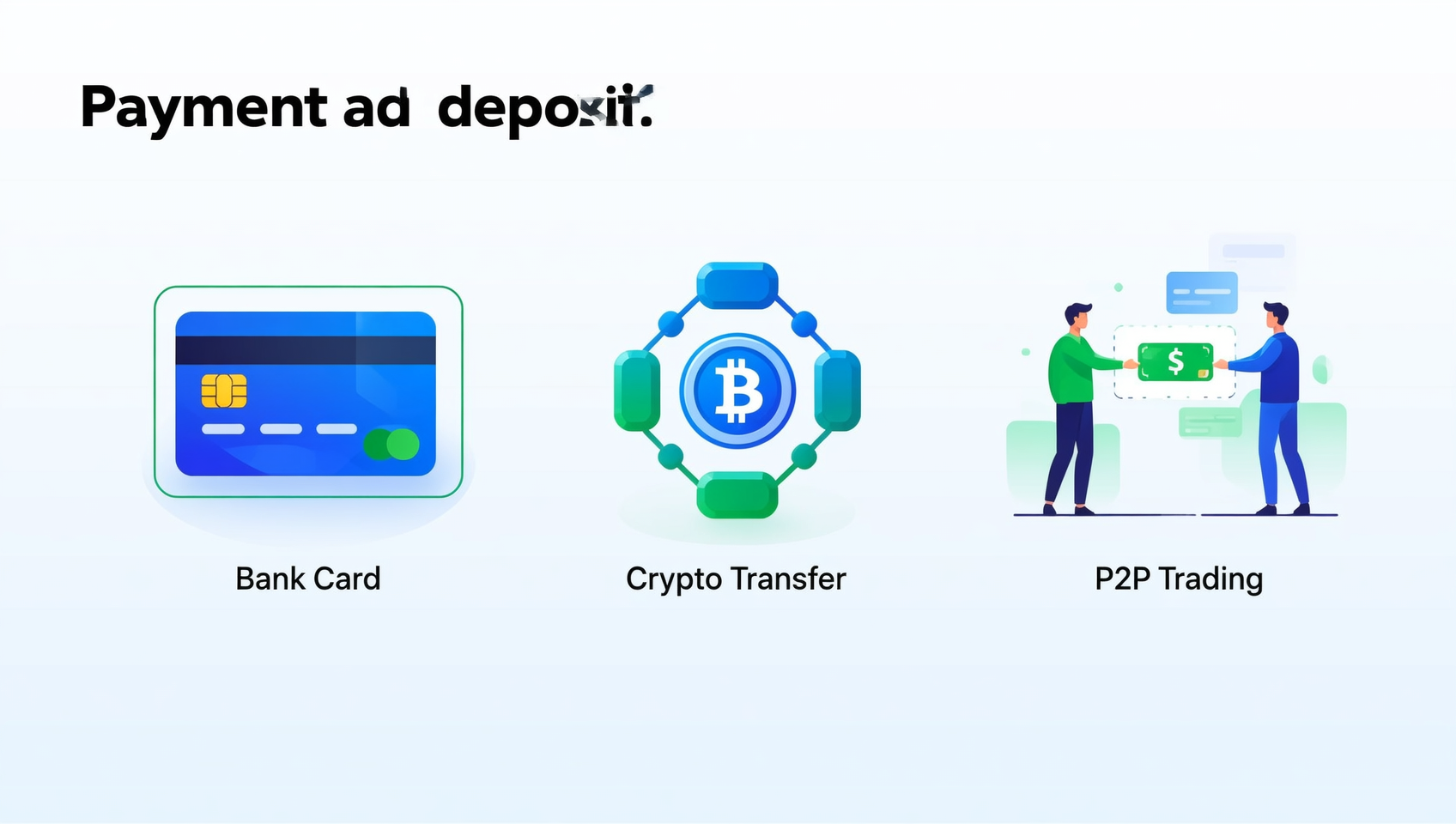
Method 1: C2C Buy Crypto (Recommended for Beginners)
C2C (peer-to-peer trading) is the most recommended method for beginners. You can buy USDT or BTC directly from merchants on the OKX platform using fiat currency.
Steps:
- Go to "Buy Crypto" → "C2C Buy Crypto"
- Enter the purchase amount (e.g., 1000 RMB)
- Select the coin to buy (recommend buying USDT stablecoin first)
- Choose a merchant with high positive ratings and high trading volume
- Click Buy, then transfer funds via the merchant's provided payment method (Alipay/WeChat Pay/Bank Card)
- After payment, click "I have paid", and the merchant will release the coins to your account
Anti-Freeze Card Tip: In C2C trading, choose reputable merchants and do not accept transfers from strangers. It's recommended to make small, multiple transactions to reduce risk control risks.
Method 2: Cryptocurrency Deposit
If you already have crypto on another exchange or wallet, you can deposit directly to OKX:
- Go to "Assets" → "Deposit"
- Select the coin to deposit (e.g., USDT)
- Select the network (TRC20 is fastest and cheapest)
- Copy the OKX deposit address
- Initiate a withdrawal on the source platform and paste the address
- Wait for network confirmation (TRC20 takes about 1-5 minutes)
Method 3: P2P Trading
OKX also supports P2P (person-to-person) trading, but the process is similar to C2C. Similarly, pay attention to choosing reputable trading counterparts.
What to Do After Deposit?
Recommended First Steps:
- Buy USDT stablecoin
- Use USDT to buy mainstream coins (BTC, ETH) on the spot market
- Learn to use simple trading features
🔗 If you haven't registered yet, use this link: OKX Registration Link
FAQ
Q1: What materials are needed for OKX registration?
You need an email or phone number, and a valid ID document (ID card, passport, or driver's license). Completing KYC verification requires document photos and liveness facial recognition.
Q2: Are there regional restrictions for OKX registration?
Some countries/regions cannot register for OKX. If your region is not supported, consider using Binance, which is available in most parts of the world.
Q3: Which is better, OKX or Binance?
Both are top global exchanges. OKX has advantages in derivatives trading and Web3 wallets, while Binance excels in coin variety and market depth. It's recommended to register on both platforms and use them flexibly based on needs:
Q4: How long does OKX registration take?
Basic registration takes only 3 minutes. KYC verification review usually takes from a few minutes to a few hours, and you can use all features the same day at the earliest.
Q5: Is OKX safe?
OKX is a leading global cryptocurrency exchange with a comprehensive Proof of Reserves (PoR) system and multiple security protections. It's recommended to enable Google Authenticator two-factor authentication immediately after logging in and set up an anti-phishing code.
Q6: What if I forget my password after registration?
Click "Forgot Password" on the login page, verify via your registered email or phone number, and reset your password. It's recommended to set up account recovery options in advance.
Q7: Does OKX support Chinese?
OKX supports multiple languages including Chinese. The interface can be switched to Simplified Chinese, and customer service is available in Chinese.
Summary: What to Do Next
Congratulations on completing OKX registration and deposit! You now officially have your own cryptocurrency account.
Beginner Action Checklist
- ✅ Complete OKX Registration
- ✅ Pass KYC Verification
- ✅ First Deposit to Buy USDT
- ⬜ Learn Spot Trading Basics
- ⬜ Understand Futures Trading Risks
- ⬜ Set Up Account Security
- ⬜ Follow Market Trends
More Learning Resources
- If you want to learn more trading tips, check out the advanced tutorials on On-Chain Guide
- If you haven't registered for Binance yet, here's a Binance Registration Guide
- If you're interested in on-chain assets, check out CoinVado's RWA In-Depth Analysis
Disclaimer: This content is for learning reference only and does not constitute investment advice. Cryptocurrency investment carries risks; please make decisions based on your own situation.