
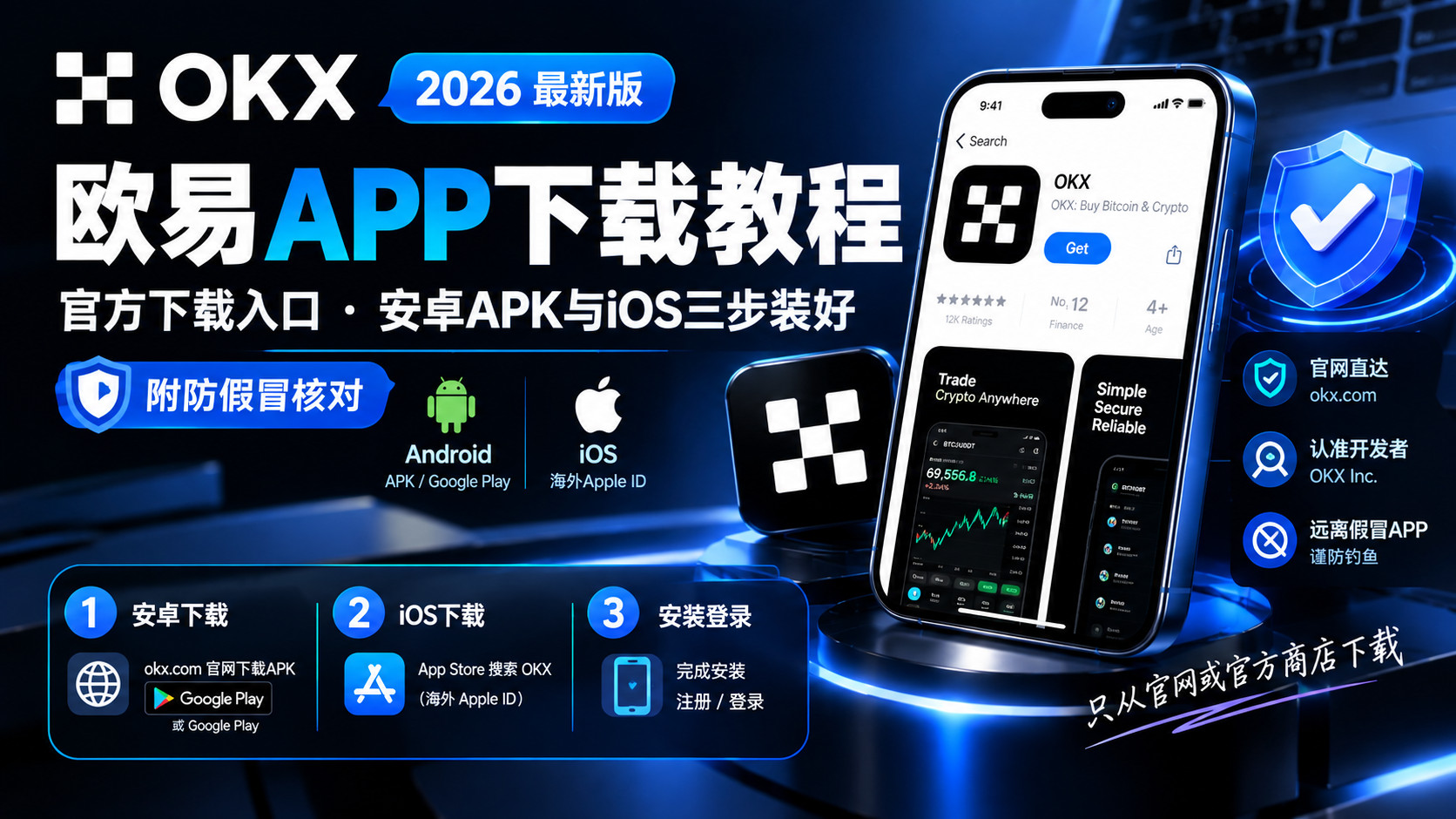
OKX App Download 2026: Official Download Link, Android APK & iOS in Three Steps (With Anti-Fake Checks)
The fastest safe way to download the OKX app in 2026: get the official APK from okx.com or Google Play on Android, and on iOS use a supported-region Apple ID to find OKX on the App Store and verify the developer name OKX Inc. This is a download-only quick guide — three anti-fake signals plus fixes for common download problems. One rule: only download from okx.com or the official app stores.
Table of Contents
- TL;DR: the one-sentence summary
- The official download link: just this one
- Android: download in three steps
- iOS: download in three steps
- Verify it's official: three signals
- Four common download problems
- After you download: next steps
- FAQ
- Further reading
TL;DR: the one-sentence summary
The bottom line: the OKX app has exactly one safe download source — the okx.com website, or the official Google Play / App Store. On Android, open www.okx.com/download and tap "Android download", or search OKX directly on Google Play. On iPhone, because OKX officially confirms the iOS app is not listed in the mainland China App Store, you need a supported-region Apple ID to find it — verify the developer is OKX Inc. before downloading. This article only covers how to get the official app onto your phone; for install problems and blocks, see the OKX download & install guide with its troubleshooting table12.
The official download link: just this one
Stop searching — there is exactly one official download page:
Official download page: www.okx.com/download (tap "Android download" on Android; on iOS it redirects to the App Store)
Stick to one rule: the last part of the distribution domain must be okx.com. If a "OKX download" site you found elsewhere isn't using an okx.com domain, it's a counterfeit, no matter how much it looks like the official site — don't click1. This rule is more reliable than any "does it look official" judgment.
Android: download in three steps
Android phones fall into two cases, both leading to the same official app:
| Your phone | Which route |
|---|---|
| Has Google Play (Samsung, Pixel, phones with Google services) | Open Play Store, search OKX, install |
| No Google framework (most Xiaomi/OPPO/vivo/Huawei devices) | Download the APK from the official site |
For the official APK route, it's three steps:
- Open www.okx.com/download in your phone browser and tap "Android download"
- When the browser warns "this type of file may harm your device", tap "Keep" or "Download anyway" — this is Android's standard prompt for APK files, and it's fine if the source is official
- Once downloaded, tap the installer, grant "unknown sources" to the browser or file manager when prompted, then tap "Install"
The easiest way to decide: check whether "Google Play Store" is in your app list. If it is, use the store; if not, use the official APK. Both deliver the same official app with identical features — the only difference is updates: the store version updates automatically, the APK version manually1.
iOS: download in three steps
iPhone users need to accept one official fact first: OKX officially confirms the iOS app is not listed in the mainland China App Store2. So not finding it with a mainland Apple ID is normal, not a phone or network problem. Three steps:
- Prepare a supported-region Apple ID (Hong Kong, US, etc.)
- On your iPhone go to Settings → Apple ID → Media & Purchases, and sign in with the supported-region Apple ID
- Open the App Store, search OKX, and verify the developer is OKX Inc. before downloading — OKX officially states that any other developer is counterfeit2
You can switch back to your original Apple ID anytime after downloading; the installed app is unaffected.
Verify it's official: three signals
Check these three anchors before and after downloading — all three must hold:
- Source: the installer came only from okx.com, or the Google Play / App Store
- Developer / package: on iOS the developer is OKX Inc.; on Android the package is com.okinc.okex.gp (as shown on the store page)23
- Category: the official app is in the finance category; counterfeit apps are often listed under tools, productivity or lifestyle
⚠️ The "OKX download" and "OKX official site" links ranked high in search engines are often counterfeit sites. The safest practice is to type okx.com manually or open it from bookmarks — never click download links from search results.
Four common download problems
Problem 1: the official site won't open. Whether you can reach okx.com depends on your region's policies; understand and comply with local laws before deciding to use it. Whatever you do, don't fall back to a third-party APK site just because the official site won't open — that's exactly where fake packages thrive.
Problem 2: slow or stuck download. Usually network fluctuation reaching the official site. Try another browser (Chrome/Edge) or a different time; if it keeps failing, double-check the download domain is okx.com rather than switching to a "faster third-party site."
Problem 3: can't find it in the App Store. See the iOS three-step above — use a supported-region Apple ID and verify the developer name OKX Inc.
Problem 4: "virus detected" or "harmful" after downloading. For the official package this is Android's generic warning about non-store installs and doesn't affect use; but for an unknown package it's a real red flag — delete it. The only test is where you downloaded it from.
After you download: next steps
Once the app is installed, follow this order:
- Register & verify: complete registration and KYC with the OKX registration guide. You can use CoinVado's referral code 60895497 at registration for fee rebates
- Won't install / blocked: see the OKX download & install guide for per-brand settings paths and a symptom-by-symptom troubleshooting table
- Start trading: once your account is ready, see the OKX spot & futures trading guide
Transparency note: The registration links here are CoinVado referral links. Registering through them doesn't cost you anything extra; we may receive a platform rebate that helps keep the site running.
💰 No OKX account yet? Register OKX (referral code: 60895497), and once you've registered and completed KYC, continue with the OKX spot & futures trading guide.
FAQ
Q1: What is the official OKX download link? www.okx.com/download — make sure the domain is okx.com; never click any other domain.
Q2: Can't find OKX in my App Store? Normal — the OKX iOS app isn't in the mainland China App Store. Use a supported-region Apple ID and verify the developer name OKX Inc.
Q3: Does downloading cost anything or need a referral code? No — it's free and needs no code. Any download page asking for payment or a referral code is a red flag; the code is only entered at registration.
Q4: Should I worry about the "may harm your device" warning? For the official package, tap "Keep" and continue; for an unknown package, treat it as a real red flag and delete it.
Q5: How do I confirm it's genuine? Three anchors: source (okx.com / official store), developer name (OKX Inc. on iOS), and category (finance).
(The above is a summary; full answers are in the structured FAQ data at the top of the page.)
Further reading
- How to download & install the OKX app (full guide) — per-step troubleshooting for install failures and blocks
- OKX registration guide: sign-up, KYC & deposit — the next step after installing
- OKX 2026 full review: fees, safety & features — decide if OKX is right for you
- OKX spot & futures trading guide — place your first trade
- Binance vs OKX: which to choose — the two top exchanges compared
Data verification note: The official domain, App Store developer name, and mainland store availability were verified on 2026-09-10 against the OKX official download page and the OKX official anti-fake help page. Version numbers and package names may change over time — go by what the official site and store pages show when you open them.
Disclaimer: This content is for educational purposes only and does not constitute investment, legal, or tax advice. Crypto trading is restricted or regulated in some regions; understand and comply with your local laws. Virtual asset prices are highly volatile and you may lose your principal. Decide carefully.
Footnotes
-
OKX official download page (https://www.okx.com/download): official app download entry, Android/iOS download methods. Verified 2026-09-10. ↩ ↩2 ↩3
-
OKX official anti-fake help page "Avoid being scammed by fake software" (https://www.okx.com/help/avoid-being-scammed-by-fake-software): the App Store developer name is OKX Inc., the iOS app is not listed in the mainland China App Store, download only from the official site or official app stores, and the official app is in the finance category. Verified 2026-09-10. ↩ ↩2 ↩3 ↩4
-
The OKX package name on Google Play is com.okinc.okex.gp (shown on the APKPure app page, a third-party source; the Google Play app details page is authoritative). Verified 2026-09-10. ↩