


Table of Contents
- Why Recommend the Binance App?
- Download Method for iOS Users (iPhone/iPad)
- Download Method for Android Users
- First Launch and Registration/Login
- Security Settings: First Step After Download
- FAQ (Frequently Asked Questions)
- Further Reading
Why Recommend the Binance App?
Binance is the world's largest cryptocurrency exchange by trading volume, and the Binance App is its most convenient trading entry point.
Compared to the web version, the App has clear advantages:
| Comparison Item | Binance App | Web Version |
|---|---|---|
| Trade Anytime, Anywhere | ✅ Phone in hand, operate anytime | ❌ Requires computer and internet |
| Push Notifications | ✅ Price alerts, trade confirmations pushed instantly | ❌ Requires manual refresh |
| QR Code Transfer | ✅ Scan and transfer, convenient and secure | ❌ Requires copying addresses |
| Face/Fingerprint Login | ✅ One-tap login | ❌ Only password and 2FA |
| C2C Quick Buy Crypto | ✅ Buy directly with bank card/Alipay | ✅ Also supported |
Whether you are a beginner new to cryptocurrency or an experienced trader, the Binance App meets your needs.
💡 Haven't registered for Binance yet? After installing the App, you can register via the Binance referral link to enjoy fee discounts.
Download Method for iOS Users (iPhone/iPad)
Suitable for: iPhone, iPad users
📺 Want to follow the download step by step? Watch the Binance iPhone app download video tutorial.
Official Recommendation: App Store Download (Safest)
This is the most recommended method—download directly from Apple's official App Store, offering the highest security.
Steps:
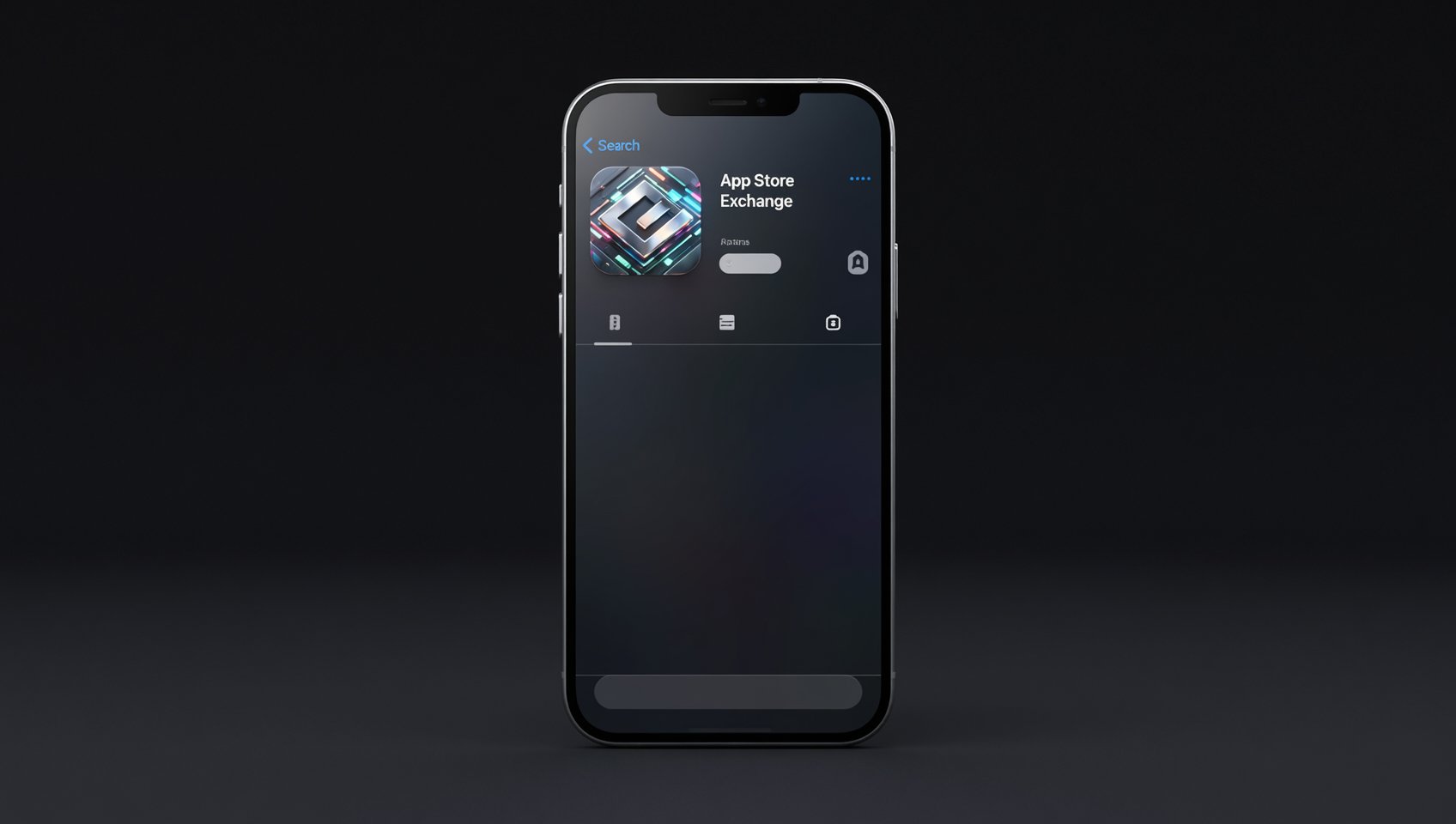
- Open App Store: Open the App Store on your iPhone or iPad
- Search "Binance": Enter "Binance" or "币安" in the search bar
- Identify the Official App:
- Developer: Binance Inc.
- Rating: ⭐ 4.7+ (millions of ratings)
- Downloads: Over 100 million
- Tap "Get": Verify with Face ID or Apple ID password, then auto-download and install
⚠️ Important Reminder: There may be fake "Binance" apps with similar names in the App Store. Before downloading, ensure the developer name is Binance Inc. and the icon features Binance's iconic black and yellow color scheme.
What If You Can't Find the App in the App Store?
The Binance App may not be searchable in the App Store in some countries/regions. Solutions:
- Switch Apple ID Region: In App Store settings, switch to a country/region that supports Binance (requires binding a local payment method)
- Use a Direct Link: Visit Binance's official "Mobile Download" page and click the iOS download link to auto-redirect to the App Store
- TestFlight Beta: Sometimes Binance releases beta versions via TestFlight; find the entry on the official website
Download Method for Android Users
Suitable for: All Android phone users (including Huawei, Xiaomi, Samsung, OPPO, vivo, etc.)
Android users have two download methods: Google Play and Official APK Direct Installation.
Method 1: Google Play Download
If your phone supports Google Play services, this method is recommended.
Steps:
- Open Google Play Store: Find the Google Play app on your phone
- Search "Binance": Enter "Binance: Buy Bitcoin & Crypto" in the search bar
- Identify the Official App:
- Developer: Binance Inc.
- Downloads: 50 million+
- Rating: ⭐ 4.6+
- Tap "Install": Wait for auto-download and installation to complete
Method 2: Official APK Direct Installation
If your phone does not support Google Play (e.g., Huawei phones), or you want to install the latest version, use the official APK installation.
What is an APK? APK is the Android installation package file, similar to .exe files on a computer. APKs downloaded from official sources are completely safe.
Steps:
Visit the Official APK Download Link:
Open your phone's browser and visit the official Binance APK download address.
Allow Installation from Unknown Sources:
After downloading the APK file, your phone will prompt "Installation from unknown sources blocked." You need to allow it in settings:
- Tap "Settings" in the pop-up → Turn on "Allow installation from this source"
- The path varies slightly by phone brand, generally in "Settings → Security → Unknown Source Installation"
- Most phones will guide you to enable it during installation; follow the prompts
Tap Install:
After allowing, go back to the file manager, tap the downloaded APK file, tap "Install," and wait a few seconds for completion.
Recommended: Disable Permission After Installation:
After installation, it is recommended to go back to settings and disable "Allow installation from unknown sources" to prevent accidental installation of other unofficial apps.
⚠️ APK Download Safety Reminder: Only download APKs from official channels. Never download Binance APKs from Baidu searches, third-party app markets, or unfamiliar websites—these channels may distribute installation packages with malware or phishing programs.
Special Note for Huawei Phones
Huawei phones (HarmonyOS/EMUI) do not support Google Play, so the Official APK Direct Installation method is recommended. The Binance App runs normally on Huawei phones, with functionality identical to the Google Play version.
First Launch and Registration/Login
After installation, open the Binance App and you will see the welcome screen:
New Users: Register an Account
- Tap "Register"
- Choose to register with email or phone number
- Set a strong password (recommended: uppercase + lowercase letters + numbers + special characters, at least 12 characters)
- Complete email/SMS verification
- It is recommended to enter referral code BINANBT to enjoy fee discounts
After registration, it is recommended to complete KYC (Know Your Customer) verification as soon as possible to unlock full trading features and higher limits.
Existing Users: Direct Login
Users with an existing Binance account can log in directly with email/phone number + password. The App supports face recognition and fingerprint login; after enabling these in settings, you can log in with one tap, very convenient.
Security Settings: First Step After Download
📺 Not sure how to enable 2FA? Watch the Binance 2FA setup video tutorial.
After installation and login, immediately complete the following security settings (this is the most important step):
- Enable Two-Factor Authentication (2FA): Bind Google Authenticator in "Security" settings
- Set Anti-Phishing Code: Set a unique anti-phishing code that only you know; all official Binance emails will include this code
- Bind Withdrawal Address Whitelist: Once enabled, withdrawals can only be sent to whitelisted addresses; new addresses require a 24-hour review
- Enable App Login Password: Even if your phone is lost, others cannot open the Binance App
- Disable Small Amount No-Password Option: Recommended to disable; each operation requires password verification
🔐 Remember: Your Binance account security = Strong Password + 2FA + Withdrawal Whitelist. All three are essential.
FAQ (Frequently Asked Questions)
Q1: What if I can't find the Binance App in the App Store?
If the Binance App is not searchable in your region's App Store, try:
- Switch your Apple ID region to a country/region that supports Binance
- Use the Binance official website's iOS download link to redirect directly
- Install the beta version via TestFlight Note: Do not download any unofficial fake "Binance" apps.
Q2: Is it safe to download the Binance APK on Android?
APKs downloaded from official channels are safe. After downloading, it is recommended to verify the APK file's MD5/SHA256 hash matches the one published on the official website. Never download APKs from third-party websites.
Q3: What languages does the Binance App support?
The Binance App supports 40+ languages, including Simplified Chinese, Traditional Chinese, English, Japanese, Korean, Spanish, etc.
Q4: How to identify a genuine Binance App?
Three methods: 1) Check the developer name—official is "Binance Inc."; 2) Check download count and rating—official version has over 100 million downloads and a rating of 4.7+; 3) Open the App and check features—fake apps usually have incomplete features and rough interfaces.
Q5: What is the difference between the Binance App and the web version?
The App supports mobile-specific features like face/fingerprint login, push notifications, and QR code transfers. The web version is suitable for large trades and professional analysis. It is recommended to use both.
Further Reading
- 2026 Binance Registration Complete Guide: Account Opening, KYC, and Deposit Tutorial
- Binance Spot Trading Complete Tutorial: Limit Orders, Market Orders, Stop-Loss Orders Explained
- How to Buy NVIDIA NVDA on Binance? 2026 Latest Entry, Perpetual Contracts, and Stock Tokens Tutorial
- 2026 Beginner's Guide to Buying Cryptocurrency: Complete Guide to Exchange Registration and Trading
- On-Chain Knowledge Base — Learn More About Blockchain and Cryptocurrency Basics
Disclaimer: This content is for learning reference only and does not constitute investment advice. Cryptocurrency investment carries risks; please make decisions carefully based on your own situation. The APK file comes from official Binance channels; please perform a security check after installation.