


TL;DR: The Bottom Line First
Crypto "charting software" and "trading software" are two different things: charting is analysis (reading candles, checking data, watching the market), trading is execution (placing orders). Most people don't need a pile of apps — one exchange app for trading plus one charting tool for analysis is enough.
Five key facts:
- Pick charting (analysis) and trading (execution) separately. Dedicated charting tools (TradingView, CoinGlass) only read and compute; they don't place orders. Real trading happens in an exchange app (Binance, OKX, Bybit). Don't expect one app to do both at a top level1.
- For technical analysis and drawing, choose TradingView or AICoin. TradingView is the world's most-used charting platform; its free tier is enough for beginners. AICoin is the professional Chinese charting tool, with chip distribution and AI interpretation, nicknamed "the Flush of crypto"2.
- For researching new coins and project info, use Feixiaohao. It has coin rankings, project team/funding info, and a unique "exchange security rating" — but its K-lines and data update slowly3.
- For contract data (liquidations, funding rates, long/short ratio), use CoinGlass. Liquidation heatmaps, open interest, funding rates, and long/short ratios all live here — contract traders can hardly do without it4.
- Beginners: don't rush to pay. TradingView's free tier plus the exchange app's built-in charts are enough for the vast majority. Only pay when you truly need more charts, more indicators, or real-time data.
Let's walk through which software you actually need.
Table of Contents
- First: charting software vs. trading software
- 8 tools at a glance
- Technical analysis: TradingView vs. AICoin
- Coin data: Feixiaohao vs. MyToken
- Contract data: CoinGlass
- Trading software: exchange apps
- How to choose: a scenario-based decision table
- 4 contrarian corrections beginners should know
- FAQ
- Further reading
First: charting software vs. trading software
Lots of people search "crypto charting software" or "crypto trading software" meaning the same thing: "which app should I install?" But before downloading anything, draw the boundary between the two — it saves a lot of wandering.
Charting software (analysis tools) handle "reading and computing" — reading K-lines, checking coin data, watching liquidation data, drawing for technical analysis. They don't touch your money and can't buy or sell.
Trading software (execution tools) handle "buying and selling" — placing, cancelling, and watching orders and positions. These are exchange apps (Binance, OKX, Bybit), which come with a good-enough chart and do the trading too.
Why does the distinction matter? Because each category has its own ceiling:
- The exchange app's charts are "good enough but not great" — the indicator library, drawing, and multi-chart views trail dedicated charting software.
- Dedicated charting software either has no trading or requires an API, so it's less direct than an exchange app.
So the right move is one of each: the exchange app for orders, a dedicated charting tool for deep analysis. Here's the lineup.
8 tools at a glance
| Tool | Type | Best for | Free tier |
|---|---|---|---|
| TradingView | Charting (K-line/TA) | Drawing, indicators, multi-chart tech analysis | Free is enough for beginners; paid unlocks more |
| AICoin | Charting (Chinese) | Chinese short-term traders wanting chip distribution + AI | Mostly free, paid extras |
| Feixiaohao | Charting (data/info) | Researching new coins, project background, exchange safety | Free |
| MyToken | Charting (mobile) | Mobile market-watching, watchlists, wide exchange coverage | Free |
| CoinGlass | Charting (derivatives) | Contract traders watching liquidations/OI/funding | Basic free, pro data paid |
| Binance App | Trading | One-stop spot + futures | Free (trading fees) |
| OKX App | Trading | Futures, copy trading, Web3 wallet | Free (trading fees) |
| CoinMarketCap / CoinGecko | Charting (data) | Market-cap rankings, basic coin info | Free |
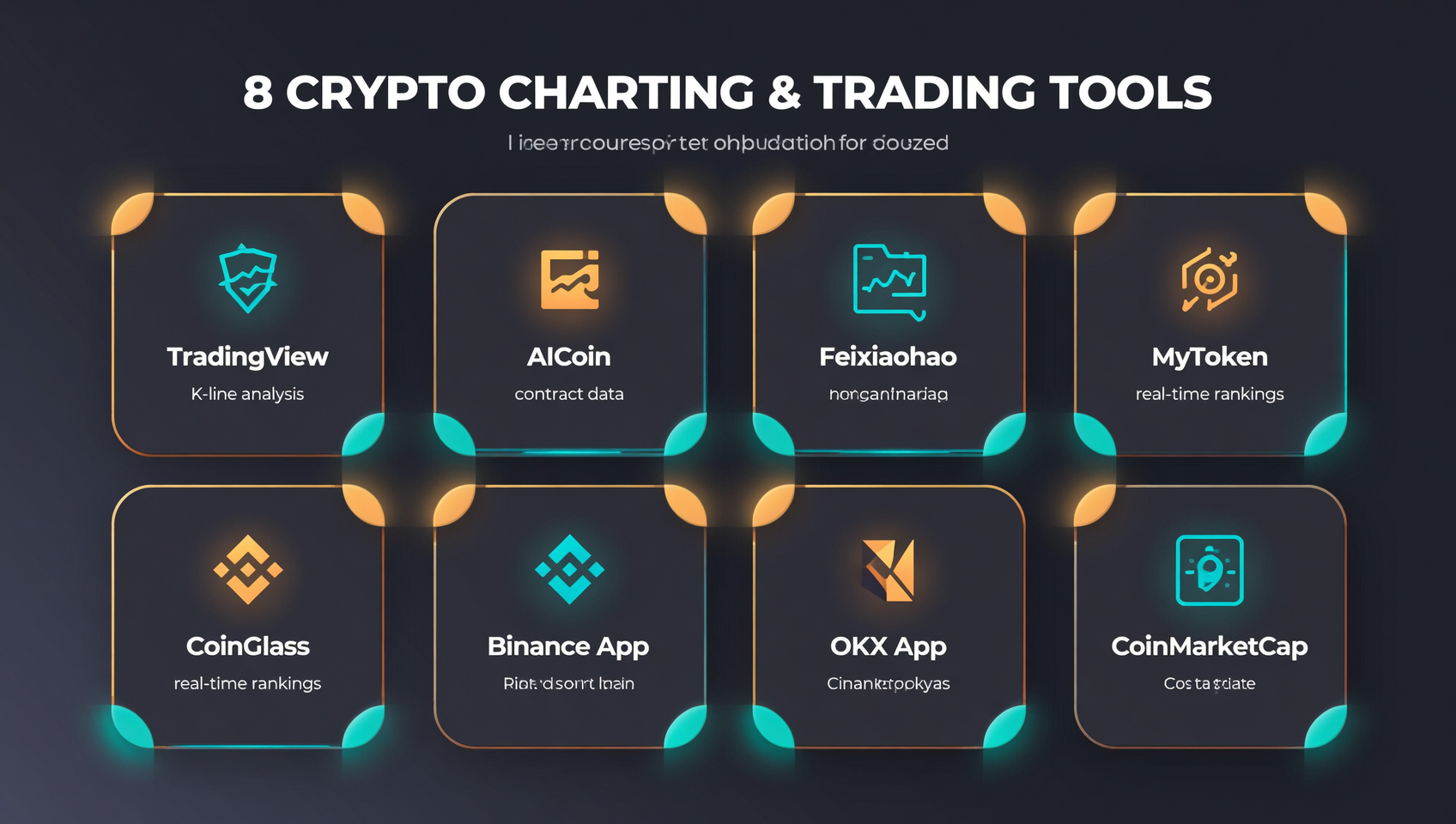
This table is the skeleton. Below we break down each tool's real strengths, weaknesses, and who it's for.
Technical analysis: TradingView vs. AICoin
If you came for "read K-lines, draw support/resistance, use indicators," you're choosing between these two.
TradingView: the world's standard charting tool
TradingView is the most-used charting platform on the planet; crypto is just one slice of it. Its strength is the chart itself: hundreds of built-in indicators, a huge community indicator library (written in Pine Script), full drawing tools, and multi-chart views1.
Subscription tiers (annual billing; prices vary by currency):
| Tier | Rough price | Key limits |
|---|---|---|
| Basic (free) | $0 | 1 chart, 2 indicators/chart, 3 alerts, ads, some delayed data |
| Essential | ~$13–15/mo | Ad-free, 2 charts, 5 indicators, 20 alerts |
| Plus | ~$30/mo | 4 charts, 10 indicators, 100 alerts — the "sweet spot" |
| Premium | ~$60/mo | 8 charts, 25 indicators, 400 alerts, second-based alerts, deep backtesting |
Conclusion: beginners should use the free tier — it shows full charts, basic indicators, and drawing, just with ads, indicator caps, and ~15-minute data delays on some sources. Paying is for active traders who need multi-chart views, heavy indicators, and real-time data; most reviews rate Plus as the best value1.
AICoin: professional Chinese charting
AICoin is one of the most professional Chinese charting tools, nicknamed "the Flush of crypto." Its strengths are exactly where TradingView is less friendly to Chinese users2:
- Chip distribution: long-press a coin to see whales' cost basis — a feature Chinese users especially value.
- Broad indicators: ~69 chart indicators and rich drawing tools.
- AI interpretation: the 2026 version added AI K-line reading and entry-timing/position suggestions.
- Extras: whale tracking, social sentiment, address lookup, BTC richest-address leaderboard.
Weaknesses: a complex UI that overwhelms newcomers; earlier versions supported ~92 exchanges (fewer than MyToken's 200+)23.
How to choose: Chinese environment, want chip distribution and AI reading → AICoin; want the absolute best chart tool and don't mind English → TradingView. They don't conflict; many veterans run both.
Coin data: Feixiaohao vs. MyToken
Feixiaohao: the "crypto company registry"
Feixiaohao (feixiaohao.co) is one of China's earliest market sites, now more of a "crypto data encyclopedia." Its core value is research, not K-lines3:
- Coin rankings: by market cap, gainers/losers, and volume, to quickly spot hot coins.
- Project background: team, funding history, and exchange listings for each coin.
- Exchange security rating: quantifies the safety of major platforms into a score — its signature feature.
Weaknesses: mediocre K-line display and app experience, and slower data updates (some reviews say ~30 minutes behind)3. So it's for "what is this new coin and is the team legit," not "scalp the K-line."
MyToken: mobile market-watching with the widest coverage
MyToken is mobile-first and one of China's most influential market apps. Its strength is "completeness"3:
- Widest exchange coverage: ~242 exchanges (vs. AICoin's ~92).
- Deep coin info: description, market cap, rank, circulating/total supply, all-time high, listings, whitepaper, website, explorer, social links — all in one place.
- Watchlist and portfolio: watchlist coins and record holdings, mobile-friendly.
Weaknesses: weaker order-book depth (bid/ask ratio less complete than AICoin) and delayed quotes requiring manual refresh3.
How to choose: mainly watching on mobile with watchlists and holdings → MyToken; researching new coins and exchange safety → Feixiaohao.
Contract data: CoinGlass
If you trade perpetuals or futures, one tool is nearly unavoidable — CoinGlass (coinglass.com). It doesn't give you K-line drawing; it specializes in derivatives data, filling the layer the exchange app doesn't show4:
- Liquidation heatmap: shows how much forced liquidation would trigger at each price — the contract player's "liquidity map."
- Open interest (OI): historical OI across exchanges, OI bars, OI dominance rankings.
- Funding rates: cross-exchange funding overview, weighted funding, abnormal-rate alerts.
- Long/short ratio: whale positioning and account ratios.
These tie directly into our guides on how to read liquidation heatmaps and the fear and greed index. Contract traders typically keep the exchange app open for orders and CoinGlass open for liquidations and funding4.
Note: CoinGlass's liquidation heatmap is a model-based estimate/visualization, not a record of future liquidations — don't treat it as a prophecy4.
Trading software: exchange apps
Everything above is "charting." The actual "trading" (placing orders) happens in exchange apps. They come with built-in K-lines and basic indicators, doing both watching and trading in one place — so for most people, the exchange app is the first app to install.
- Binance: deepest spot liquidity and low fees, the most common entry point for most users. New users can Register on Binance (code BINANBT); registering doesn't cost you anything. See the Binance registration guide and app download guide.
- OKX: futures, copy trading, and the Web3 wallet are its differentiators, favored by contract traders. Use Register on OKX (code 60895497).
How to think of this combo: the exchange app is your "home base" (watch + order), and TradingView/AICoin/CoinGlass are the "telescope" (deep analysis). Set up home base first, then add telescopes as needed.
How to choose: a scenario-based decision table
You don't need to install everything. Match your real situation:
| Your situation | Primary tool | Backup/supplement |
|---|---|---|
| Just starting, want to buy BTC/majors | Binance App (one-stop) | Use its built-in chart; nothing else yet |
| Want K-lines, support/resistance, indicators | TradingView (free) or AICoin | Chinese → AICoin; English OK → TradingView |
| Researching a new coin and its team | Feixiaohao | Cross-check with CoinMarketCap/CoinGecko |
| Mobile watching + watchlist + holdings | MyToken | Feixiaohao for research |
| Trading contracts, want liquidations/funding/long-short | CoinGlass | Exchange app for live orders |
| Scalping / chasing hot coins, need live order book | Exchange app (Binance/OKX) | Don't place orders through delayed third-party apps |
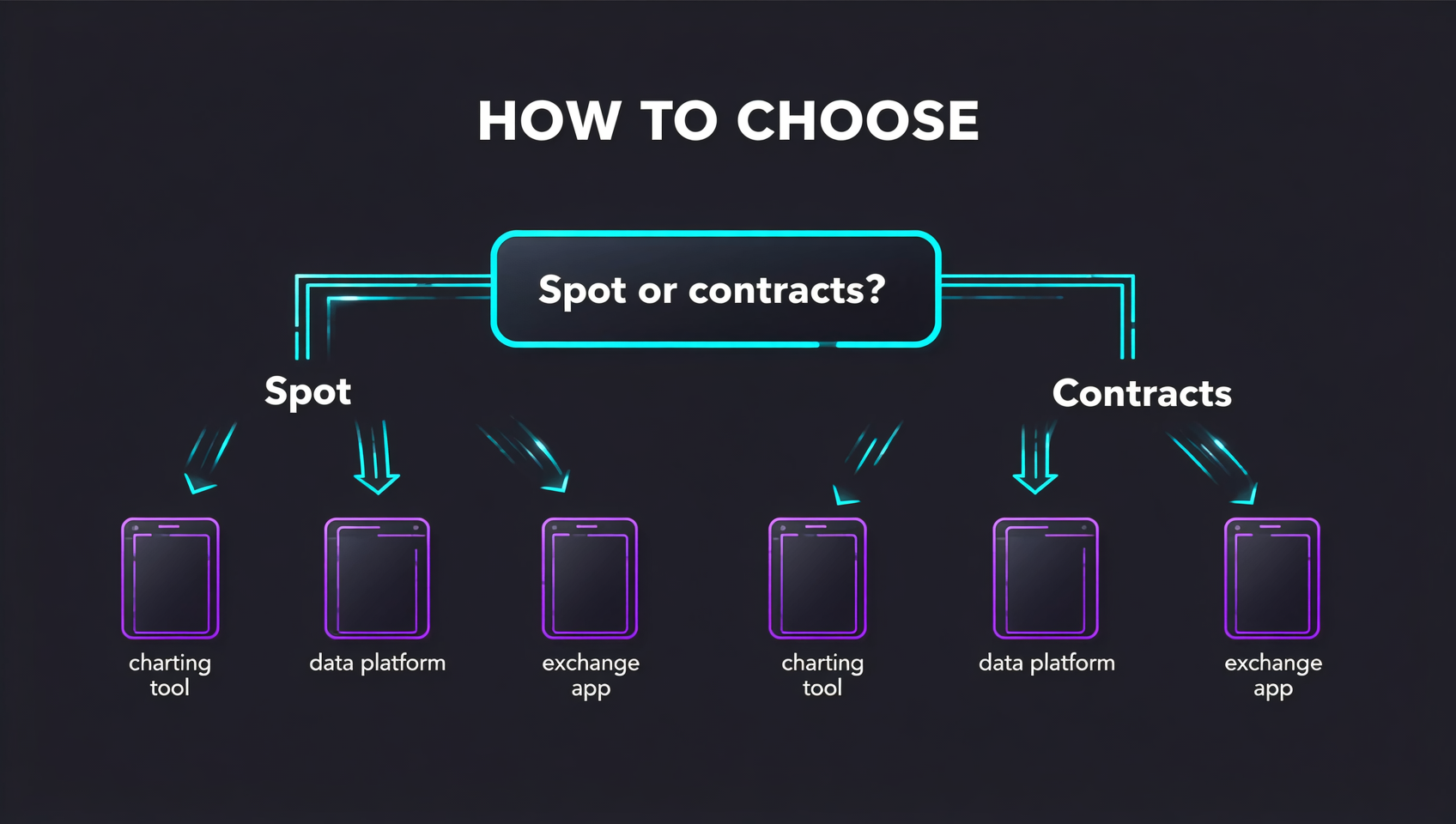
A simple flow:
- First ask "do I mainly trade spot or contracts" — spot only means one Binance app + one charting tool is enough;
- Then ask "am I missing analysis or data" — K-line analysis → TradingView/AICoin; contract data → CoinGlass; coin info → Feixiaohao;
- Finally remember: trading always happens in the exchange app; third-party software is for analysis only — don't touch money inside third-party software.
4 contrarian corrections beginners should know
The free tier is enough — don't rush to pay. TradingView's free tier plus the exchange app's built-in charts cover 80% of people. Many buy Premium before they even understand basic candlesticks — pure waste. Upgrade only when you actually hit "not enough indicators, not enough charts, delayed data"1.
Don't install a pile of apps; 2–3 for cross-checking is enough. Some people keep 10 market apps and skim each. The practical setup is a fixed combo of "1 exchange app + 1 charting tool + 1 data platform," and cross-check altcoin data on two platforms — that's more reliable3.
Chinese apps are convenient but update slowly; cross-check altcoin data. AICoin, Feixiaohao, and MyToken are friendly to Chinese users, but their updates generally lag TradingView/CoinGlass, and some altcoin data may have errors. For short-term trading and chasing hot coins, data timeliness and accuracy matter more than a nice UI3.
Be wary of apps that ask for your API key. Plain market-watching needs no API key at all. If software asks for an exchange API key, first find out what permissions it wants — a "withdraw/trade" permission, if leaked, could let someone operate your account. Only enter read-only keys when genuinely needed (quant, portfolio tracking), in trusted software — otherwise refuse.
FAQ
What is the best crypto charting software?
There's no single "best," only what fits. TA/drawing → TradingView or AICoin; new-coin research → Feixiaohao; mobile watching → MyToken; contract liquidations/funding → CoinGlass. The practical combo is "1 exchange app for trading + 1 charting tool for analysis."
What software should I use to trade crypto?
An exchange app (Binance, OKX, Bybit) with built-in charts and order execution. Binance has the deepest liquidity and lowest fees. Dedicated charting tools are for analysis only.
Do beginners need a paid TradingView subscription?
Most don't. The free tier shows full charts with basic indicators and drawing; it only has ads, indicator/alert caps, and some delayed data. The exchange app's built-in chart is also enough. Pay only when you need more charts/indicators/real-time data (Plus ~$30/mo is the sweet spot).
Are Chinese charting apps (AICoin, Feixiaohao, MyToken) reliable?
Yes but with caveats: friendly Chinese UI, AICoin's chip distribution and AI reading, Feixiaohao's exchange ratings — but slower updates and possibly inaccurate altcoin data. Cross-check altcoin data across 2–3 platforms.
Should I enter my exchange API key into a charting app?
Be very careful. A "withdraw/trade" API key, if leaked, could let someone operate your account. Only enter read-only keys when genuinely needed, in trusted software; plain market-watching needs no key.
Do charting apps have delayed data? Does it affect trading?
Yes, and it varies. Free TradingView, Feixiaohao, and MyToken lag (~15s to ~30min); paid tiers and exchange apps are near real-time. Use the exchange app's live book for minute-level scalping; for daily trends a 15-second lag barely matters.
Further reading
- Liquidation heatmaps explained: liquidations, open interest & funding rates — the CoinGlass tool you should learn, used together with this guide
- The crypto Fear and Greed Index explained — another sentiment gauge you'll watch alongside
- 10 must-have crypto tools in 2026 — the full toolbox; this guide is the charting deep-dive
- CoinGecko vs CoinMarketCap: which data platform to use — which to use for market-cap rankings
- Binance app download & install guide — how to install the first "trading app" you'll need
- On-chain guide — more blockchain fundamentals and on-chain tutorials
Recommended exchange: charting software handles analysis; for actual orders, Register on Binance (code BINANBT, deepest spot liquidity; registering costs you nothing). For futures/copy trading, Register on OKX (code 60895497).
Data verification note: TradingView's subscription tiers (Basic/Essential/Plus/Premium) and feature limits, CoinGlass's liquidation heatmap/open interest/funding/long-short features, and the positioning and pros/cons of AICoin, Feixiaohao, and MyToken were all verified on 2026-10-18, per footnotes1234. Software prices, tiers, and features change with updates — refer to each tool's current official page. Some metrics like "supported exchanges" for Chinese tools come from historical reviews and may have changed.
This article is not investment advice. Crypto prices are highly volatile; the software mentioned and their data may be delayed or inaccurate. This is a tool introduction, not an endorsement of any software or platform. Make your own judgment and comply with local laws and regulations.
Footnotes
-
TradingView tiers and features: Basic (free, 1 chart/2 indicators/3 alerts/ads/some delayed data), Essential (
$13–15/mo), Plus ($30/mo, 4 charts/10 indicators/100 alerts), Premium (~$60/mo, 8 charts/25 indicators/400 alerts/second-based alerts). Most reviews rate Plus as best value. Sources: TradingView official pricing, CMC Markets/Pineify 2026 reviews (queried 2026-10). ↩ ↩2 ↩3 ↩4 ↩5 -
AICoin features: ~69 chart indicators, chip distribution (whale cost basis), 2026 AI K-line reading/timing suggestions, whale tracking, sentiment analysis, address lookup; nicknamed "the Flush of crypto"; earlier versions supported ~92 exchanges. Sources: BTCC review, Chinese AICoin reviews (queried 2026-10). ↩ ↩2 ↩3 ↩4
-
Feixiaohao and MyToken: Feixiaohao focuses on coin rankings/project background/exchange security ratings, weaker K-lines and slower updates; MyToken is mobile-first, covers ~242 exchanges, deep coin info, weaker order-book depth and delayed quotes. Sources: BTCC 2025 review and historical Chinese reviews (queried 2026-10). ↩ ↩2 ↩3 ↩4 ↩5 ↩6 ↩7 ↩8 ↩9
-
CoinGlass features: liquidation heatmap (multi-model estimates), open interest (OI) and dominance rankings, funding rates (weighted/abnormal alerts), long/short ratio; the liquidation heatmap is a model-based estimate/visualization, not a record of future liquidations. Sources: CoinGlass official (coinglass.com) and MEXC explainer (queried 2026-10). ↩ ↩2 ↩3 ↩4 ↩5